Bring photos onto your computer
Bring a collection into a place you can organise
Choose a careful phone-to-computer photo transfer sequence.
Explain a data connection, device permission, destination and verification.
Importing copies photographs from a device into a location your computer can use. It is a chance to choose which pictures you need and where they belong. Seeing a thumbnail is not the same as verifying that a usable copy has arrived.
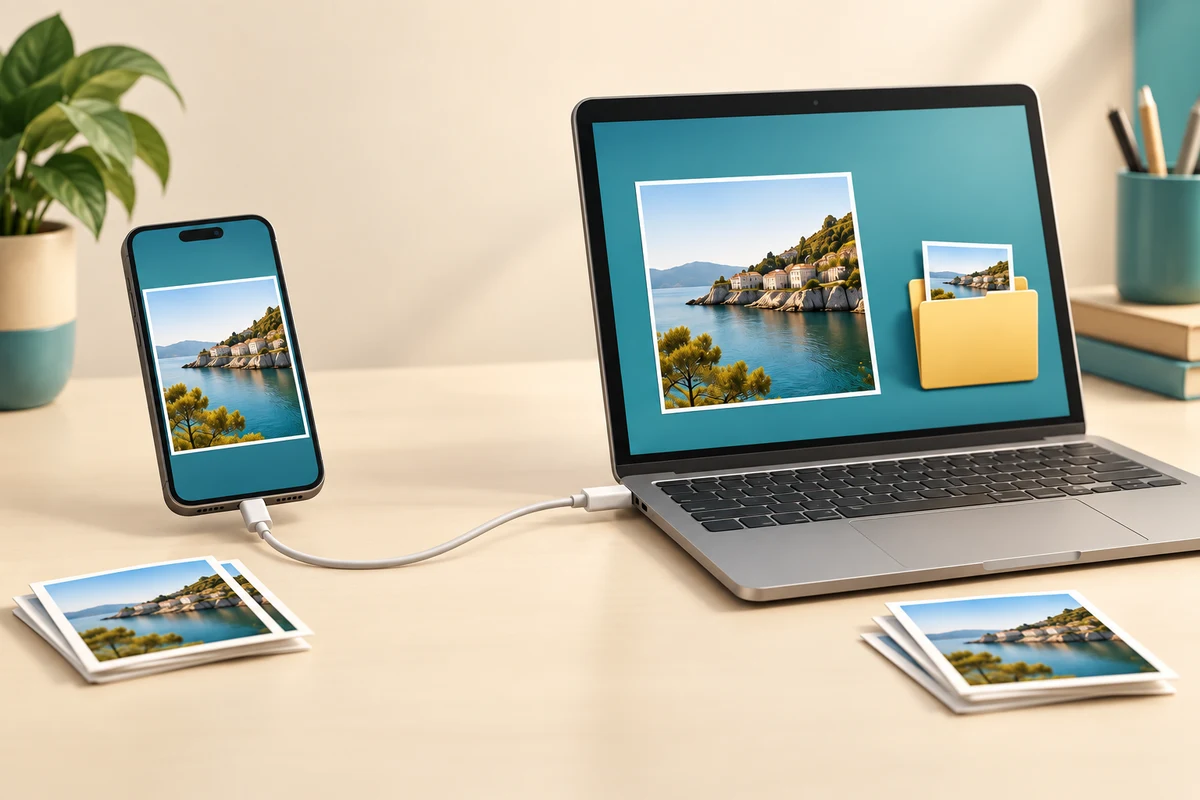
Connect, choose and check
How this works
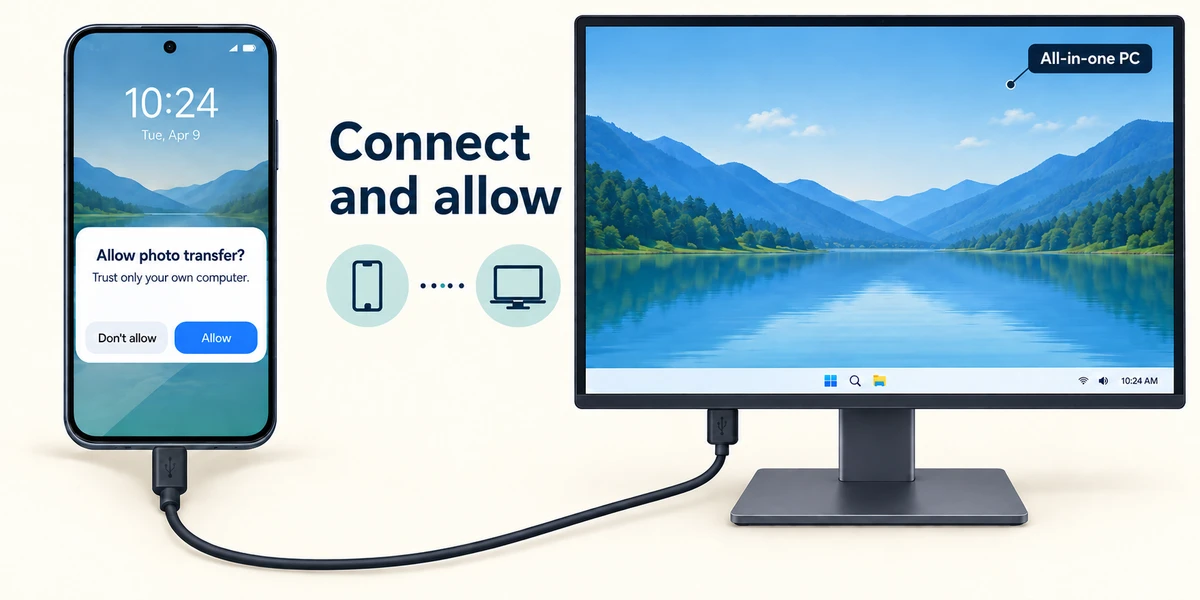
This example uses the Windows Photos app and a phone connected by USB. Use a suitable data cable; some cables only charge. Connect the phone, unlock it and respond only to a trust or file/photo-transfer prompt you expect from your own computer. Android and iPhone prompts differ. Some iPhone setups need Apple's supporting software, and photos stored only in iCloud may need a different download route.
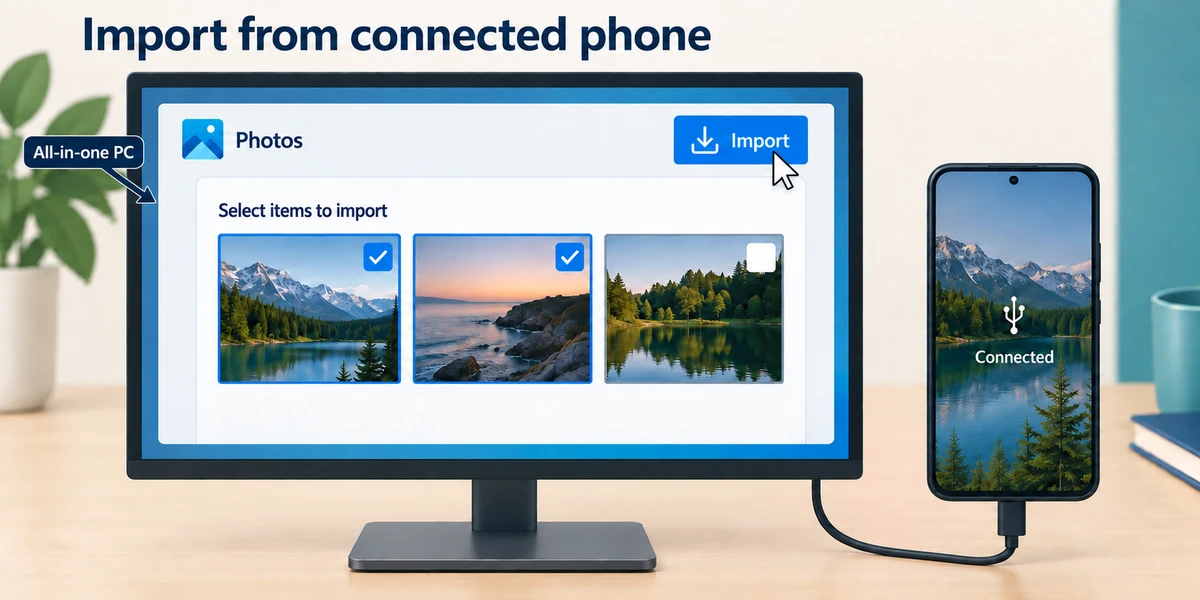
On the computer, press the Windows logo key, type Photos and click the Photos app once. Click Import and choose the connected device, following the labels in your version. Wait while available items are found. Select a few harmless pictures first rather than your whole collection. If the device is missing, check the cable, unlocked state and permission before repeatedly reconnecting it.
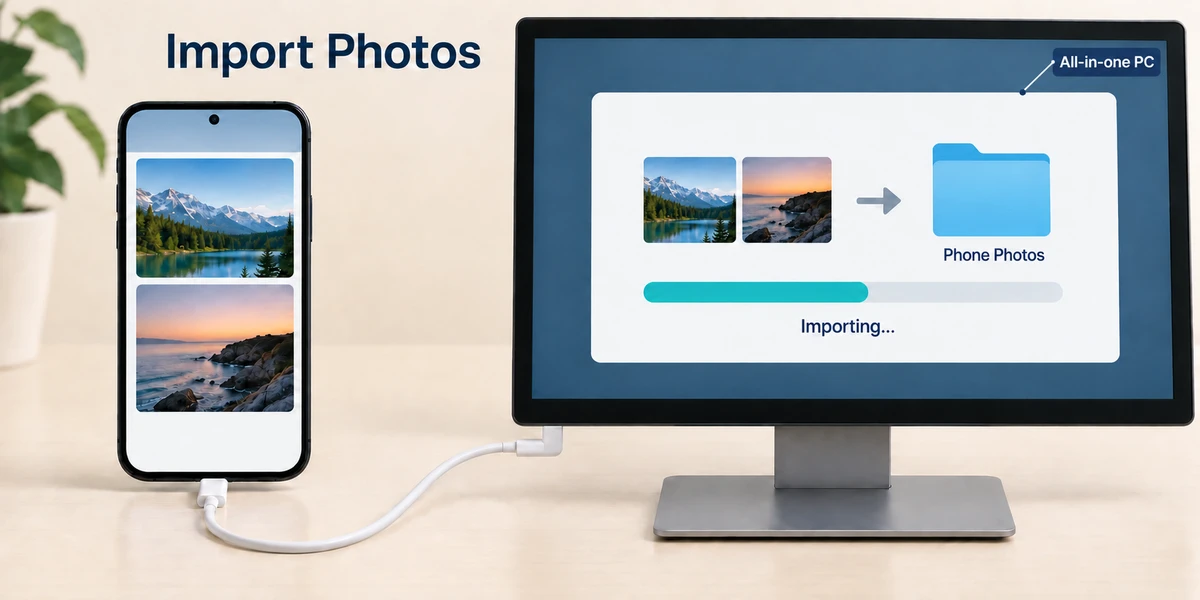
Check the import destination, choosing a known folder if the app offers that choice. Start the import and wait for its completion message. Keep the phone connected during transfer. Import settings and app versions vary, so do not assume the pictures always go to exactly the same folder or that repeat imports cannot create duplicates.
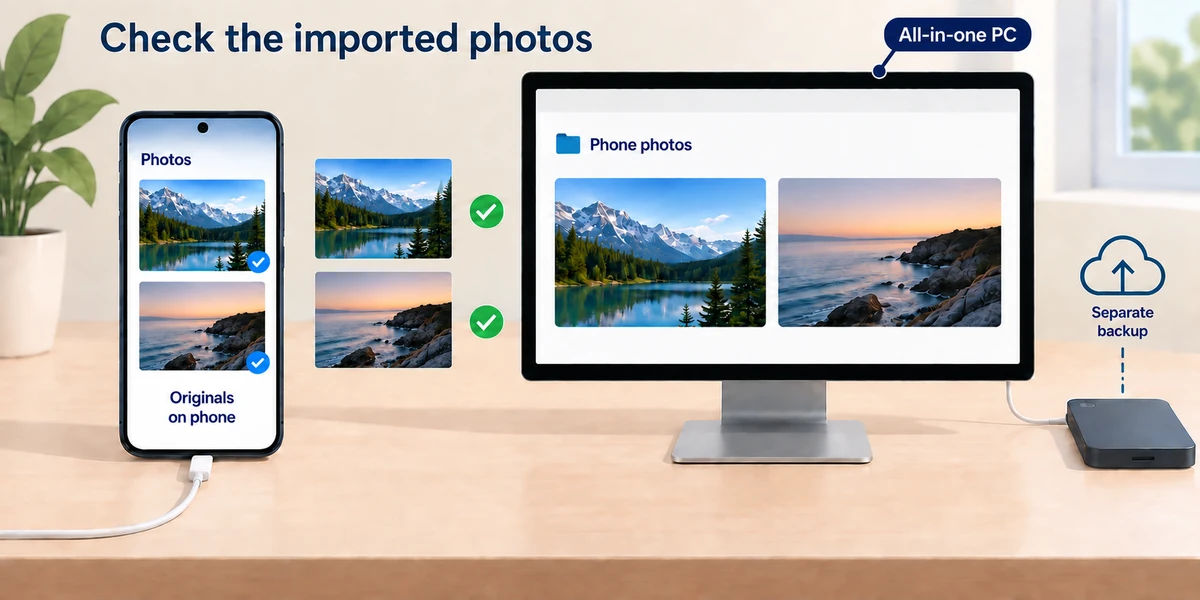
Find the imported files on the computer and open several to confirm they display correctly. Keep the originals on the phone until you have verified the transfer and considered a separate backup. Removing the phone does not remove a verified local copy, but a cloud thumbnail may depend on online availability. Finish the app's activity before disconnecting the cable.
Your phone charges from the cable but Photos cannot find any pictures. What should you check first?
Whether the cable carries data, the phone is unlocked and transfer permission is allowed.
Check what you understand
In guided learning, click Start 3 questions to receive a selection from this lesson. Click the circle beside an answer, then click Check answer. Read the feedback and try again if needed. Click Next question after each correct answer. Answer all 3 correctly to continue.
Returning to guided learning keeps the questions and answers in your current attempt.
Read all 3 questions and explanations
An import progress bar has finished. What is a useful next check?
Answer: Open several destination files and confirm their contents.
Verification checks that the copied pictures are usable where you expect.
A phone asks whether to trust the connected computer. Which situation fits this expected prompt?
Answer: You deliberately connected your own device to your own computer for transfer.
A prompt should match the connection and action you deliberately started.
After importing the same collection twice, which check is useful?
Answer: Inspect the destination for any unwanted duplicate files.
Duplicate handling varies, so inspect the destination and selected items.
Take this to your computer
- 1
If you have a known phone and suitable data cable, connect them and inspect the expected permission prompt.
- 2
Import only a few harmless pictures into a known location, following your Photos version's labels.
- 3
Open the destination copies and keep the originals. Ask for help if the device or cloud storage behaves differently.
Trying this on your own computer is optional. Use only disposable practice information. This lesson's choices check your decisions; they do not operate your computer or prove that you have performed the real task. Phone models, cloud settings and Photos versions vary; this is a wired import example, not a promise that every phone uses the same controls.
Prefer a more personal, one-to-one lesson? Basic Computing can help. Explore our services.