Documents, photos and storage
Create useful work, organise your pictures and understand where your files are kept and protected.
Choose the units that are useful to you. Lessons within each unit offer a suggested order, and any lesson you have completed counts wherever it appears.
Your route through this path
7 units · 48 lessons available
Documents and PDFs
Write, save, format, print and share a useful document without needing a full office course.
11 lessons · Start here
Photos and pictures
Bring photos together, make useful edits and keep the original pictures safe.
11 lessons · Explore this unit
Do more with photos and video
Understand formats, make careful edits and share or record the intended content.
12 lessons · Explore this unit
USB storage and backups
Find an external drive, copy useful files and understand how a separate checked copy protects your work.
5 lessons · Explore this unit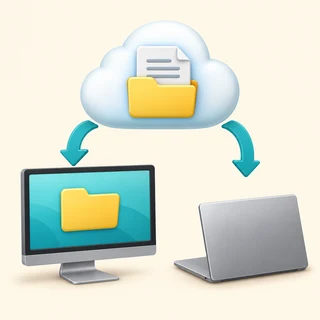
Cloud files and OneDrive
Distinguish local and online copies, understand syncing and choose how to share and recover work.
6 lessons · Explore this unit
Backups and recovery planning
Choose independent copies, check coverage and practise recovering what matters.
7 lessons · Explore this unit
Organise larger file collections
Read locations, review duplicates and transfer files while keeping the right originals.
8 lessons · Explore this unit