Understand image size and quality
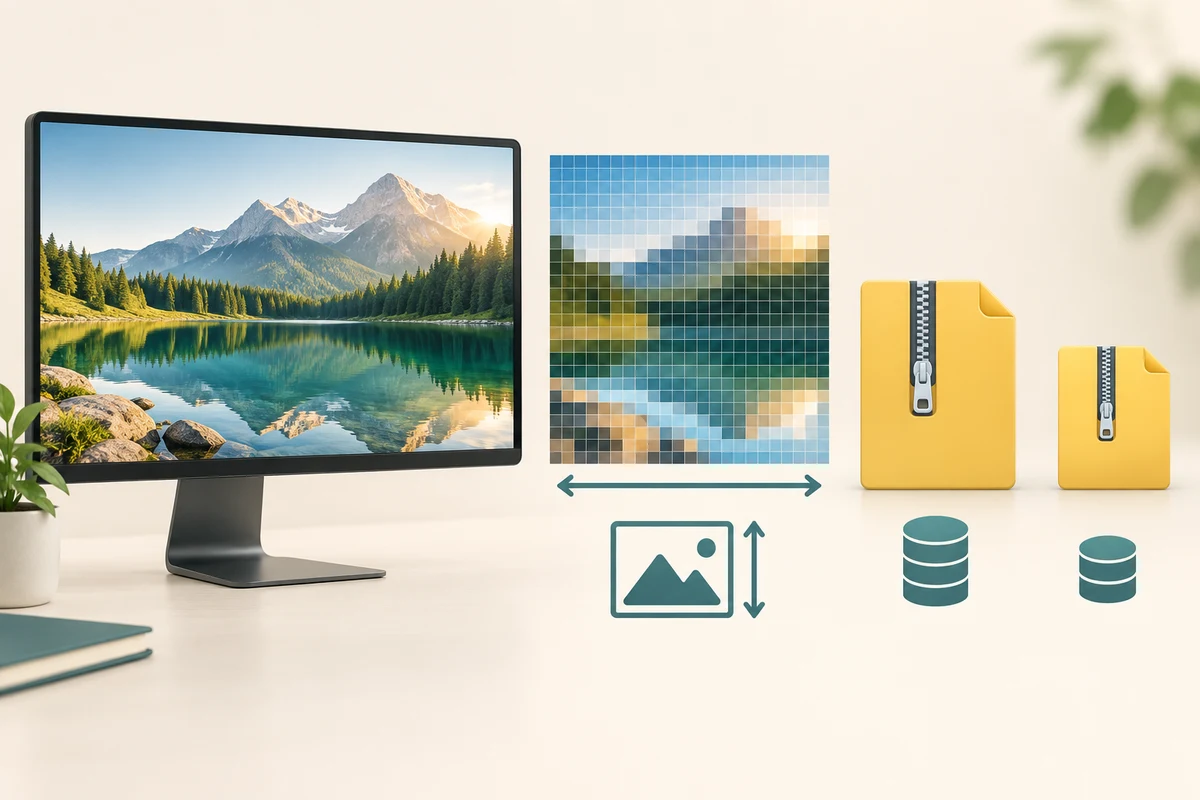
Picture dimensions and storage size measure different things
Choose the property that matches an image-upload requirement.
You will understand why pixels and megabytes answer different questions.
A digital picture has a width and height measured in pixels, the small picture elements. Its file also takes up storage measured in bytes, often shown as kilobytes or megabytes. Two pictures with the same pixel dimensions can have different file sizes because their detail, format and compression differ.
Read the requirement before changing the picture
How this works
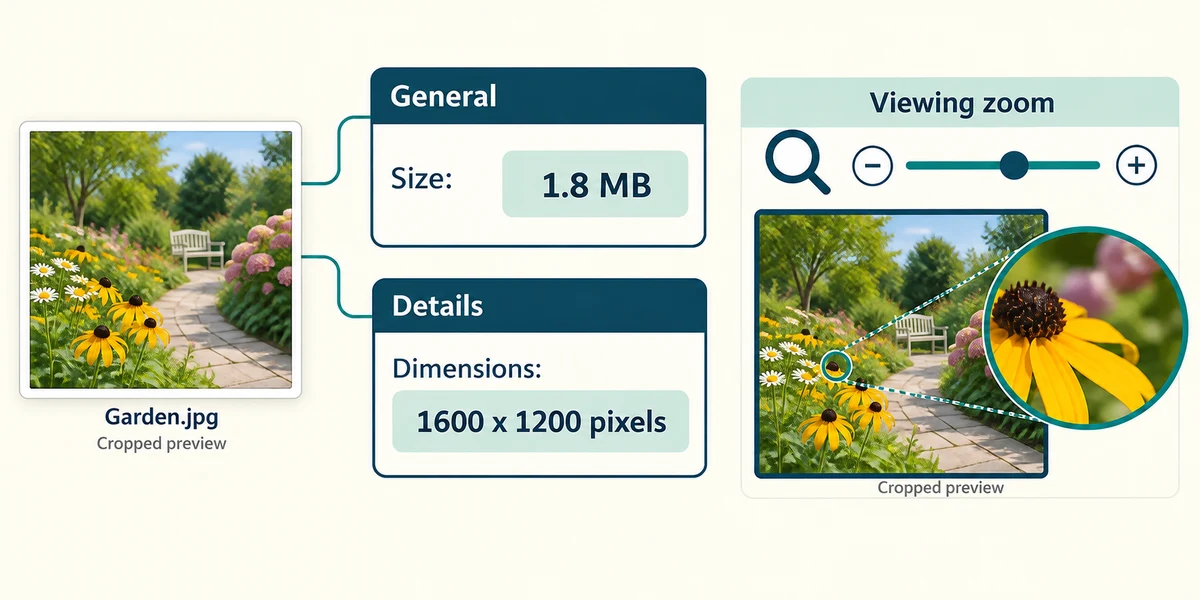
In File Explorer, right-click a picture and choose Properties. The General page shows file size; Details may show dimensions such as 1600 by 1200 pixels. These are different from how large a photo appears when you zoom a viewer. Some formats or apps show fewer details, so use an appropriate image app’s information panel if needed.
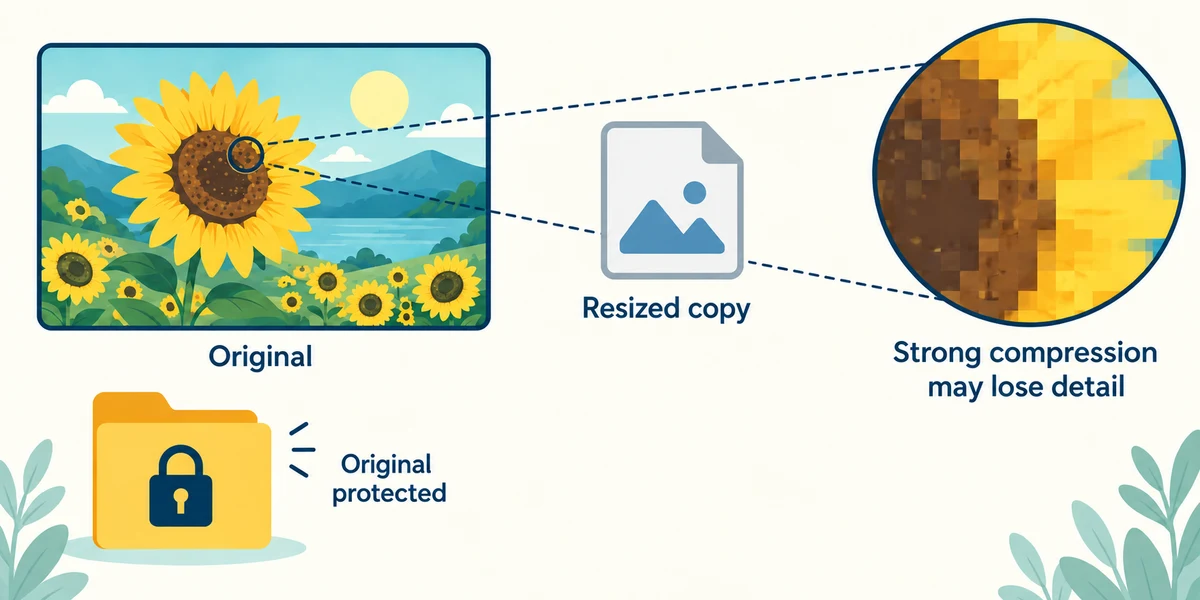
Resizing can change pixel dimensions. Compression changes how information is stored; lossy compression can discard detail to reduce bytes. A smaller file can be useful for sharing, but repeated lossy exports or very strong compression may damage visible detail. Keep the original before making a smaller copy.
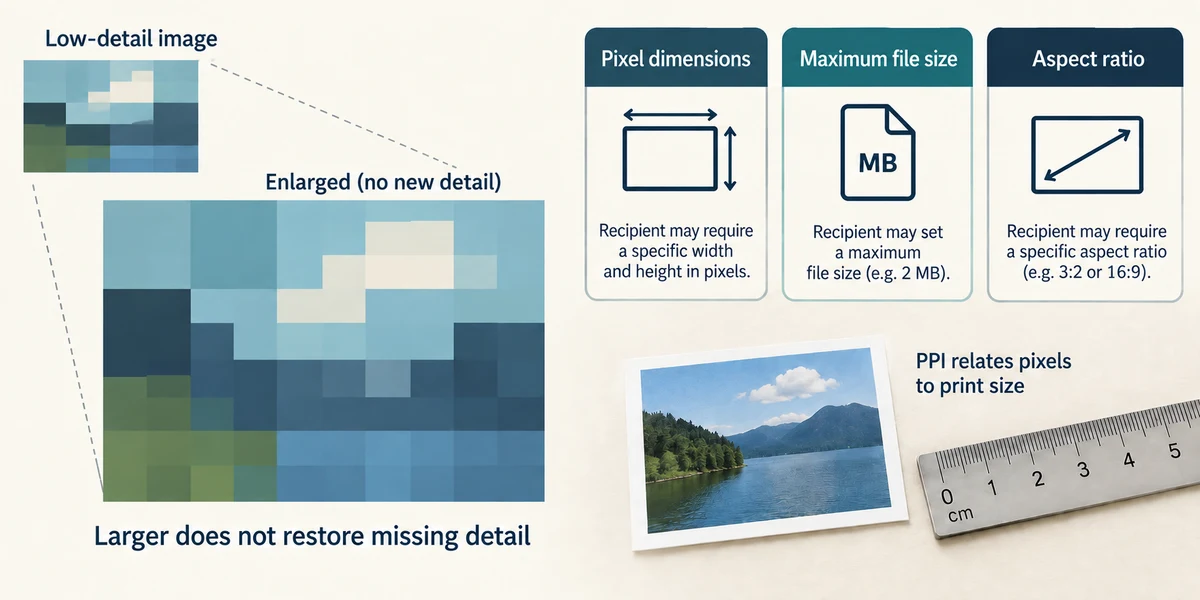
Enlarging a low-detail image cannot reliably recover the original missing detail. A print-resolution setting such as pixels per inch relates pixels to printed size; it is not the same as the total pixel count. Read whether a recipient requests dimensions, a maximum file size, an aspect ratio or several of these, then check the actual exported copy.
A form accepts a picture no larger than 2 MB. Which property directly answers that requirement?
The saved file’s size in bytes or MB
Check what you understand
In guided learning, click Start 3 questions to receive a selection from this lesson. Click the circle beside an answer, then click Check answer. Read the feedback and try again if needed. Click Next question after each correct answer. Answer all 3 correctly to continue.
Returning to guided learning keeps the questions and answers in your current attempt.
Read all 3 questions and explanations
Two images are both 1600 by 1200 pixels but one takes more storage. What can explain this?
Answer: Different picture detail, format or compression
Pixel dimensions do not fix byte size. Encoding and image content also matter.
You zoom out in a viewer before uploading. What has necessarily changed?
Answer: How large the image appears in that viewer
Viewer zoom does not itself resize or recompress the stored picture.
You enlarge a tiny image and it looks soft. Why might that happen?
Answer: Enlargement cannot reliably recover detail absent from the original
More output pixels do not guarantee newly recovered real detail. Preserve a higher-quality original when available.
Take this to your computer
- 1
Optional: right-click a harmless picture, choose Properties and read its size and dimensions. Do not edit it.
There is no universal file-size threshold for good quality. Judge the intended use and the actual result.
Prefer a more personal, one-to-one lesson? Basic Computing can help. Explore our services.