Type your first short message
Your words need a place to go
Type a two-line practice message and correct any mistakes.
Recognise the typing cursor, spaces, paragraphs and Caps Lock.
Typing puts information into the area that is ready to receive it. A short message is built from characters, spaces and paragraphs. Knowing where the next character will appear is more useful than typing quickly.
Start with a disposable note
How this works
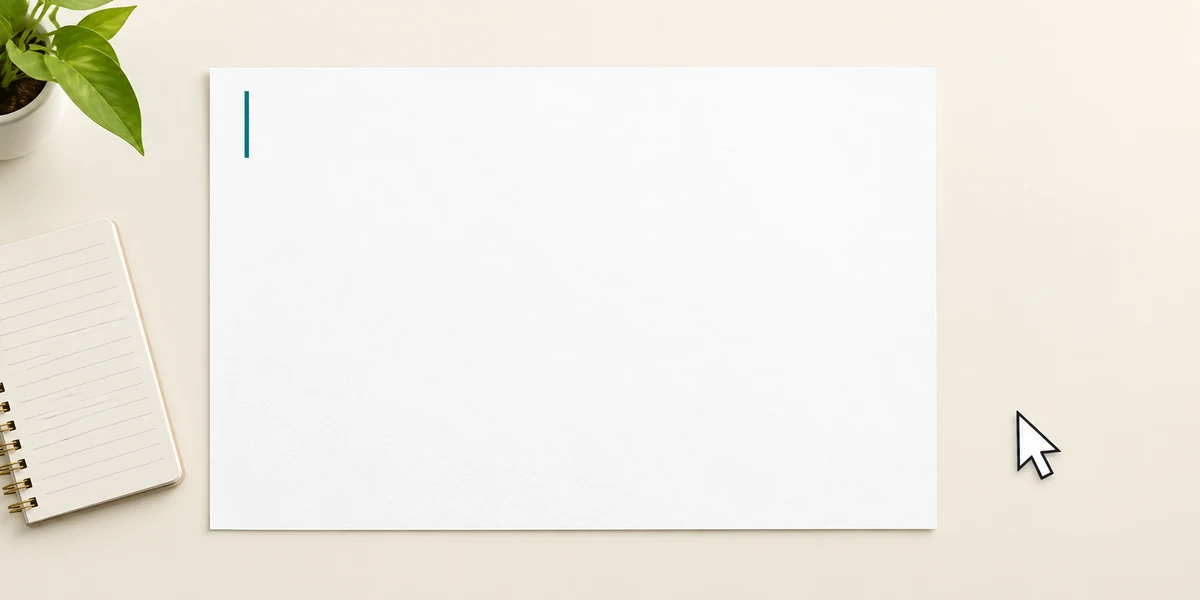
Press the Windows logo key, type Notepad, then click the Notepad app result once. Hold Ctrl, press N, then release both keys to open a blank note or tab. Click its writing area once. The thin blinking line is the typing cursor; it marks where the next character will appear. The mouse pointer is a separate thing.
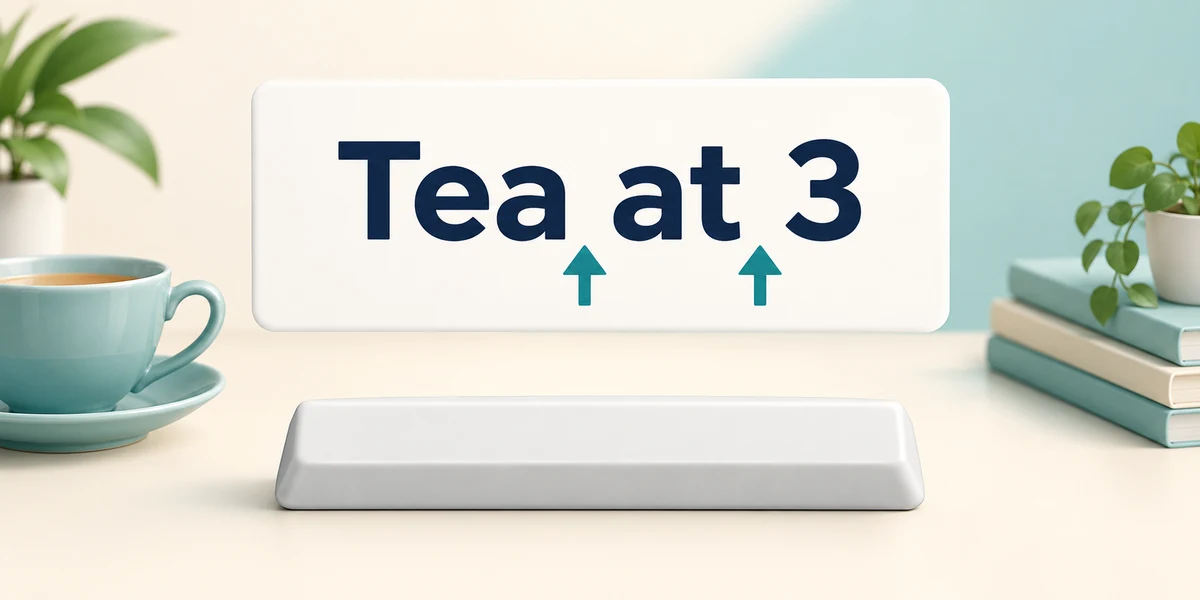
Type a short sample such as Tea at 3. Press each letter or number key once, and press the long Space bar once between words. Spaces are characters too. You do not need to press Enter at the end of every visible line: many writing areas wrap longer text automatically.
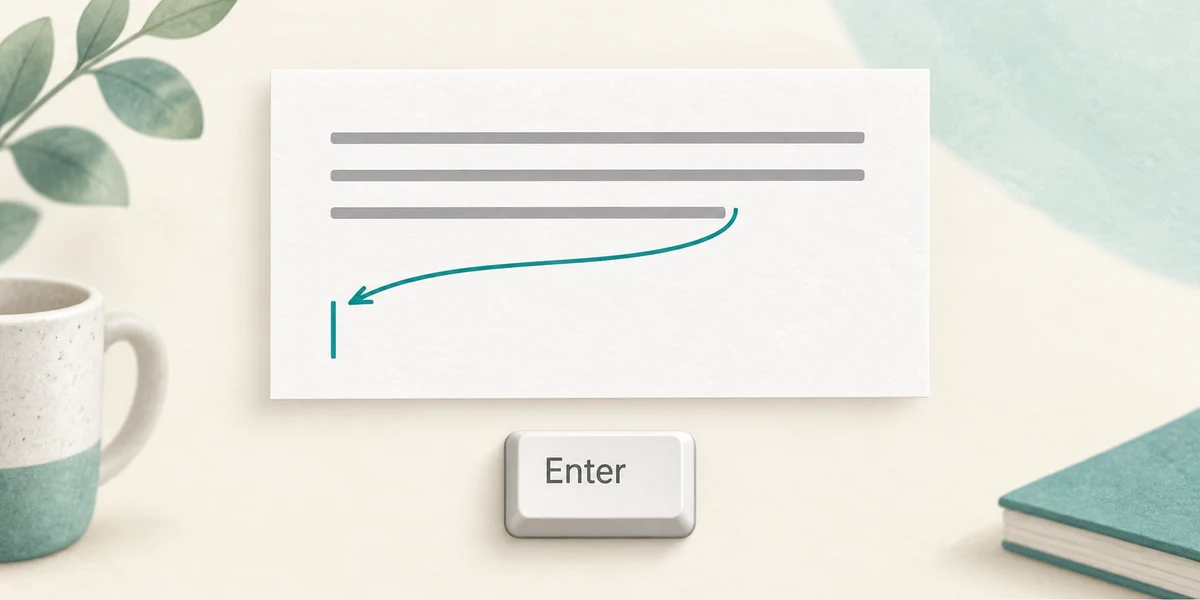
Press Enter once when you want a new paragraph or line in a writing app. The same key can instead activate a button or send a message in another app, so check the context. Use the Left and Right arrow keys to move the typing cursor without removing characters. Backspace removes the character immediately before it when nothing is selected.
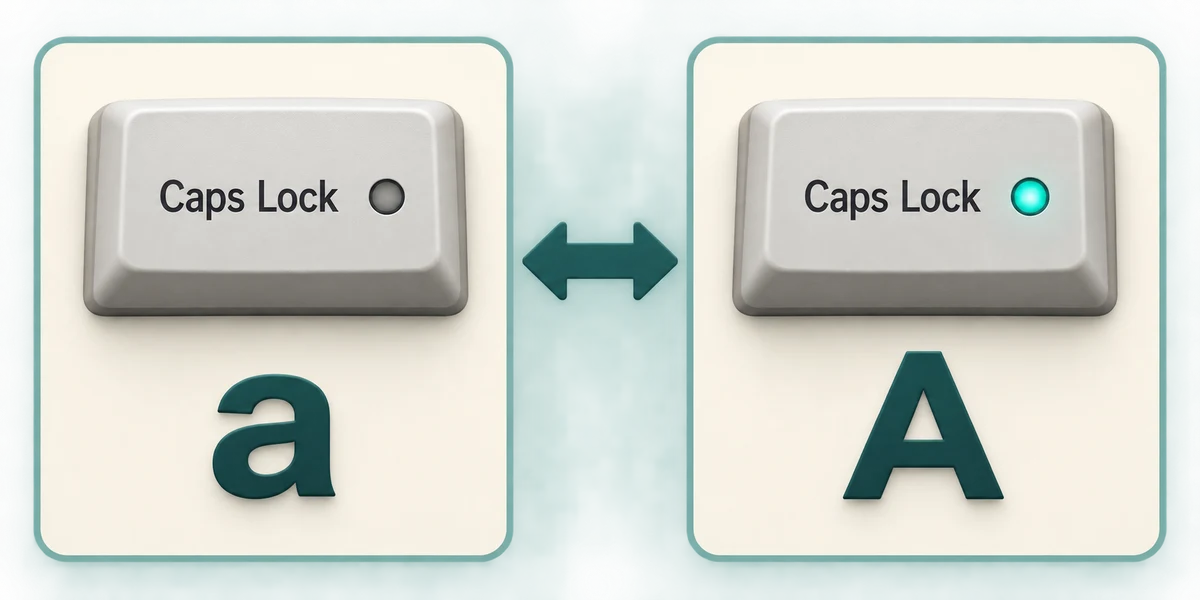
Caps Lock is a toggle: press it once to change the usual case of letters and again to change back. An indicator light may show its state. For a single capital with Caps Lock off, hold Shift, press the letter and release both. Number-row symbols vary by keyboard layout, so read your own key labels. Close a disposable note using the window's top-right X; do not treat a restored Notepad tab as proof that you saved a named file.
You clicked near the beginning of a note. New letters now appear there instead of at the end. What should you check?
The position of the typing cursor.
Try the controls here
Click in the practice box. Type Hello Sam. Press Enter once for a new line, then type Tea at 3. Include both full stops. Hold Shift while pressing a letter for a capital, then release Shift. Use Backspace to correct a character before the typing cursor.
The first line is Hello Sam. and the second line is Tea at 3. There is one space between each pair of words and one line break. You can select text to correct it before checking again.
The practice controls need JavaScript. You can read this explanation and the optional real-PC guidance without it. No real computer setting is changed by these examples.
Check what you understand
In guided learning, click Start 3 questions to receive a selection from this lesson. Click the circle beside an answer, then click Check answer. Read the feedback and try again if needed. Click Next question after each correct answer. Answer all 3 correctly to continue.
Returning to guided learning keeps the questions and answers in your current attempt.
Read all 3 questions and explanations
A long sentence moves to the next visible line by itself. What usually caused this?
Answer: The writing area wrapped the text to fit its width.
Line wrapping makes text fit without requiring Enter at each edge.
Every letter is arriving in capitals and you want normal typing again. What is worth checking?
Answer: Whether Caps Lock is on.
Caps Lock changes the usual case of letters.
You need to move two characters left without removing anything. Which action fits?
Answer: Press Left arrow twice.
Arrow keys move the typing cursor without deleting characters.
Take this to your computer
- 1
Open a blank Notepad note and click its writing area.
- 2
Type Tea at 3, using one space between each part. Press Enter once and type a second short line.
- 3
Use an arrow key to move the typing cursor and inspect where the next character would appear. Keep this as disposable practice.
Trying this on your own computer is optional. Use only disposable practice information. This lesson's choices check your decisions; they do not operate your computer or prove that you have performed the real task.
Prefer a more personal, one-to-one lesson? Basic Computing can help. Explore our services.