LEARNING PATH
Computer Essentials
Get to know the parts of a computer, then practise using a mouse and important keyboard keys.
Choose the units that are useful to you. Lessons within each unit offer a suggested order, and any lesson you have completed counts wherever it appears.
Your route through this path
5 units · 31 lessons available
UNIT 1
First steps with your computer
Begin with the parts you can see, starting and stopping safely, then simple ways to control your computer.
8 lessons · Start here
UNIT 2
Mouse & keyboard
Build confidence with pointing, clicking, dragging and useful keyboard actions.
12 lessons · Explore this unit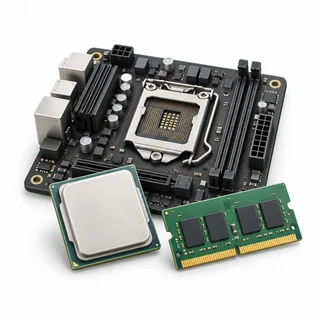
UNIT 3
Computer components
Recognise the parts you use, what is inside and how devices connect.
11 lessons · Optional exploration
UNIT 4
Choosing a computer
Match a computer to what you need, with optional reminders about specifications and components.
7 lessons · Optional exploration
UNIT 5
Specifications and compatibility
Read useful computer information and check whether a cable or charger is suitable.
6 lessons · Explore this unit