Select and replace part of your text
Choose the part you want to change
Select one word in a practice message and replace it.
Explain selection, replacement and undo without changing surrounding words.
Selecting text marks the part an editing action will affect. It is useful when one word needs replacing while the rest of a message should stay. A selection is temporary; it does not change the words until you type or choose an action.

Check the highlight before typing
How this works
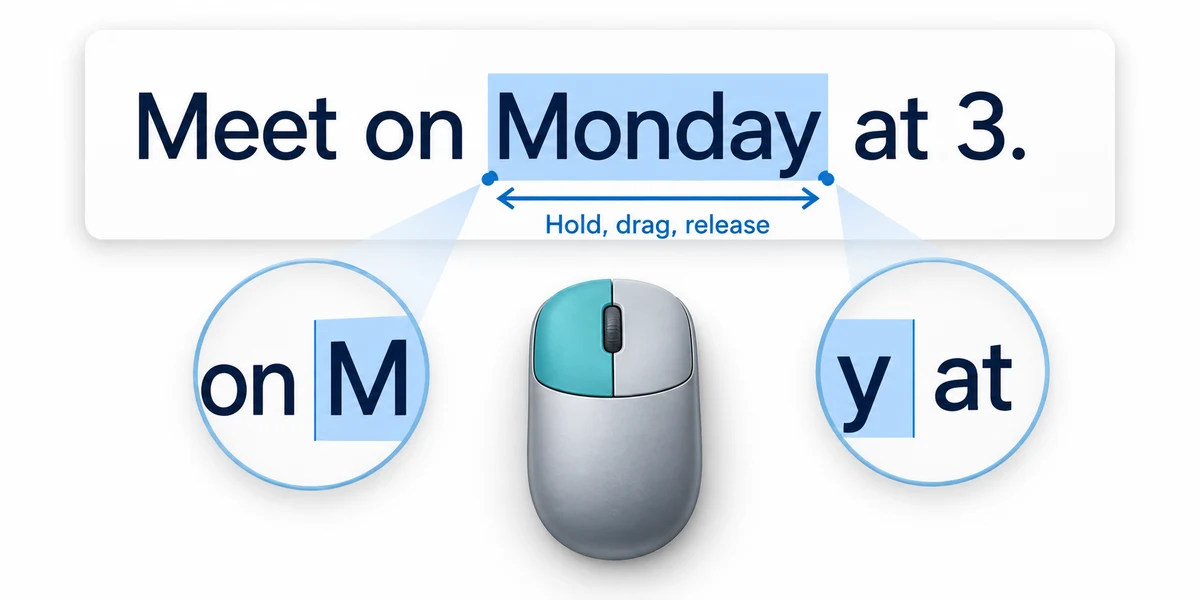
In a disposable note, type Meet on Monday at 3. To select just Monday, point immediately before its M, hold the left mouse button, move across the word to just after y, then release. The selected word should have a highlight. If neighbouring words are included, click once to clear the selection and try again.
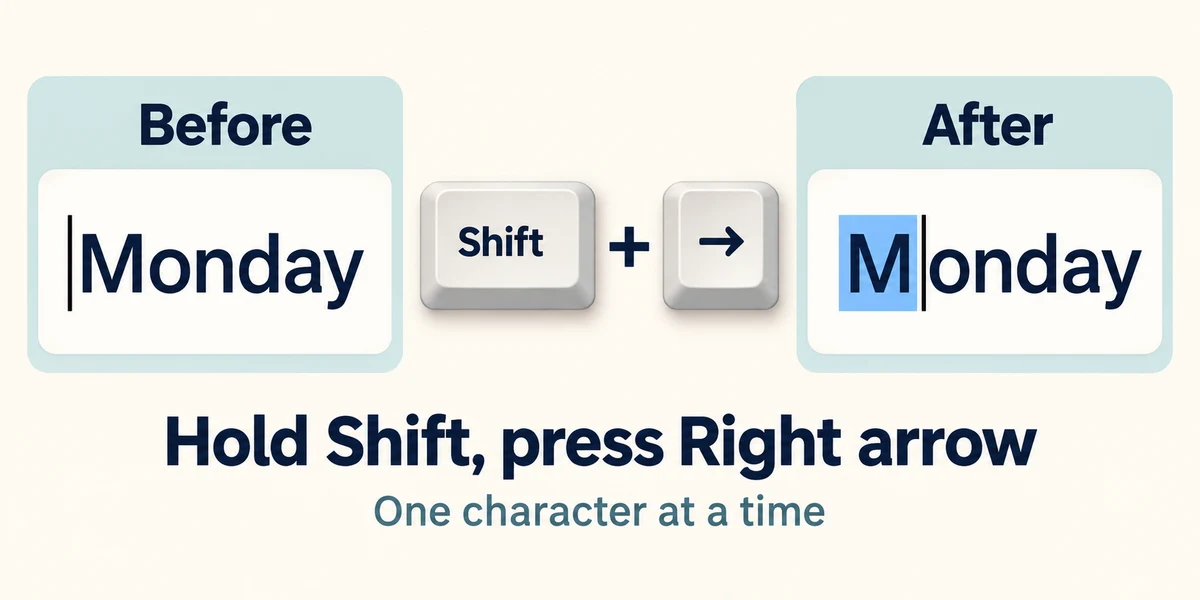
You can use the keyboard instead. Click before the word, then hold Shift while pressing Right arrow once for each character you want to include. Release Shift when the intended text is highlighted. Holding Shift with Left arrow can adjust the selection in the other direction. A click by itself usually positions the typing cursor rather than selecting a whole phrase.
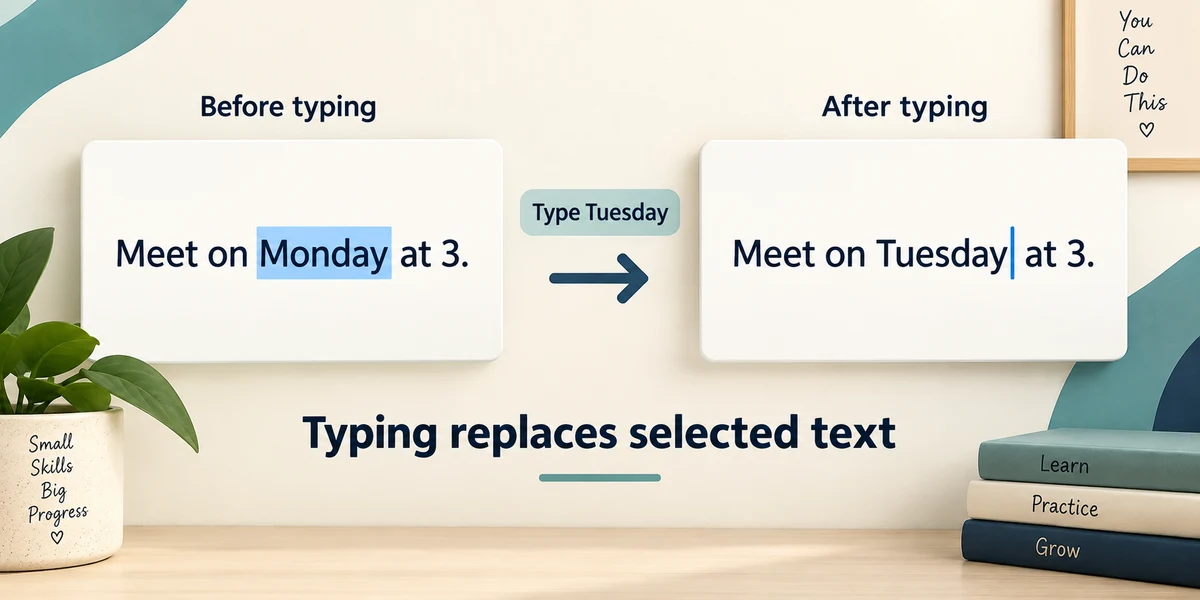
With only Monday highlighted, type Tuesday. The new word replaces the selection. Without a selection, typing normally inserts text at the cursor. To move selected words instead, hold Ctrl, press X and release both, click the destination, then hold Ctrl, press V and release both. Copy uses C instead of X and leaves the original text in place.
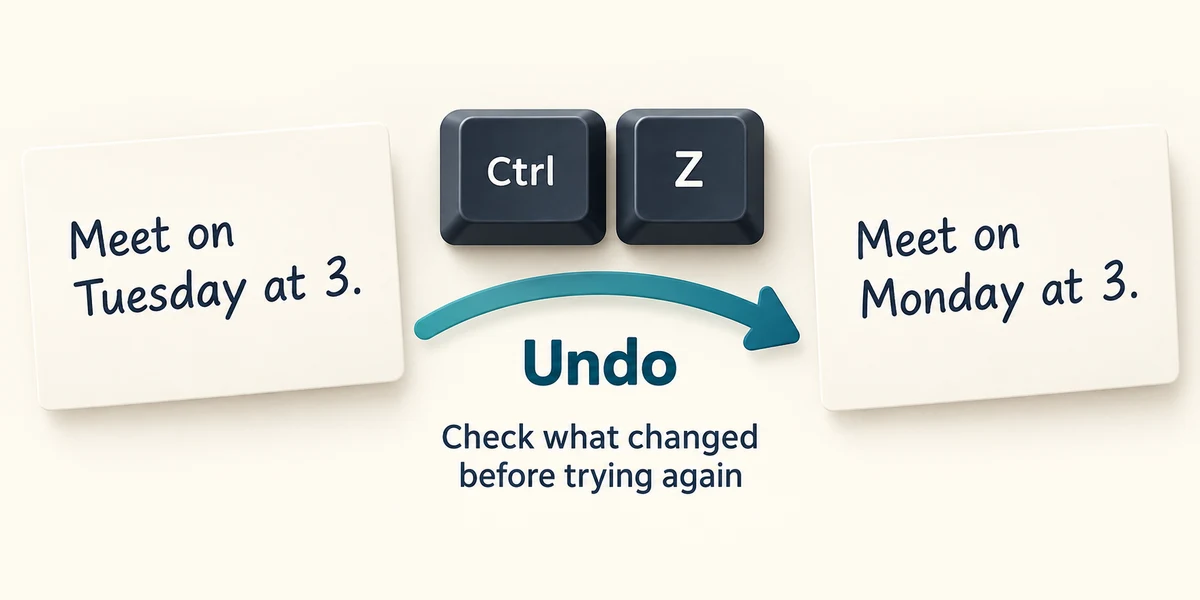
If the wrong part changed, stop and undo promptly: hold Ctrl, press Z, then release both. Check the restored text before trying again. Undo availability depends on the app and its recent actions. Pressing it repeatedly without checking could reverse other work you wanted to keep.
You want to change Monday to Tuesday in Meet on Monday at 3. The entire sentence is highlighted. What should you do before typing?
Clear that selection and select only Monday.
Try the controls here
Replace only green with blue in the practice sentence. Put the pointer before green, hold the left mouse button and drag across just that word, then release. Type blue. With a keyboard, move the typing cursor with the arrow keys, then hold Shift and press an arrow key to select the letters. This activity checks that you selected the original word before changing it.
Original sentence: Please bring green cups. After replacing just the selected word: Please bring blue cups.
The original word green has five letters. Select only those five letters, leaving both spaces and the other words untouched. If you replaced the whole sentence or changed the surrounding words, use Reset this practice and try the selection again.
The practice controls need JavaScript. You can read this explanation and the optional real-PC guidance without it. No real computer setting is changed by these examples.
Check what you understand
In guided learning, click Start 3 questions to receive a selection from this lesson. Click the circle beside an answer, then click Check answer. Read the feedback and try again if needed. Click Next question after each correct answer. Answer all 3 correctly to continue.
Returning to guided learning keeps the questions and answers in your current attempt.
Read all 3 questions and explanations
A word is highlighted but you have not typed or chosen an action. What has changed?
Answer: Only which text is selected for the next action.
Selection marks a target; it does not itself edit the content.
You type with a blinking cursor but no highlighted text. What normally happens?
Answer: New text is inserted at the cursor.
The insertion point determines where new characters appear.
One replacement removes too many words. What is a sensible immediate recovery?
Answer: Undo once and check what returns.
A prompt, checked undo can reverse the mistaken edit.
Take this to your computer
- 1
In a disposable note, type Meet on Monday at 3.
- 2
Select only Monday and replace it with Tuesday. Check that the other words remain.
- 3
Hold Ctrl, press Z and release both once to inspect the original sentence again.
Trying this on your own computer is optional. Use only disposable practice information. This lesson's choices check your decisions; they do not operate your computer or prove that you have performed the real task.
Prefer a more personal, one-to-one lesson? Basic Computing can help. Explore our services.