Meet your computer
Several parts, one computer
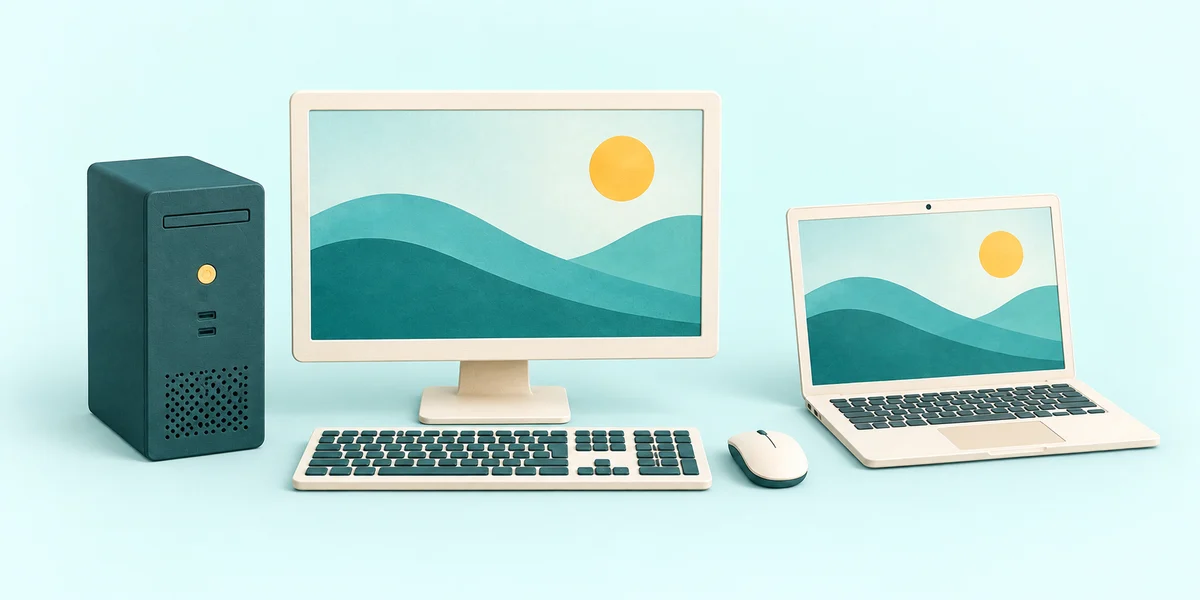
You are going to identify a computer’s main parts and match two of them to their jobs.
You will learn which part shows information and which part contains the computer’s main working parts.
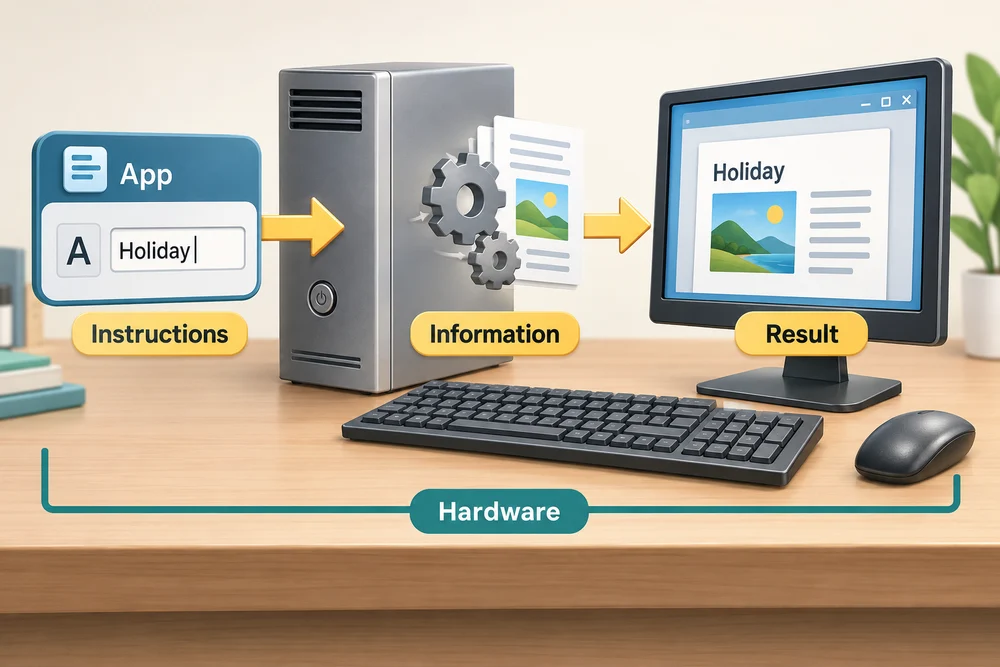
A computer takes instructions, works with information and shows you a result. The parts you can touch are called hardware. An app is a program that tells the computer what to do.
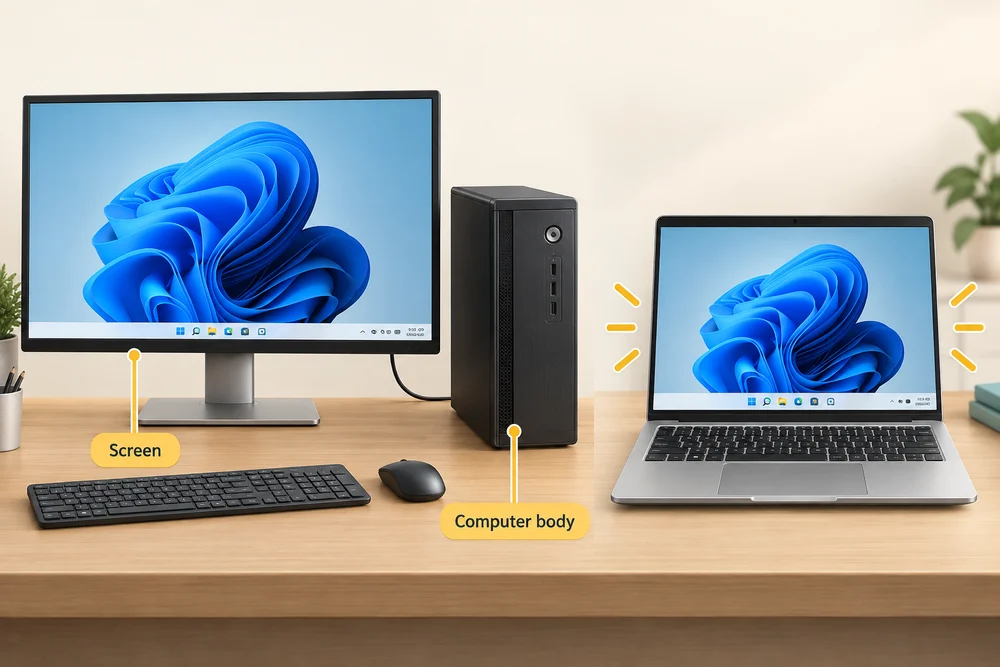
A desktop often has a separate computer body, monitor, keyboard and mouse. The body contains the main working parts. The monitor is the screen that shows pictures and words. The keyboard lets you type; moving the mouse moves a pointer on the screen.

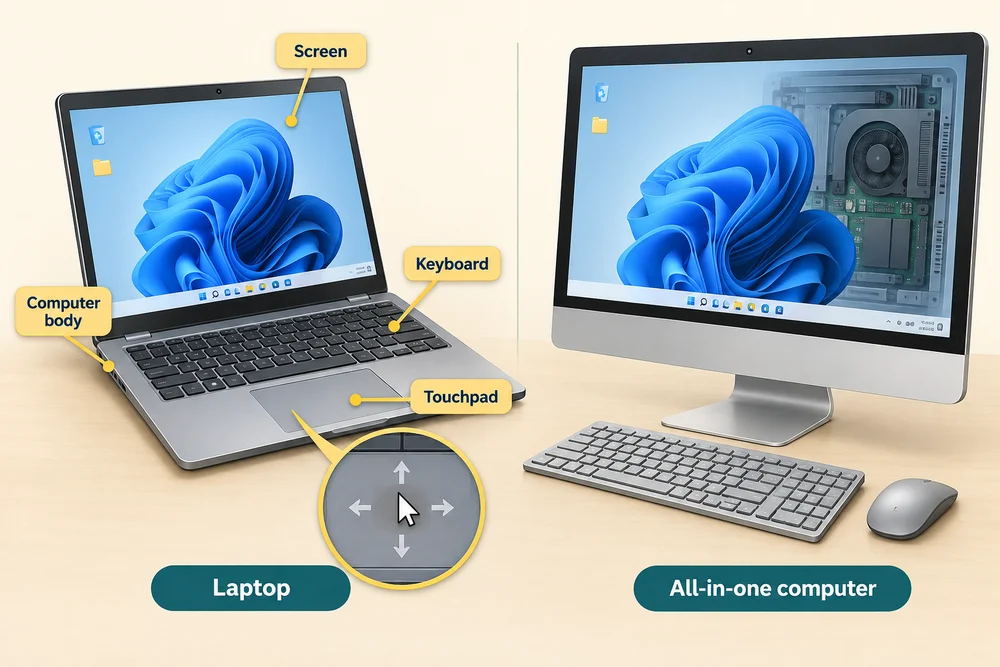
A laptop combines the computer body, screen and keyboard in one portable device. Its touchpad, the flat area below the keyboard, can move the pointer. Some desktops have their computer parts built into the screen; these are called all-in-one computers.
Shapes and sizes vary. A large screen is not necessarily the computer body, and a laptop does not need a separate tower to be a complete computer.
Find the parts and their jobs
You are going to identify a computer’s main parts and match two of them to their jobs. Explore the labelled cards, then match each job to its part. Click Show me a hint if you need help with the matching questions.
Click each labelled part once, or tap it, to read its job. In the matching question below the cards, click the circle beside your chosen answer, then click Check answer. Match the part that shows pictures and the part that contains the main working parts. For keyboard use, Tab reaches the choices, arrow keys change the chosen answer, and Tab then Enter activates Check answer.
Check the idea
On a desktop with a separate screen and computer body, what is the monitor’s main job?
It shows pictures and words.
Try this on your computer
Recognising the parts helps you describe what you are using or where you need help.
- 1
Look at your computer. Find the screen and the keys you use to type.
- 2
If you use a desktop, look for a separate computer body. If you use a laptop, notice that its screen and keyboard belong to one device.
- 3
Find your mouse or touchpad. Move the mouse gently, or slide one finger over the touchpad, and watch the pointer move on the screen.
This observation is optional. Your setup may include a touchscreen, an all-in-one computer or additional devices. The labelled example remains available if a part is not visible on your own computer.
Looking to build a computer or find one that suits your needs? Contact Basic Computing for help.