Find your way around the Windows desktop
A workspace with familiar landmarks
Choose where to go for an app or an item on the desktop.
Tell the desktop, taskbar and Start menu apart.
Windows is the operating system that helps your computer run apps, manage files and work with devices. Its desktop is a workspace, not the internet itself. Recognising a few landmarks makes it easier to find your way back when something opens over them.
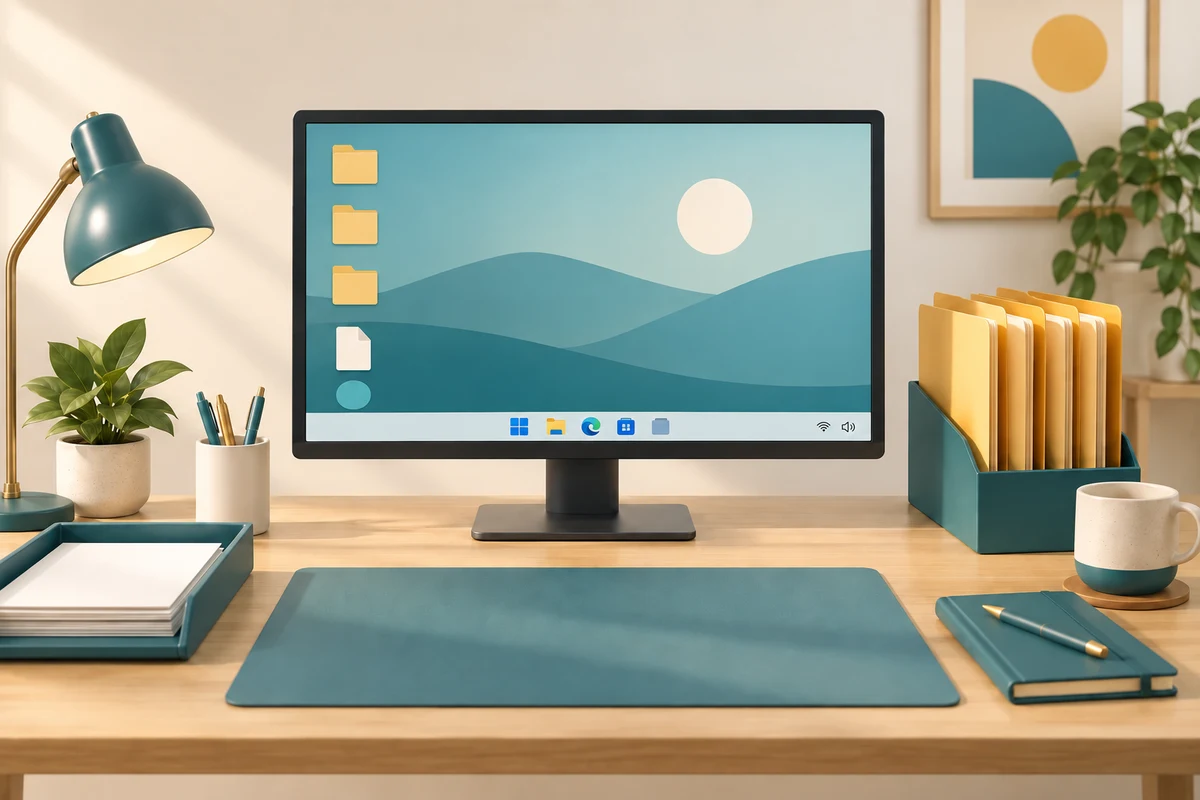
Look at the job of each area
How this works
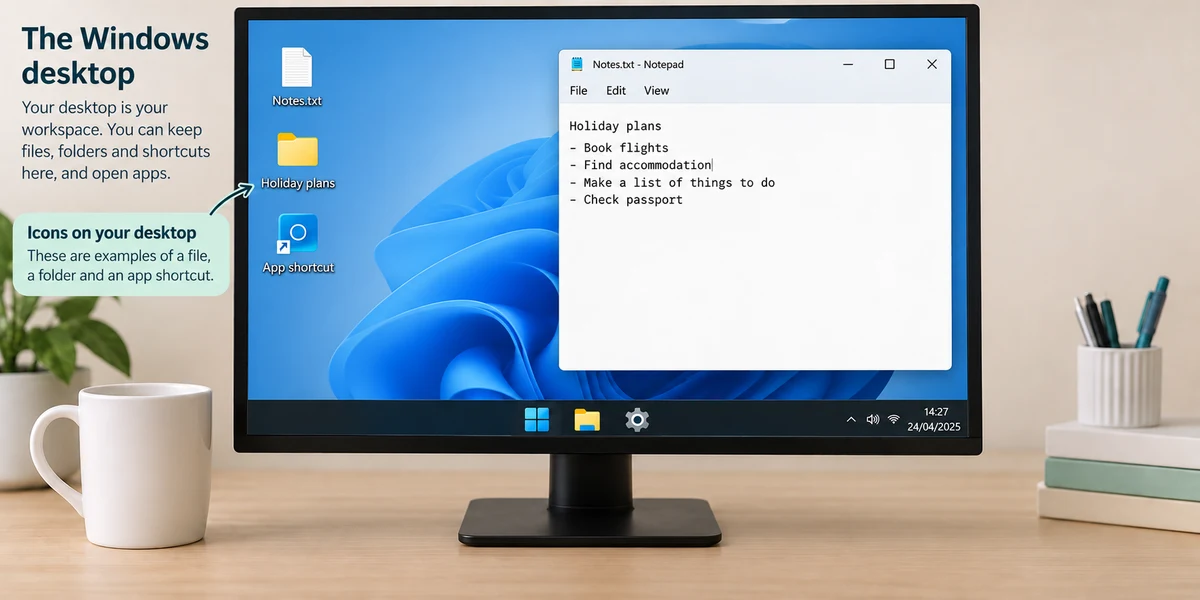
The desktop is the background workspace behind your open windows. It may show files, folders and shortcuts. An icon is a small picture representing an item or action; read the name as well as the picture. A shortcut points to something elsewhere. Removing a shortcut is not the same as uninstalling its app, although deleting a real file is a different action.
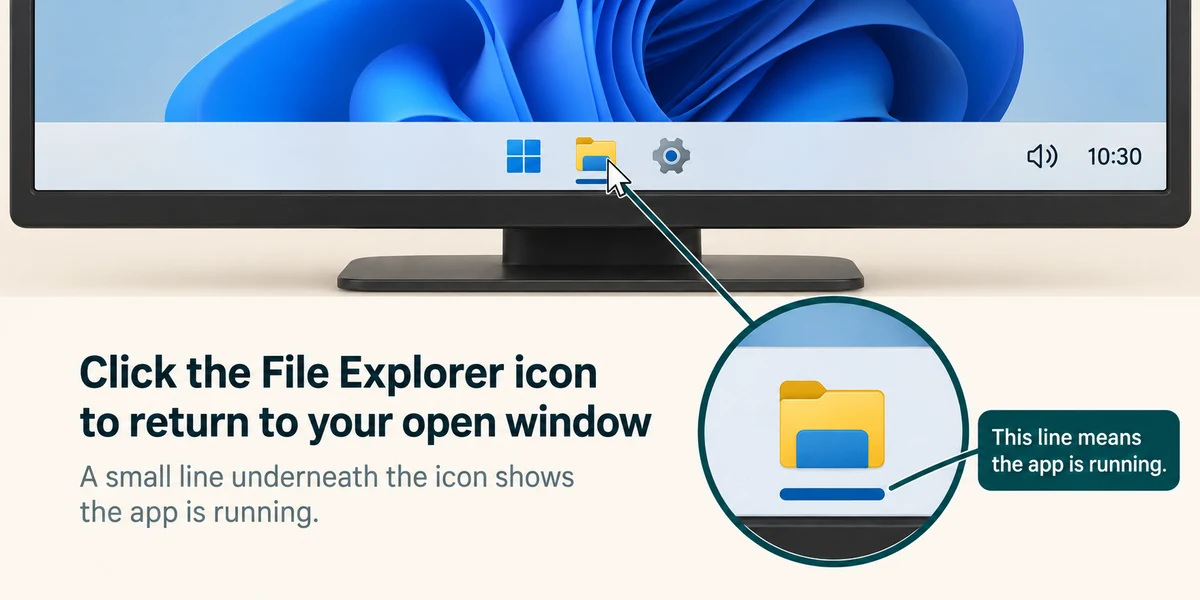
The taskbar is normally along the bottom of Windows 11. It includes Start, app buttons and a notification area with items such as the clock and sound. Click an app button once to open or return to it. A button can be pinned there even when the app is closed; running apps can have an indicator, whose appearance varies.
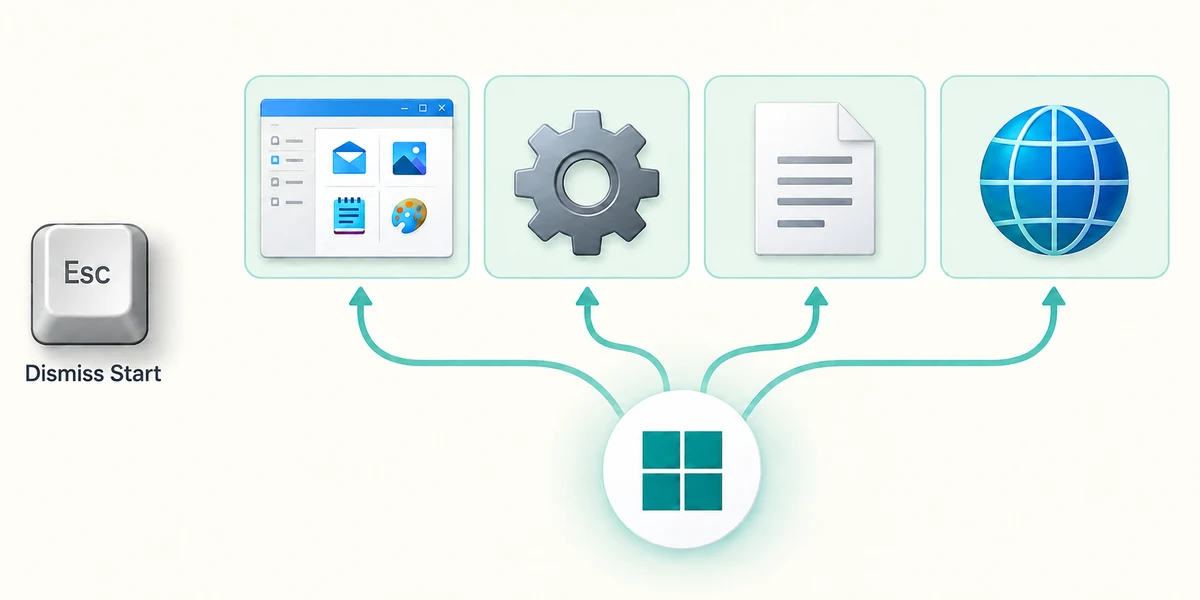
Click the Windows-shaped Start button once to see Start. It offers apps and search. Press Escape or click Start again to dismiss it. Windows search can include apps, settings, files and web results, so read the result type. Finding an installed app does not require opening an internet browser.
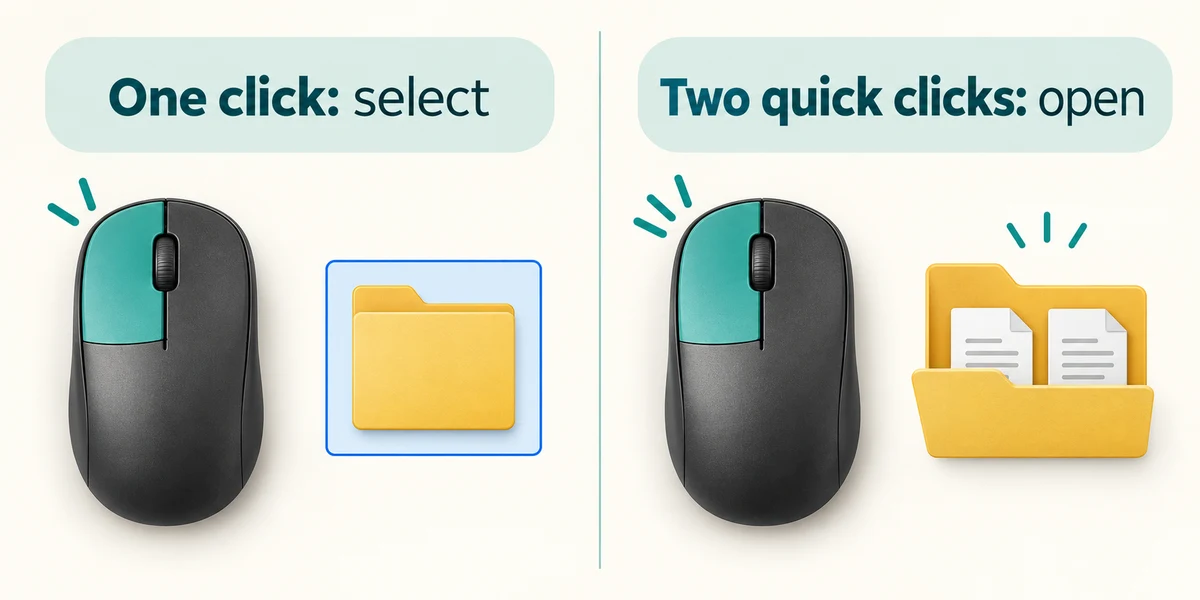
With the usual desktop setting, click a desktop item once to select it or twice quickly to open it. Buttons such as Start use one click. If an app covers the desktop, it has not removed the desktop or your files. You can return through the taskbar or learn to minimise the app in Manage open windows.
A calculator window covers part of your background. You want to return to a different app that is already open. Where is a useful place to look?
The app's button on the taskbar.
Check what you understand
In guided learning, click Start 3 questions to receive a selection from this lesson. Click the circle beside an answer, then click Check answer. Read the feedback and try again if needed. Click Next question after each correct answer. Answer all 3 correctly to continue.
Returning to guided learning keeps the questions and answers in your current attempt.
Read all 3 questions and explanations
An app button remains on the taskbar after you close its window. What could explain this?
Answer: It is pinned for easy access.
Pinned buttons can remain available while their apps are closed.
You want the place that offers apps and Windows search. Which action fits?
Answer: Click Start once.
Start provides an entry point to apps and search.
Two similar pictures appear on the desktop. One is a shortcut and one is a saved document. What should you do before deleting either?
Answer: Read its name and identify what kind of item it is.
Icons can represent different types of items; deleting a real file matters.
Take this to your computer
- 1
Look at your desktop and locate the taskbar without deleting or moving anything.
- 2
Click Start once, read its contents, then press Escape to close it.
- 3
Rest the pointer over a taskbar app button to inspect its label or preview.
Trying this on your own computer is optional. Use only disposable practice information. This lesson's choices check your decisions; they do not operate your computer or prove that you have performed the real task.
Prefer a more personal, one-to-one lesson? Basic Computing can help. Explore our services.