Convert a picture format
Conversion changes the way the picture is stored
Distinguish real conversion from changing a filename.
You will know how to check format, transparency and the saved result.
JPEG, PNG, WebP and HEIC are ways to store images. A recipient may support some and not others. Conversion uses an app that can read the original and write a new format; replacing the letters at the end of a filename does not perform that work.
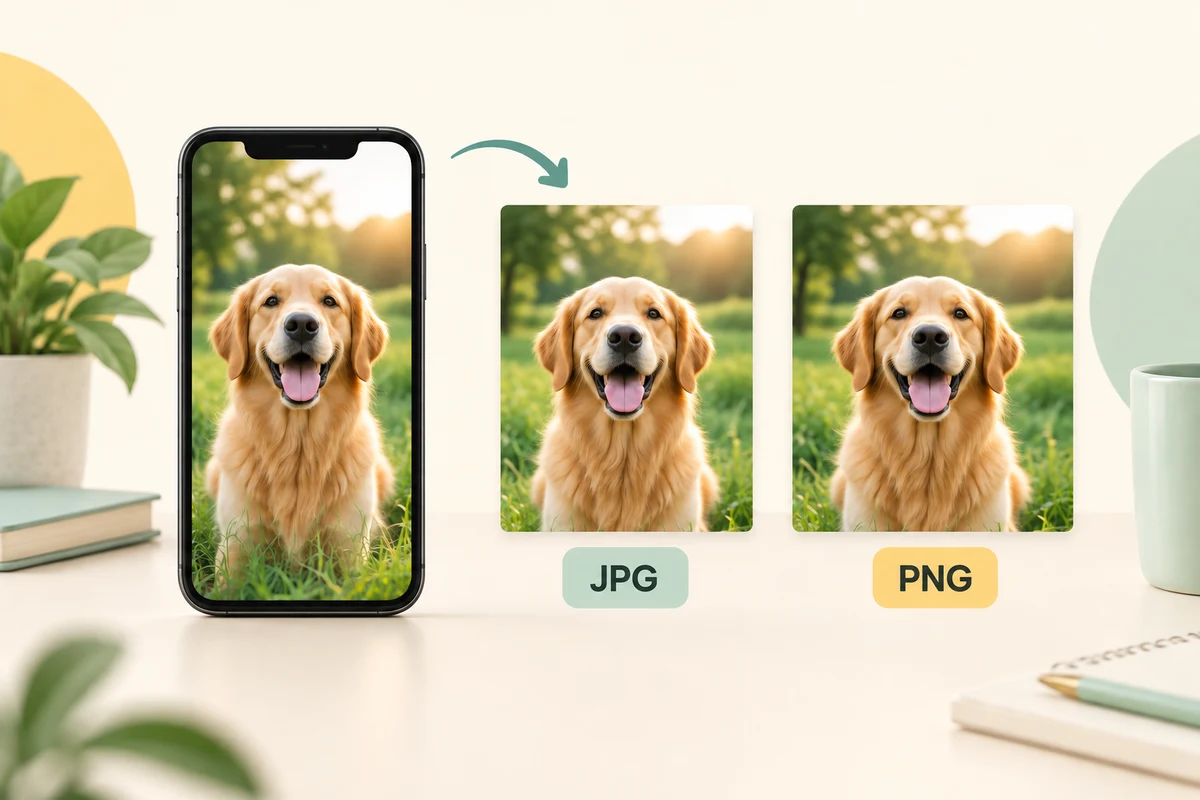
Choose the output and inspect it
How this works
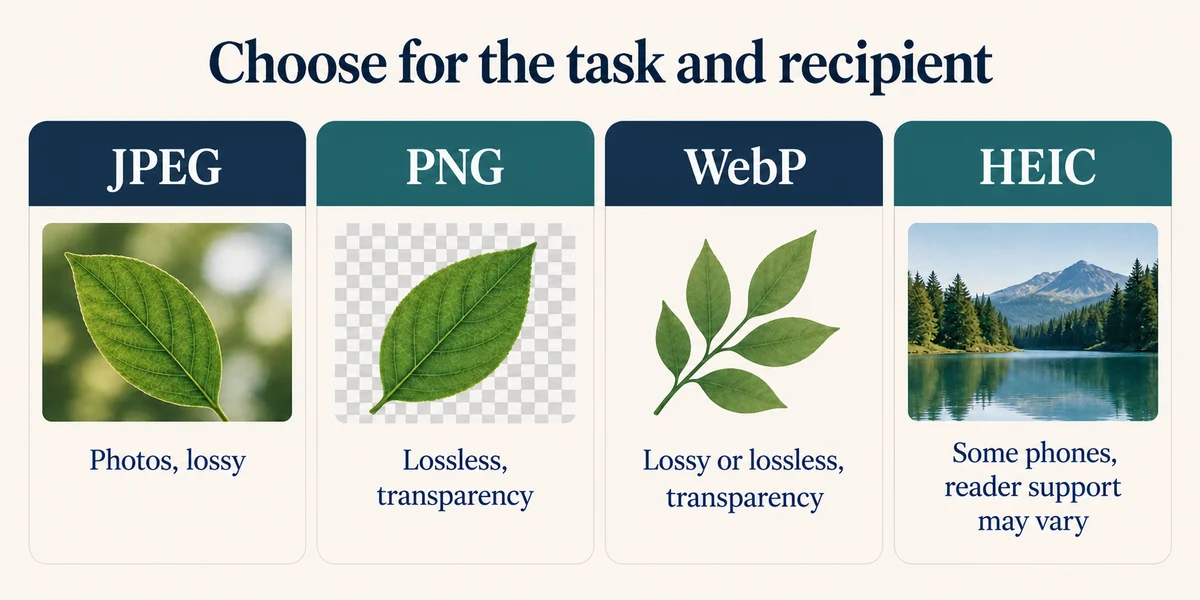
Read the recipient’s required format and any size limit. JPEG is common for photos and uses lossy compression. PNG supports lossless image storage and transparency. WebP can support lossy or lossless images and transparency. HEIC is common on some phones and may require additional reader support. No one format is best for every task.
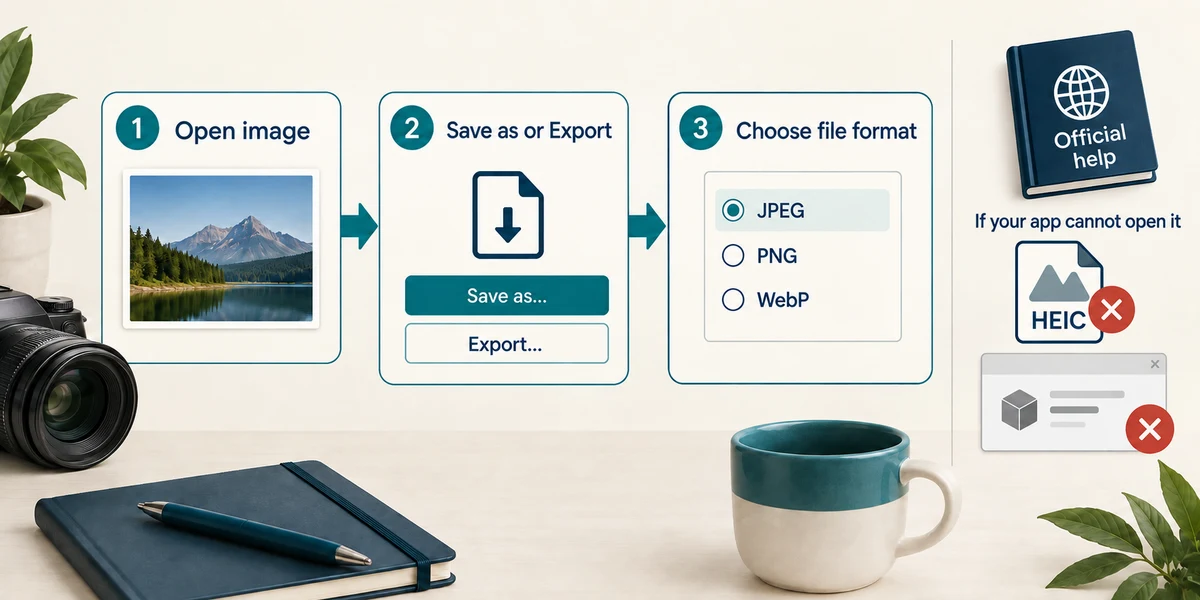
Use a trusted app that supports both the original and the required output. Open the image and choose its named Save as or Export control, then select the actual file format in the format list. If your app cannot read HEIC, consult its official support or the phone’s export options; do not install a converter from an unexpected pop-up.
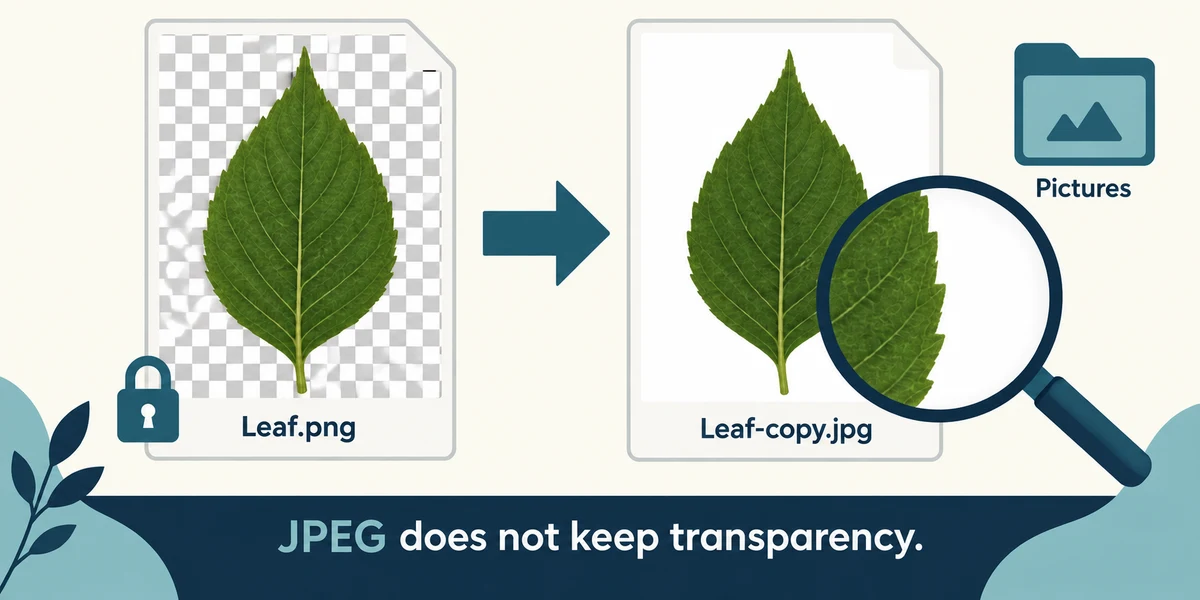
Save a separately named copy in a known folder and inspect the result. JPEG cannot keep a transparent background, and lossy export can reduce detail. Reopen the new file in a compatible reader and check appearance and size before sharing. Keep the original, and avoid uploading sensitive images to an unknown online converter.
A recipient needs JPEG, but you have a HEIC picture. Which action creates the required type?
Export a JPEG copy using an app that supports the conversion
Check what you understand
In guided learning, click Start 3 questions to receive a selection from this lesson. Click the circle beside an answer, then click Check answer. Read the feedback and try again if needed. Click Next question after each correct answer. Answer all 3 correctly to continue.
Returning to guided learning keeps the questions and answers in your current attempt.
Read all 3 questions and explanations
A logo needs a transparent background. What matters when exporting?
Answer: Choose a supported format that preserves transparency
PNG and suitable WebP output can retain transparency. JPEG cannot; the viewer background does not change that.
You exported a smaller copy. What should happen before sharing it?
Answer: Reopen it and check appearance, format and required size
Check the actual result. The original may still be needed if quality or compatibility is wrong.
A website offers to convert a private image after upload. What should you consider first?
Answer: Whether you trust that service with the image’s contents
Uploading discloses the image. Use a suitable trusted route and share no unnecessary private material.
Take this to your computer
- 1
Optional: inspect the Export or Save as format list in an app you already trust, using a disposable non-sensitive picture. Cancel without changing the original if unsure.
Supported formats and output options vary by app. Conversion can affect detail, metadata or transparency.
Prefer a more personal, one-to-one lesson? Basic Computing can help. Explore our services.