Complete and save a PDF form
A form needs more than visible blank lines
Choose how to complete a form without assuming every PDF is fillable.
Distinguish a form field from a scanned page and verify saved entries.
Some PDF forms contain fields that can accept typed answers. Others are only pictures of a paper form. Recognising the difference helps you choose a suitable tool rather than repeatedly clicking somewhere that cannot receive text.
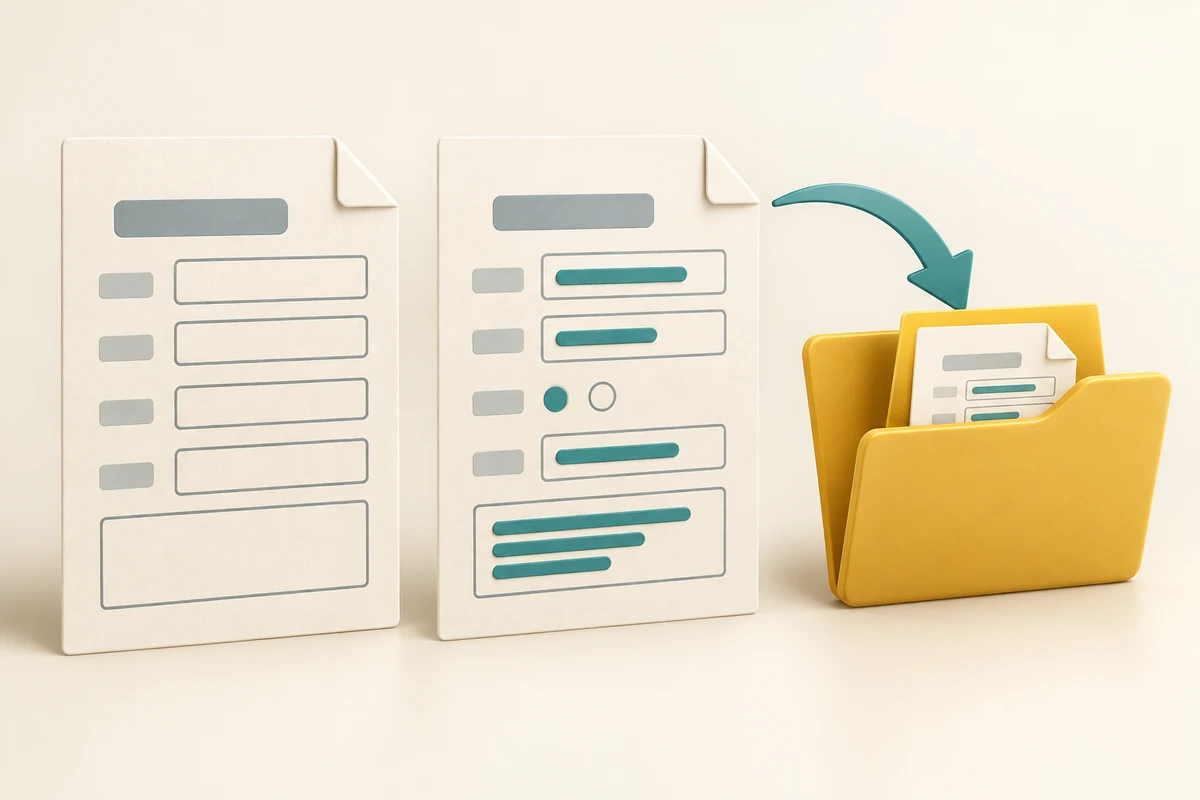
Fill, save and reopen
How this works
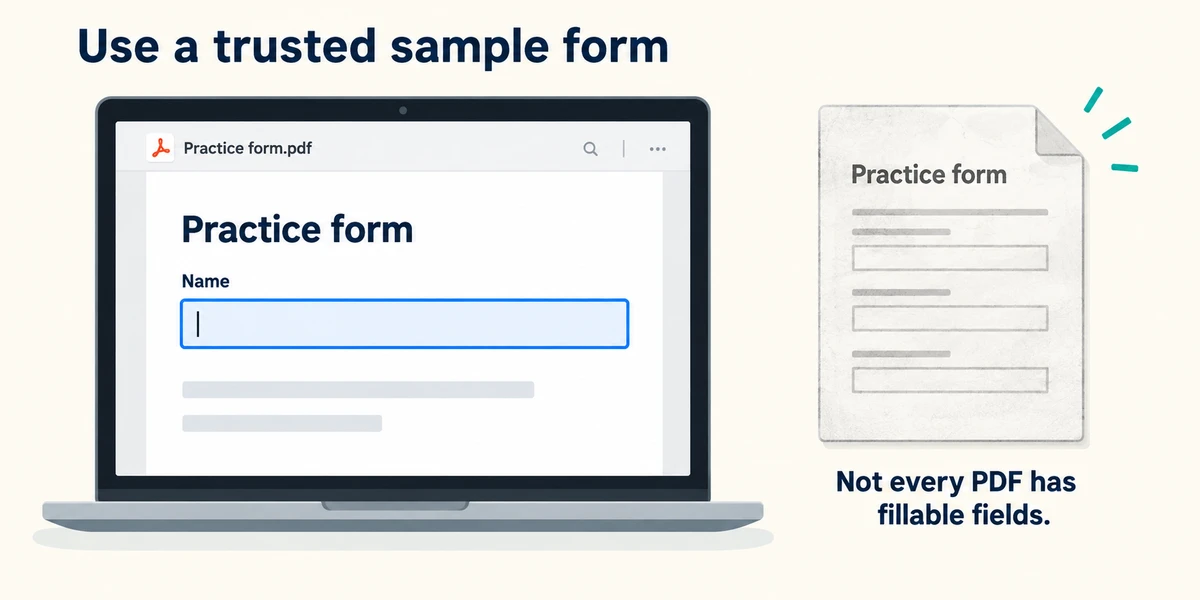
Use a trusted sample form without real personal information. Open it in a suitable PDF reader. Microsoft Edge supports basic form filling, but some advanced forms need a different reader specified by the sender. Click a field once and look for a typing cursor or a field highlight. If nothing accepts typing, it may be a scanned page or an unsupported form rather than a mistake with your keyboard.

Enter harmless sample answers. Press and release Tab to move to the next field. To move back, hold Shift, press Tab, then release both keys. Click a checkbox once to change its state; radio choices normally allow one answer in their group. Check required fields and dates carefully. Do not confuse writing on the page with applying a legally required signature through the sender's stated process.

Use the PDF reader's Save or Save as control, commonly near the top of its toolbar. In Edge, rest the pointer over a toolbar icon to read its label if needed. Save a separately named copy in a known practice folder. Do not assume that closing a browser tab keeps your entries or that a download always includes your latest changes.

Close the form, find the newly saved copy in File Explorer and reopen it. Check every sample answer and tick before relying on it. If entries are missing or fields do not work, keep the blank original and follow the sender's instructions for a compatible reader or another accessible format. Do not send an unverified version.
A PDF looks like a paper form, but clicking its blank lines never produces a typing cursor. What is a useful explanation?
It may be a scanned page or a form unsupported by this reader.
Check what you understand
In guided learning, click Start 3 questions to receive a selection from this lesson. Click the circle beside an answer, then click Check answer. Read the feedback and try again if needed. Click Next question after each correct answer. Answer all 3 correctly to continue.
Returning to guided learning keeps the questions and answers in your current attempt.
Read all 3 questions and explanations
You have typed answers and can see them in the open tab. What confirms that the saved copy contains them?
Answer: Reopen the saved file and inspect the entries.
Reopening checks the actual saved result rather than temporary on-screen state.
A form specifies a compatible reader because some fields do not work in your browser. What should you do?
Answer: Follow the trusted sender's instructions or ask for another usable format.
Reader support varies; use a suitable trusted workflow.
You click one circle and another circle in the same group becomes unselected. What does that usually mean?
Answer: The group accepts one option at a time.
Radio-choice groups commonly allow one selected answer.
Take this to your computer
- 1
Use a trusted disposable sample form and identify a field that accepts text.
- 2
Enter pretend details, save a separate copy and close it.
- 3
Reopen the saved copy to check the entries. Do not use this practice for real sensitive information.
Trying this on your own computer is optional. Use only disposable practice information. This lesson's choices check your decisions; they do not operate your computer or prove that you have performed the real task. This lesson covers basic PDF fields, not digital-signature validation or every advanced form format.
Prefer a more personal, one-to-one lesson? Basic Computing can help. Explore our services.