Compare new and refurbished computer offers
Compare new and refurbished computer offers
Compare two offers using condition and support as well as specifications.
Check condition, support and total cost before choosing a deal.
Refurbished usually means a previously owned or returned device has been checked and prepared for resale, but standards vary by seller. New is not automatically the best value, and refurbished is not automatically poor quality. The useful comparison is the exact device, its condition, supported software and the help available afterwards.
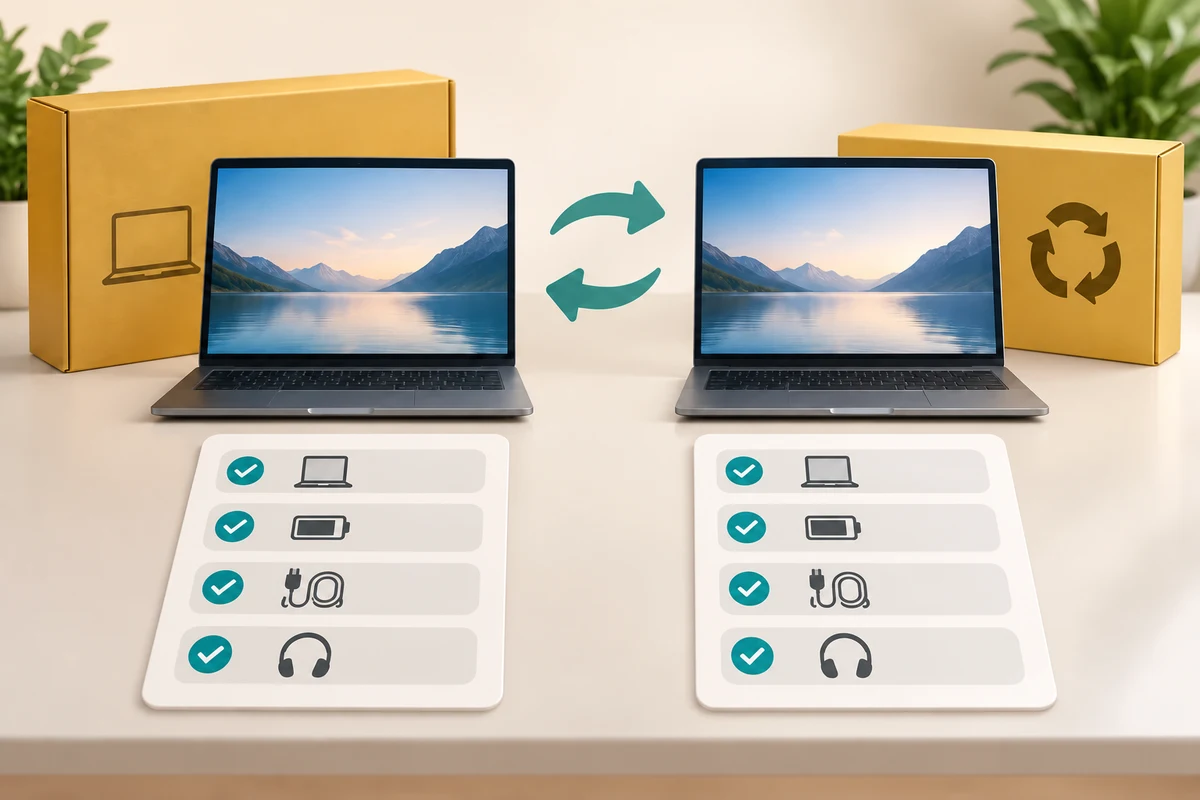
Make the choice that fits your task
How this works
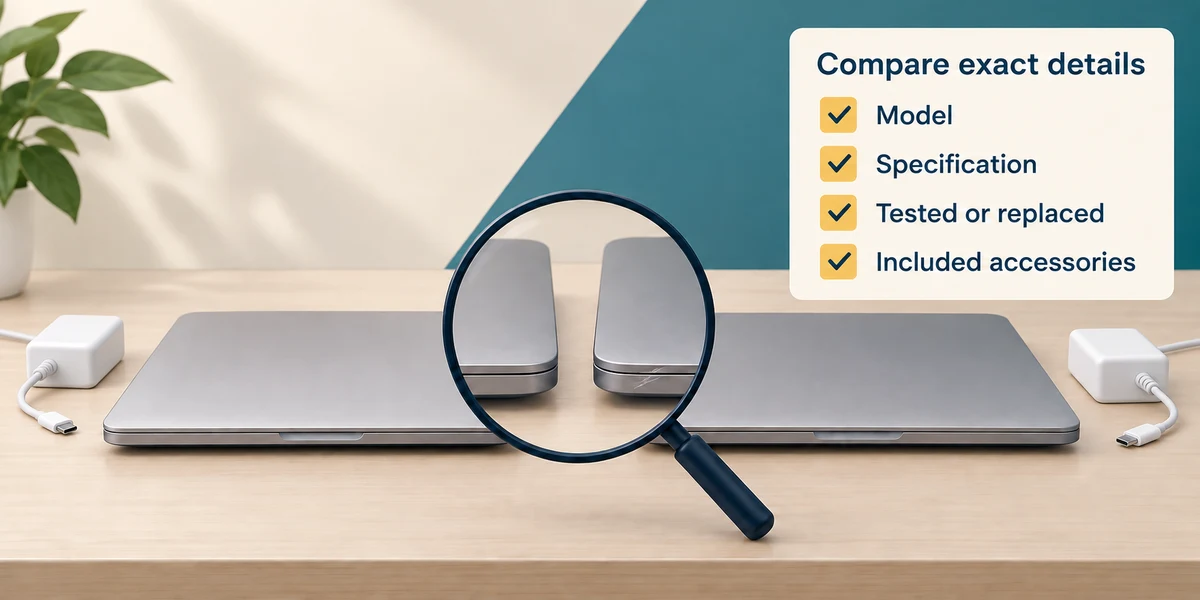
Compare the exact model and specification rather than a vague description such as fast laptop. Ask what was tested or replaced, what cosmetic wear remains and whether the charger and needed accessories are included.
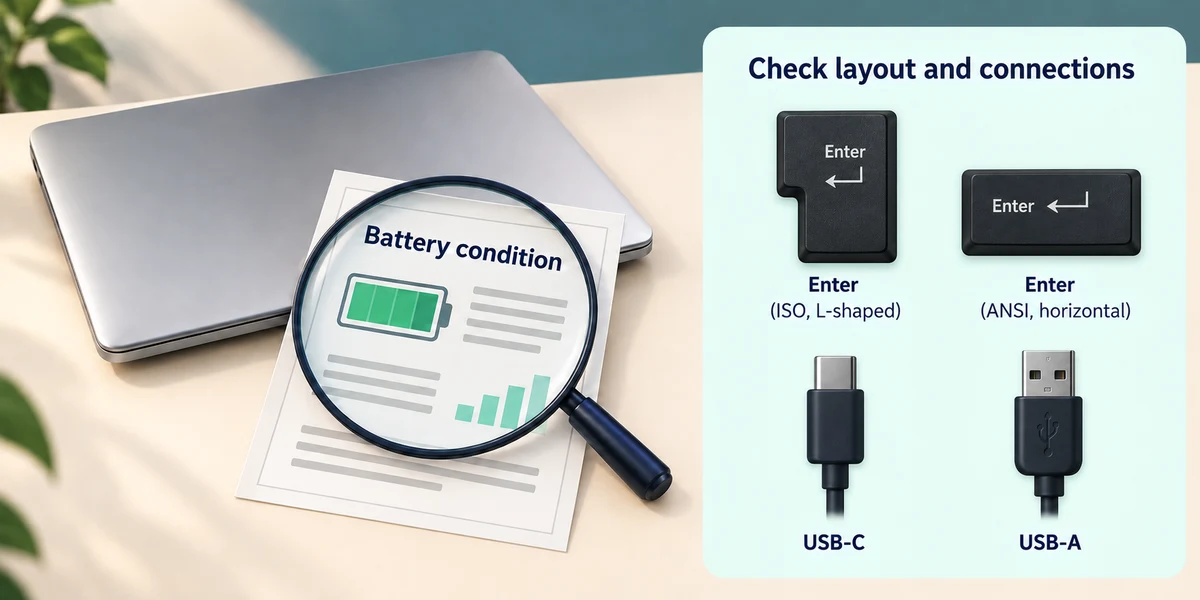
For a used laptop, ask about battery condition and any stated minimum battery standard. A screen or case can look tidy while the battery has aged. Ask about keyboard layout and the connections you need.
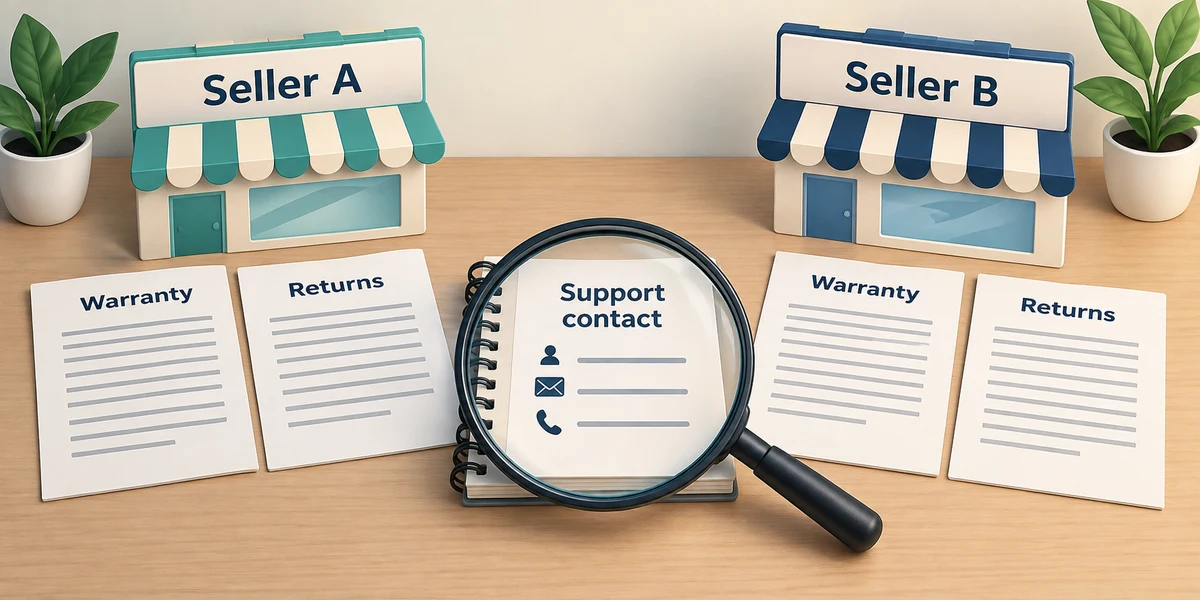
Read the seller’s warranty and return information before paying. Check who provides support and how you would contact them. Do not assume all refurbished sellers provide the same terms as a manufacturer’s certified programme.
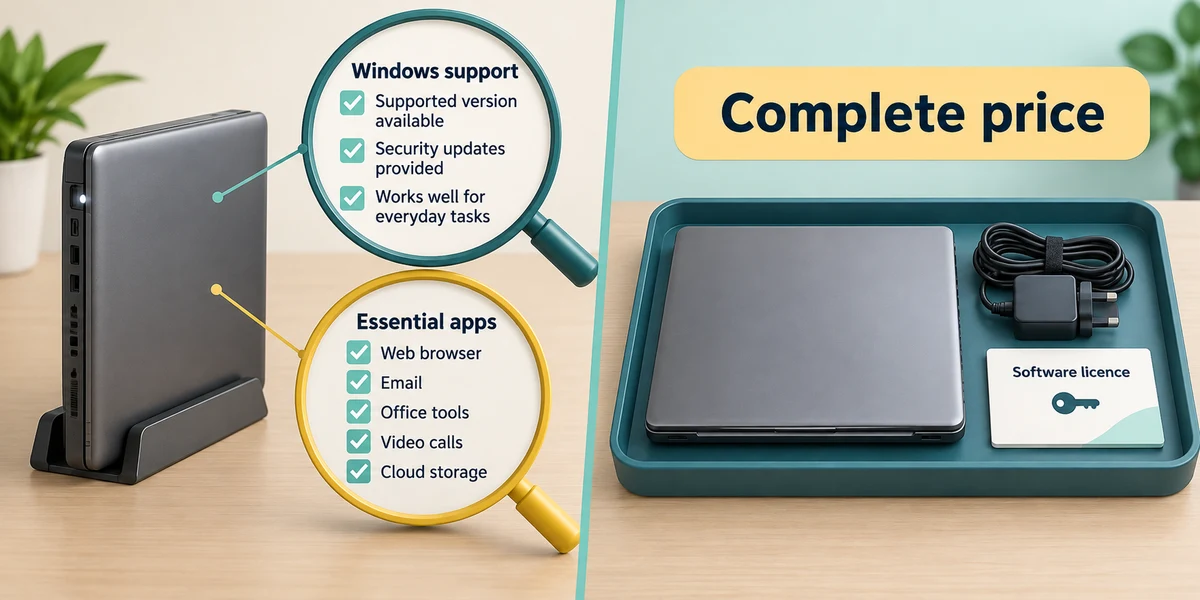
Check that the machine supports a currently supported Windows version and your essential apps. A working older computer can still have limited software support. Compare the complete price, including accessories and any required licences.
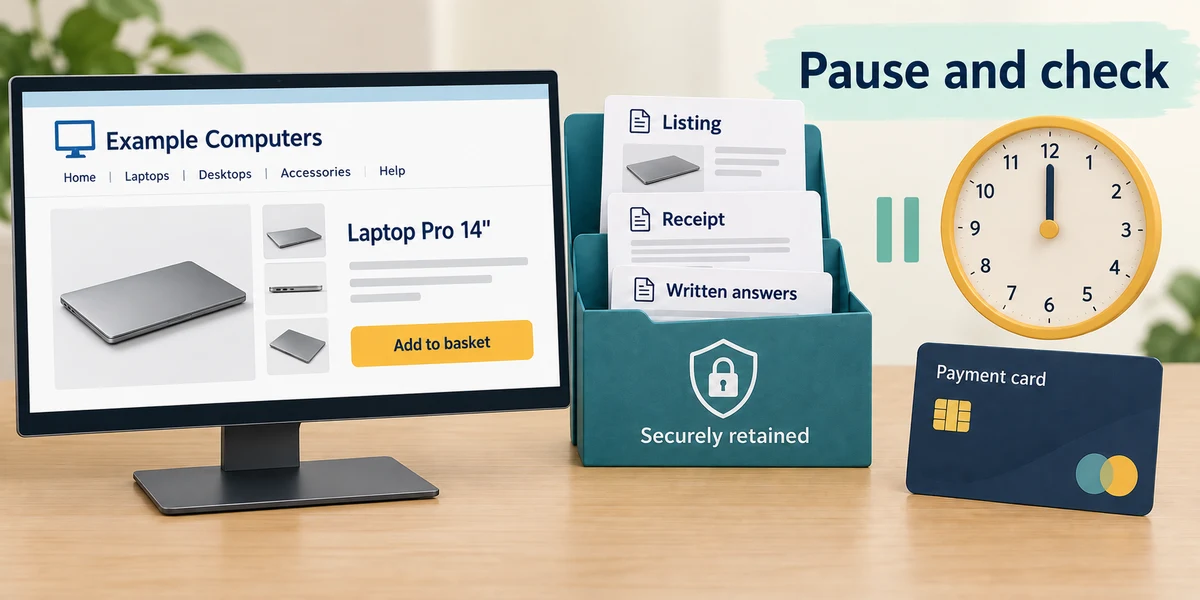
Use the seller’s genuine website and a payment method you understand. Pause if pressure prevents checking the details. Keep the listing, receipt and written answers so you can compare what was promised with what arrives.
Two refurbished offers have the same RAM and storage but different prices. What else should you compare?
Battery condition, included items and written support terms
Check what you understand
In guided learning, click Start 3 questions to receive a selection from this lesson. Click the circle beside an answer, then click Check answer. Read the feedback and try again if needed. Click Next question after each correct answer. Answer all 3 correctly to continue.
Returning to guided learning keeps the questions and answers in your current attempt.
Read all 3 questions and explanations
What does refurbished tell you by itself?
Answer: You still need the seller’s exact checks and condition details
The label does not define identical standards everywhere.
A low-priced PC works but cannot run a supported Windows version. Why does this matter?
Answer: Its future security and software support may be limited
A working device is not necessarily a suitable supported purchase.
Which evidence is most useful to keep after purchase?
Answer: The listing, receipt and written condition promises
They record the particular device and offer you agreed to.
Take this to your computer
- 1
Choose a genuine seller’s device listing to read. Note its exact model, condition, battery claims, included charger, warranty and return information.
- 2
Mark unanswered questions rather than guessing. Record the seller’s stated total cost and support contact route for comparison. No purchase or personal information is needed for this exercise.
The lesson examples do not change your computer. On your PC, read each confirmation before continuing; available controls can vary.
Looking to build a computer or find one that suits your needs? Contact Basic Computing for help.