Choose computer specifications for your needs
Choose computer specifications for your needs
Compare buying priorities for different everyday tasks.
Connect your everyday tasks with sensible buying questions.
A good computer choice starts with what you want to do and where you will use it. Processor, RAM, storage and graphics do different jobs. Bigger numbers are not automatically a better match. A comfortable keyboard, readable screen and suitable connections can matter as much as a headline specification.
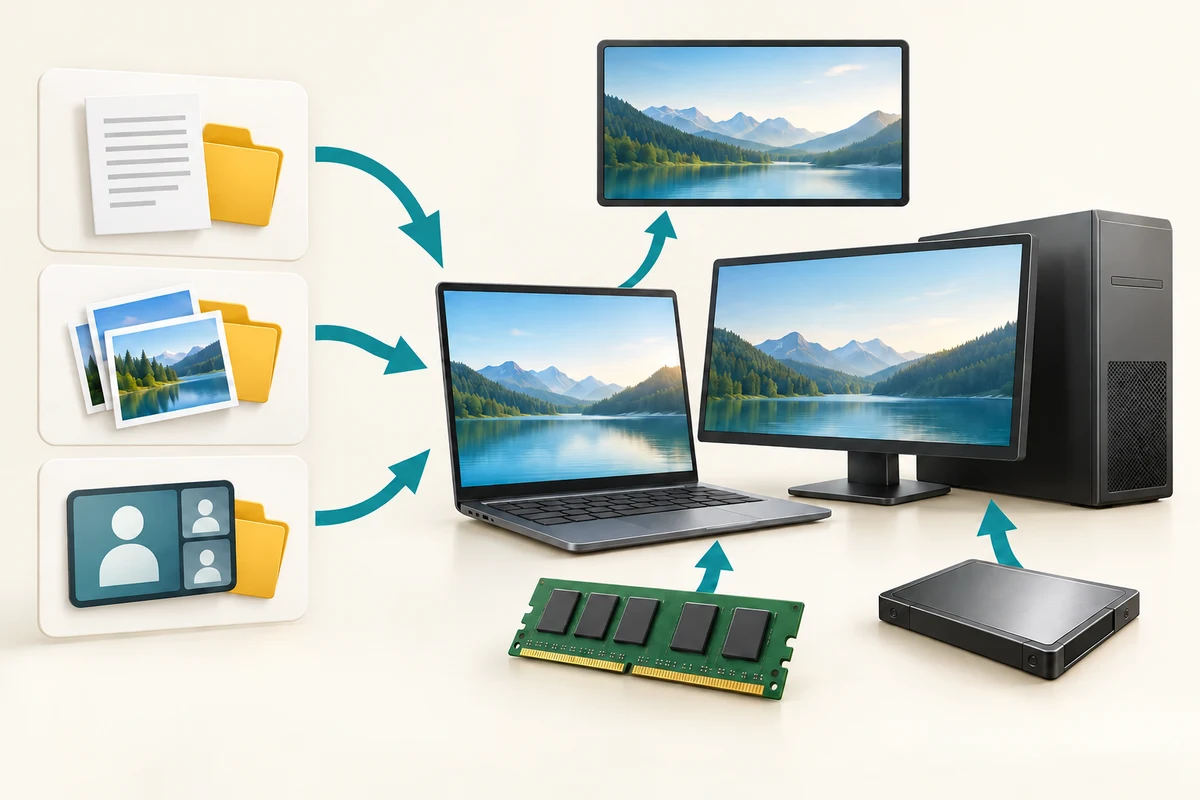
Make the choice that fits your task
How this works
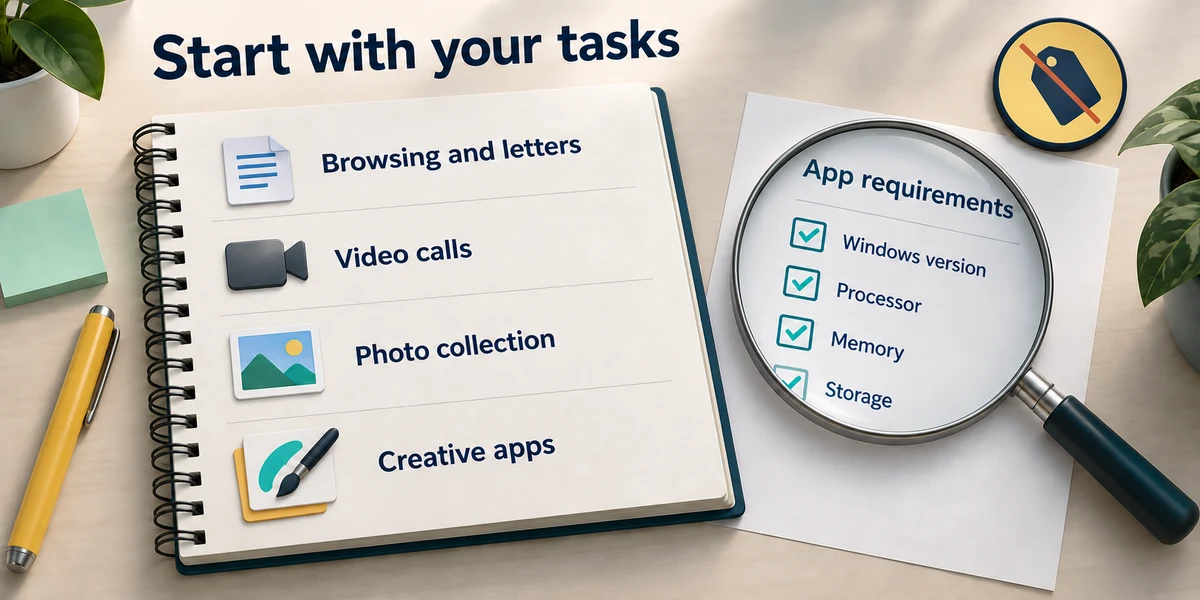
Write a short task list: browsing and letters, frequent video calls, keeping many photos, or demanding creative software. Check the current requirements of the actual apps you expect to use, rather than buying from one advertised number.
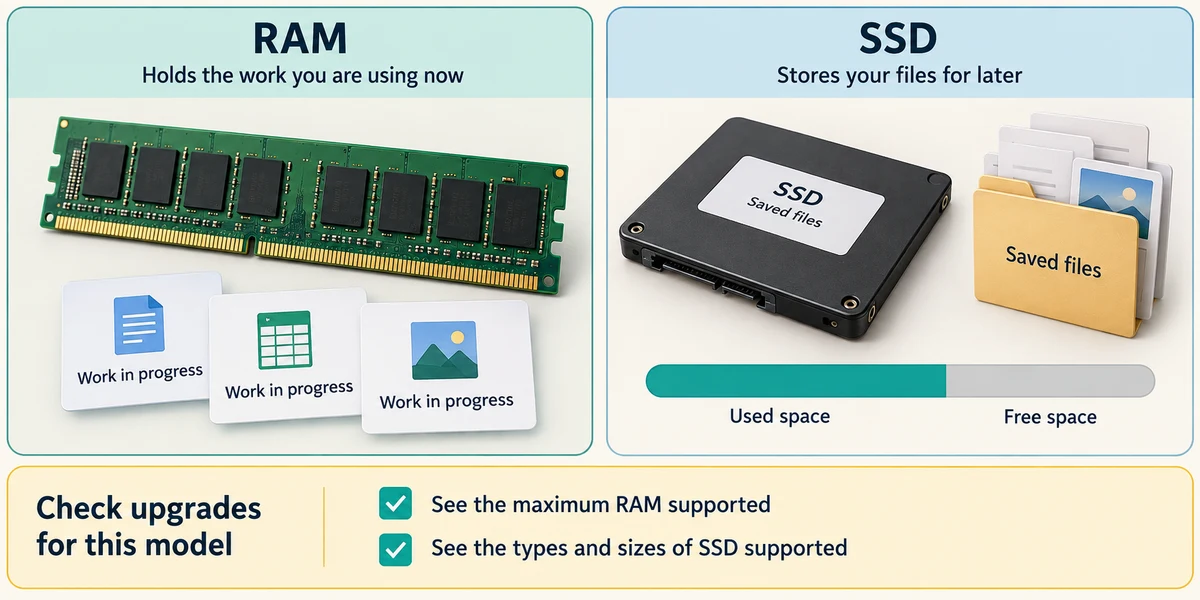
RAM supports work in progress; storage keeps saved files. Leave room for Windows, apps, updates and future files. An SSD usually makes everyday storage access more responsive than a hard drive, but capacity still matters. Check whether memory or storage can be upgraded on that exact model.
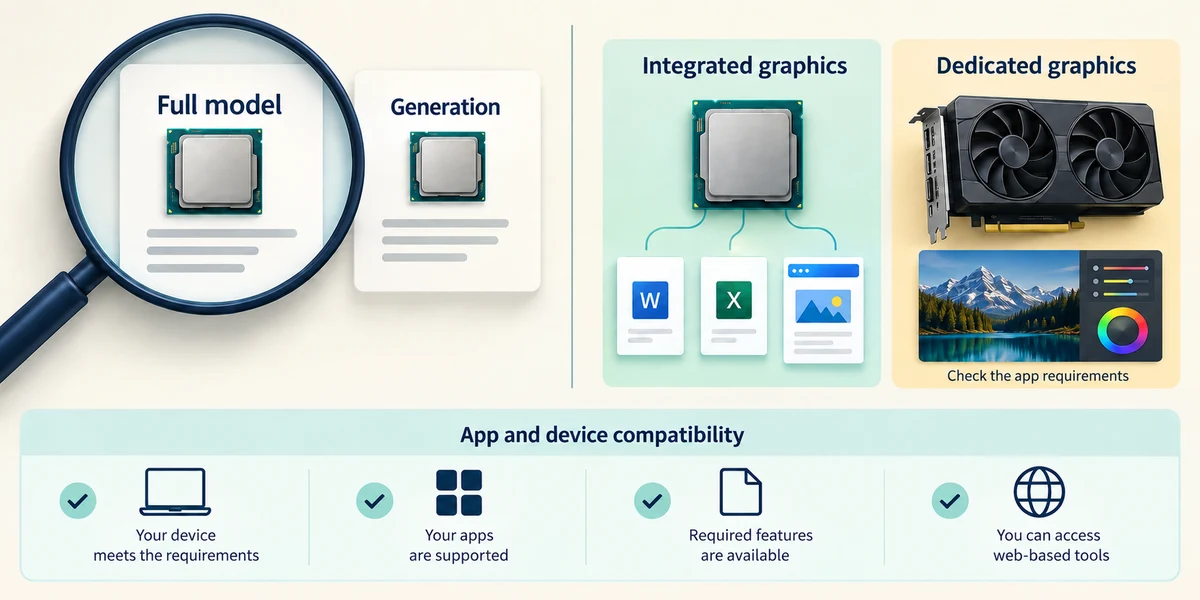
Compare the full processor model and generation, not just Intel versus AMD or a GHz figure. Integrated graphics can suit ordinary tasks; games or creative tools may need a specified dedicated GPU. Check compatibility of your apps and peripherals, including the processor platform.
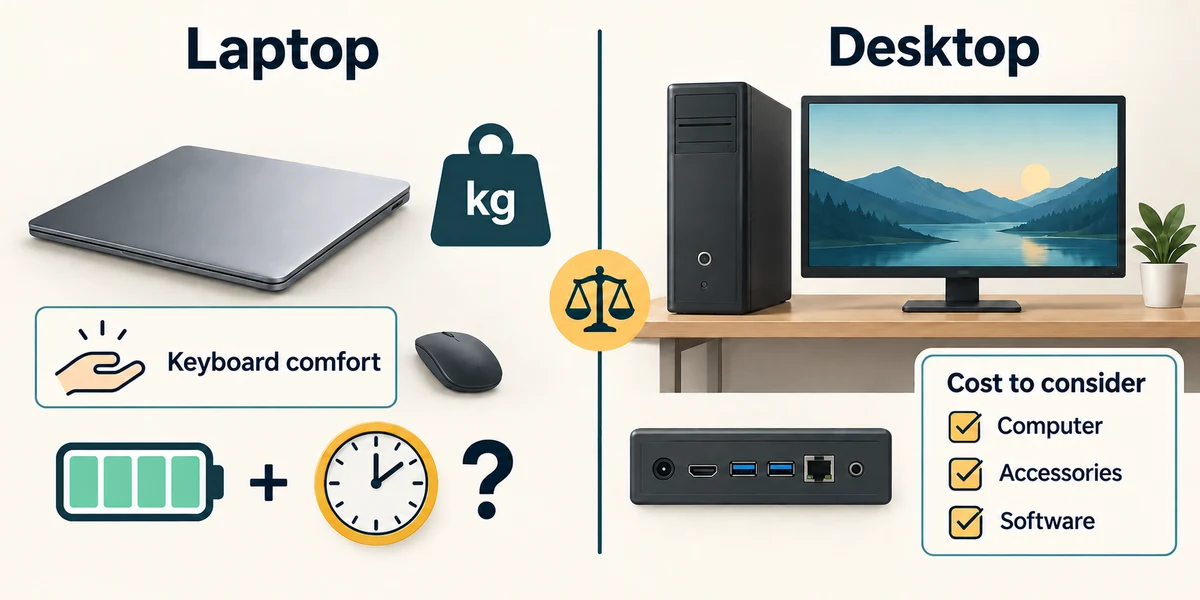
For a laptop, compare weight, keyboard comfort, screen readability, ports and realistic battery use. Claimed battery life depends on the test and your tasks. A desktop may suit a fixed workspace and separate large screen. Include accessories and software in the total cost.
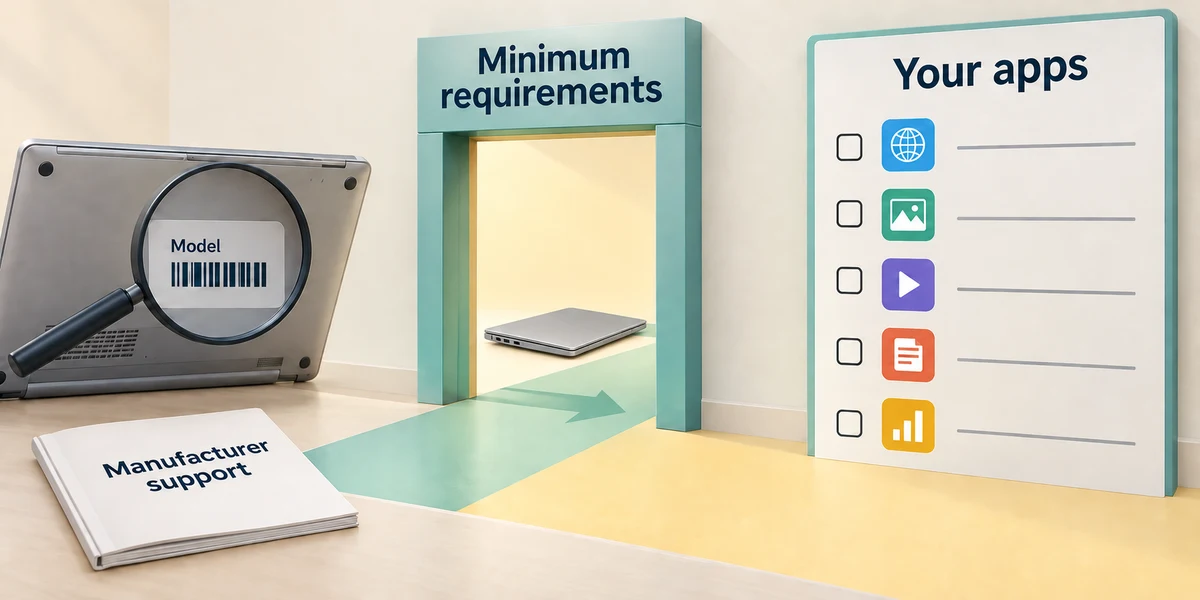
Check supported Windows versions and the manufacturer’s support information. Meeting the operating system’s minimum requirements is a starting threshold, not a promise that your chosen apps will feel comfortable. Ask for the exact model details if a listing is vague.
You mostly write letters but struggle to read a small screen. Which comparison deserves attention?
Screen readability and keyboard comfort as well as adequate specifications
Check what you understand
In guided learning, click Start 3 questions to receive a selection from this lesson. Click the circle beside an answer, then click Check answer. Read the feedback and try again if needed. Click Next question after each correct answer. Answer all 3 correctly to continue.
Returning to guided learning keeps the questions and answers in your current attempt.
Read all 3 questions and explanations
A listing says 512 GB storage. Does that tell you how much work the PC can hold in RAM?
Answer: No, saved storage and working memory are different
Look for the RAM specification separately.
Two computers advertise the same GHz figure. What else matters?
Answer: The full processor model and the tasks being compared
Clock rate alone is not a fair comparison across designs.
A laptop advert promises long battery life. What should you ask?
Answer: Under what conditions it was measured and how those compare with your use
Tasks, brightness and other conditions affect runtime.
Take this to your computer
- 1
Write down your three main tasks, where you will use the computer and any devices you need to connect.
- 2
Using one manufacturer’s specification page, identify RAM, storage, exact processor model, screen and ports. Compare those details with your task list. You do not need to buy anything.
The lesson examples do not change your computer. On your PC, read each confirmation before continuing; available controls can vary.
Looking to build a computer or find one that suits your needs? Contact Basic Computing for help.