Choose a compatible charger and cable
Choose a compatible charger and cable
Compare a device’s charging requirements with candidate equipment.
You can explain why the device, charger, socket and cable must work together.
A plug fitting into a socket does not prove that it supplies suitable power. The computer, charging port, charger and cable form a system. A low-powered phone charger may not meet a laptop’s needs, while a barrel plug can have the wrong electrical requirements even when it fits.
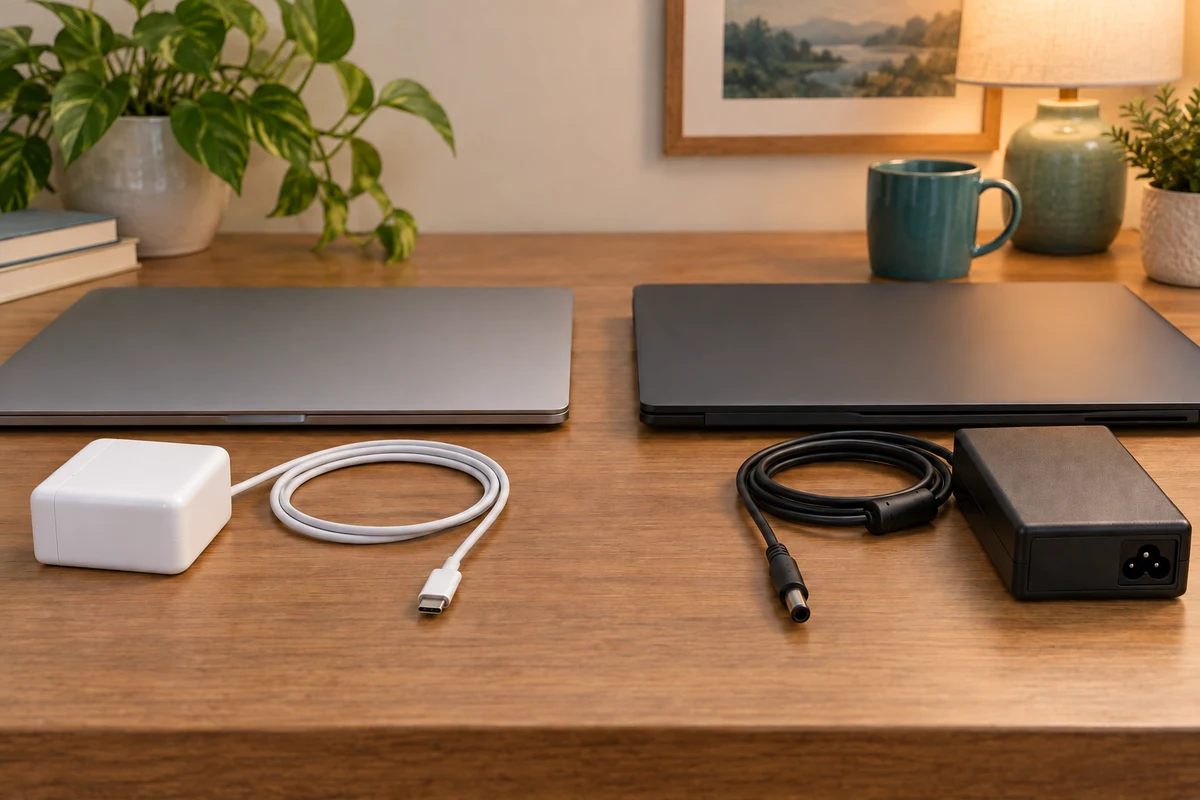
Work through the useful checks
How this works
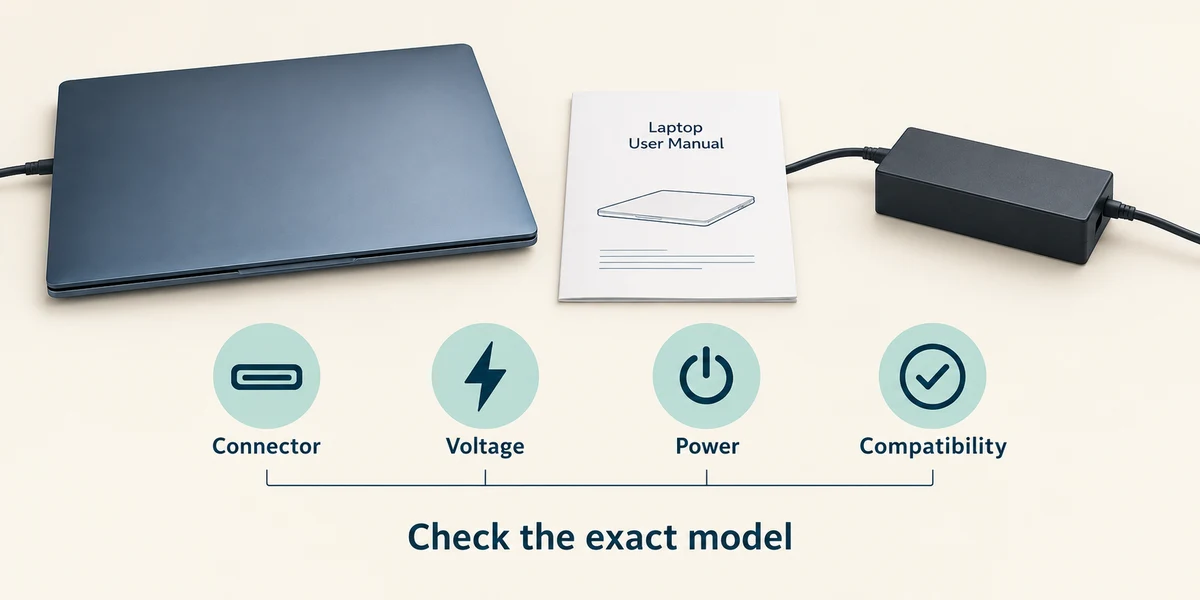
Start with the exact model’s manufacturer guidance and the supplied charger. Read the supported connector and charging requirements. Watts describe power, but a single wattage number does not replace the required voltage, protocol and compatibility checks.
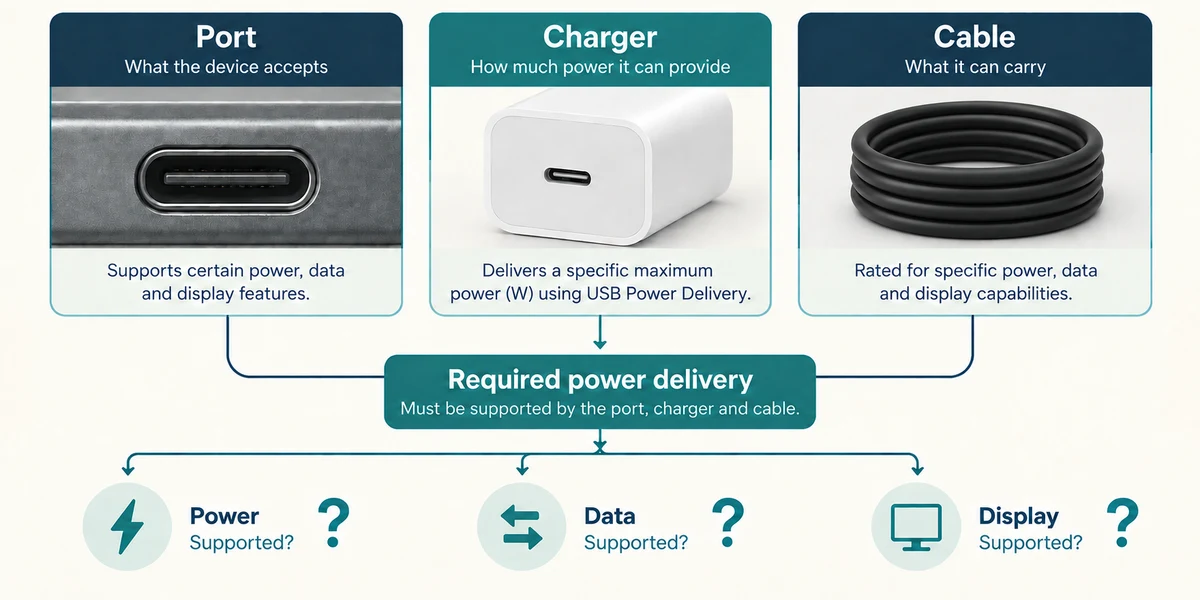
For USB-C charging, the chosen port must support charging and the charger and cable must support the required power delivery. Some ports are for other jobs. A cable suitable for one task may not support the power, data speed or display feature needed for another.
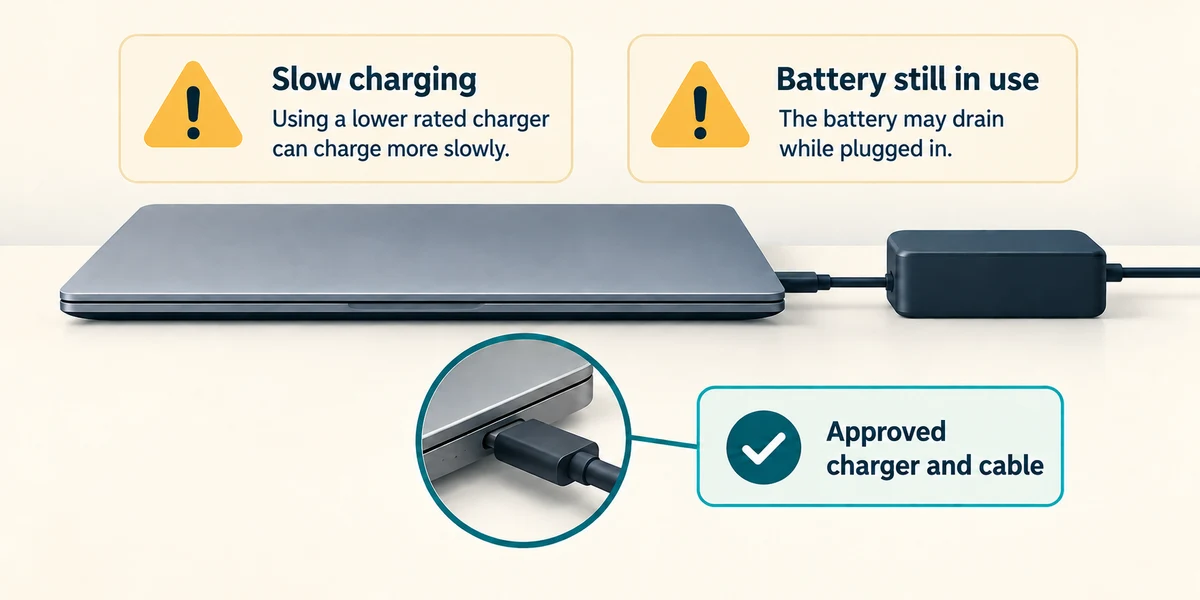
A laptop may charge slowly or use battery power while plugged in if the supply is insufficient for its current workload. Read any charging message and check the approved equipment before assuming the battery has failed.
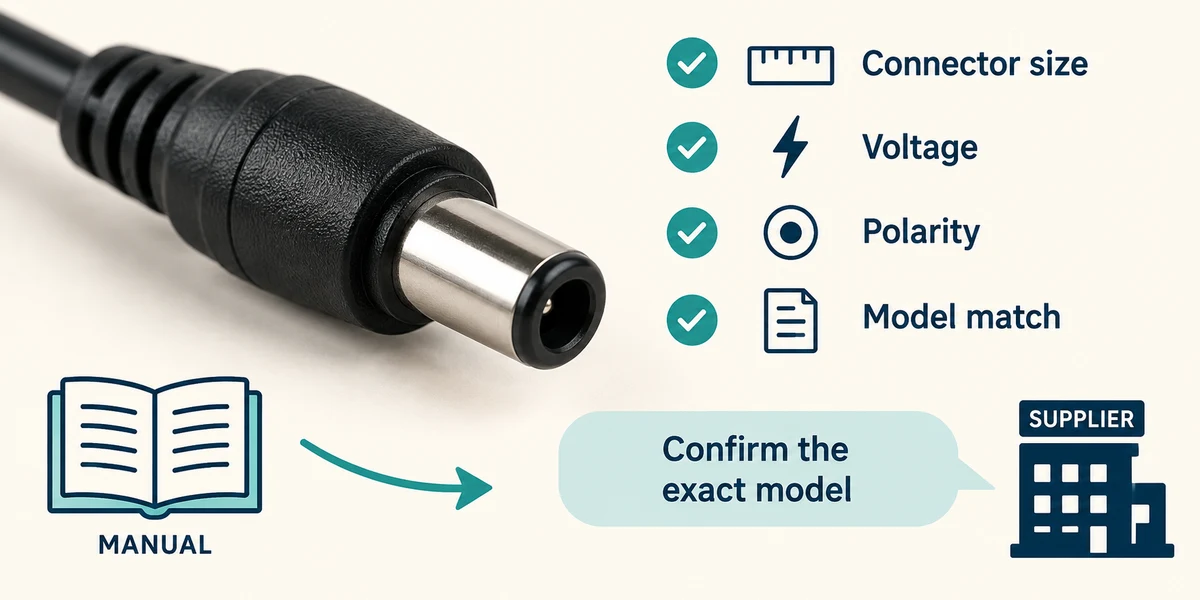
For barrel-jack chargers, connector size, voltage, polarity and manufacturer compatibility matter. Do not try a random adapter or change a universal charger setting by guesswork. Ask a qualified supplier to confirm the exact model match.
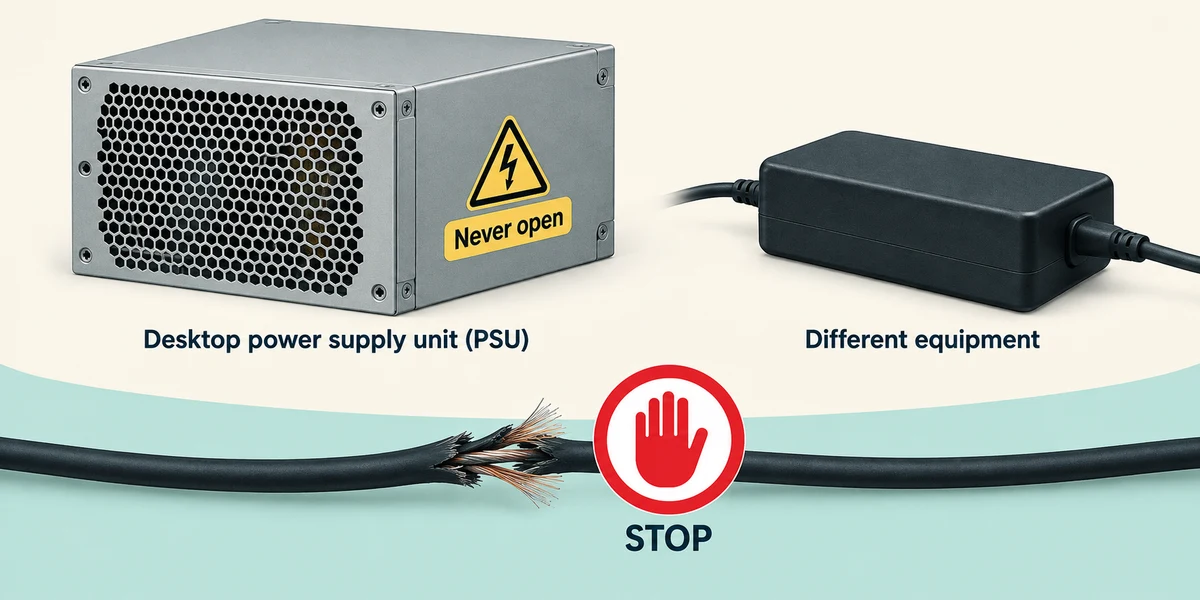
A desktop power supply converts mains power for internal parts. It is not a user-adjustable substitute for a laptop charger. Never open one. Stop using frayed leads, damaged plugs or swollen batteries and seek model-appropriate help.
A barrel plug fits but its electrical label differs from the approved charger. What should you do?
Check exact compatibility before connecting it.
Check what you understand
In guided learning, click Start 3 questions to receive a selection from this lesson. Click the circle beside an answer, then click Check answer. Read the feedback and try again if needed. Click Next question after each correct answer. Answer all 3 correctly to continue.
Returning to guided learning keeps the questions and answers in your current attempt.
Read all 3 questions and explanations
A laptop loses charge during demanding work while plugged into a small phone charger. What should you check first?
Answer: Whether the approved charger, cable and port meet the laptop’s power needs.
An insufficient supply can fail to meet the workload. Check the charging system before declaring the battery faulty.
Two USB-C cables have the same shaped ends. What can still differ?
Answer: Supported power, data and display capabilities.
USB-C describes the connector shape. Cable and device capabilities must be checked separately.
A desktop power supply seems faulty. Which action fits ordinary learner care?
Answer: Use qualified support rather than opening the unit.
Power supplies can contain dangerous electrical components. Understanding their role does not require opening or repairing them.
Take this to your computer
- 1
Read your exact device’s official charging guidance and compare the supplied charger’s label without changing any connections.
- 2
Write down any unanswered compatibility question for the manufacturer or a qualified supplier. Do not test an unknown charger merely because its plug fits.
The lesson uses fictional examples. Optional checks on your computer can be observational. Settings and available features vary by model and Windows version.
Prefer a more personal, one-to-one lesson? Basic Computing can help. Explore our services.