Check a screen that is not showing a picture
Check a screen that is not showing a picture
Choose a suitable check for a screen with no picture.
You can distinguish an unpowered screen from a missing signal.
A screen needs power and a picture signal. The computer can be running while a monitor is looking at a different socket. A readable No signal message is useful evidence: the monitor can show its own message, but the expected picture has not arrived.
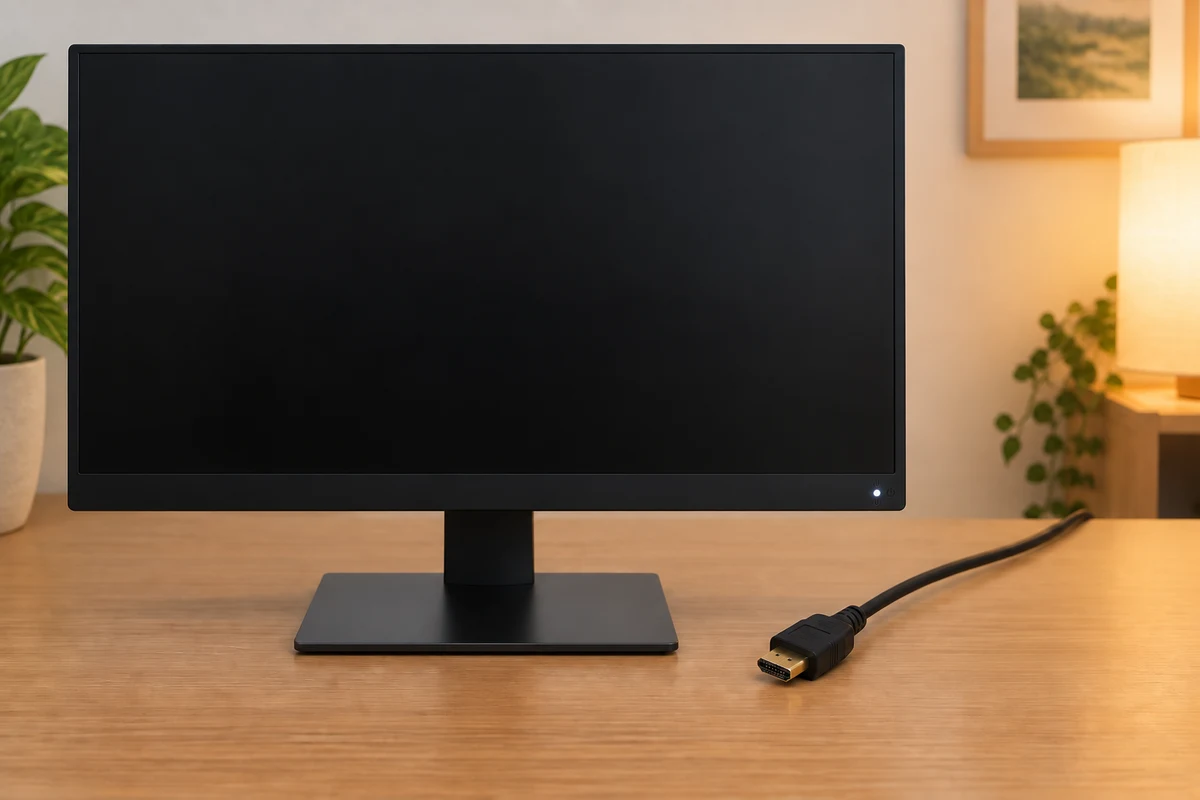
Work through the useful checks
How this works
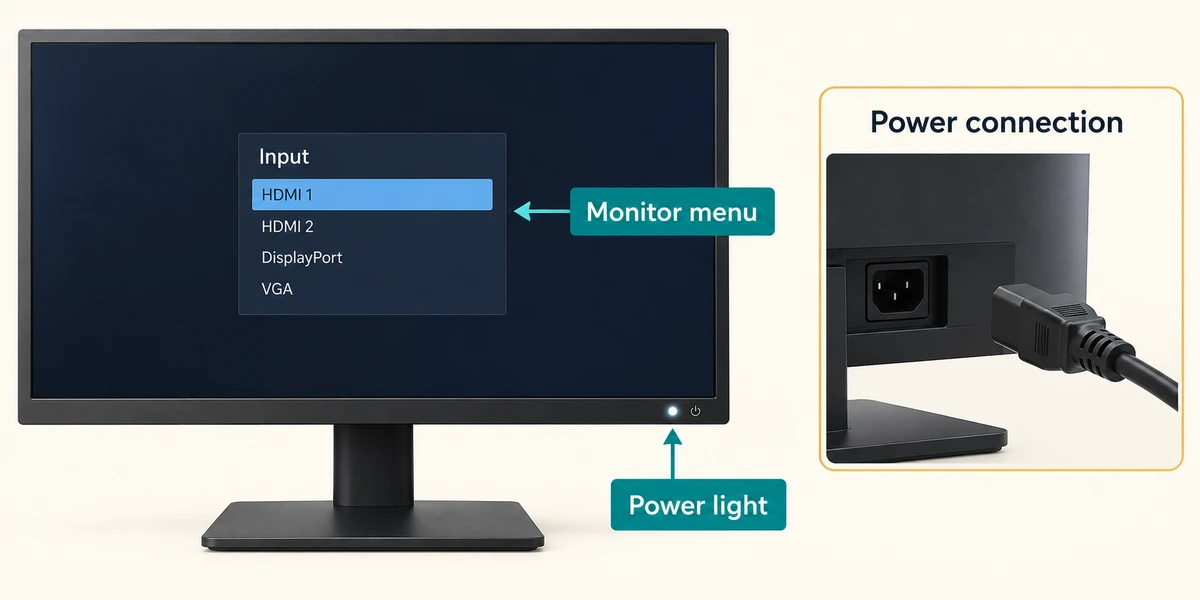
Observe the power light and any message. If the monitor shows its own menu, its panel is displaying something. If nothing lights up, check its power connection according to the guide before changing Windows.
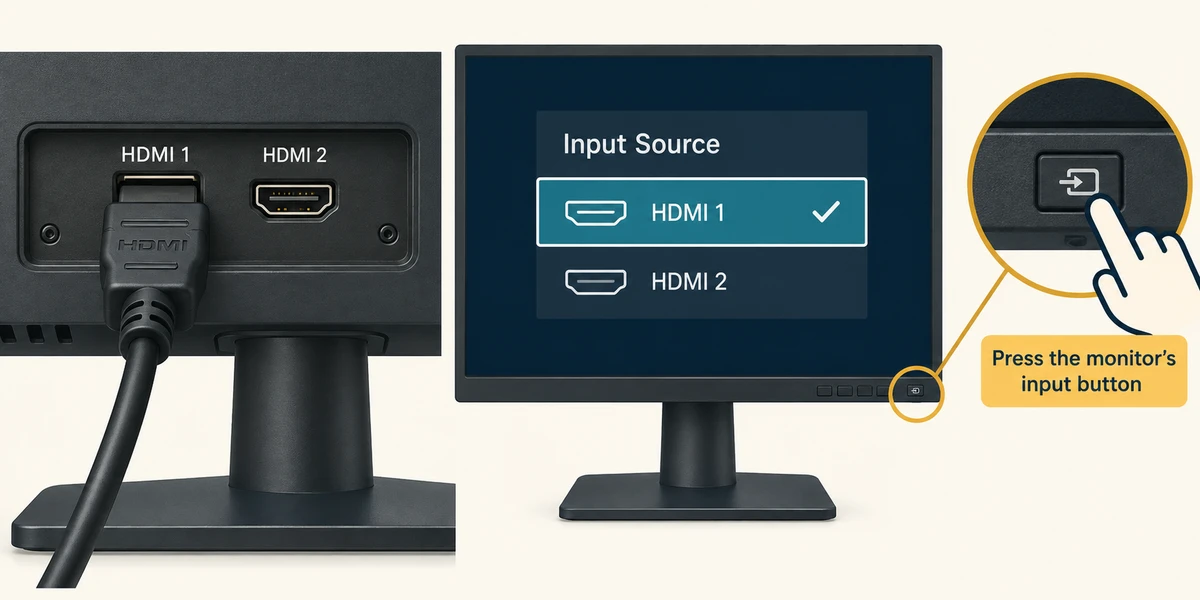
Use the monitor’s physical input button, identified in its guide. Compare the chosen source, such as HDMI 1, with the socket holding the cable. Similar sockets can be separate sources.
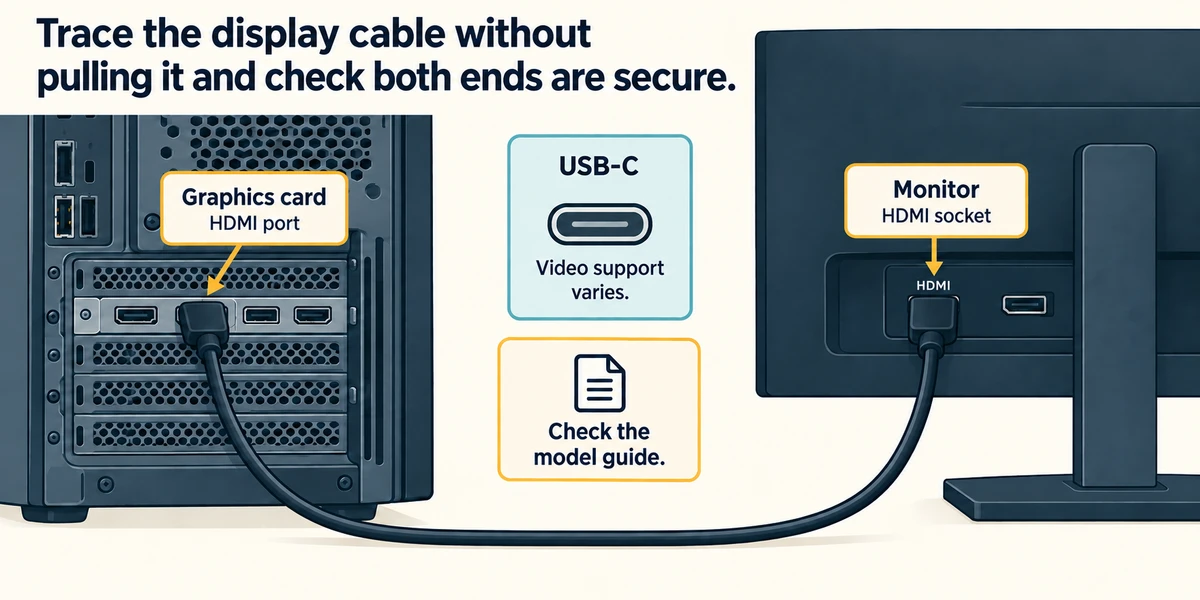
Trace the display cable without pulling it and check that both ends are secure. A USB-C shape alone does not prove the socket or cable carries video. On a desktop, the appropriate display socket may be on a graphics card; check the model guide.
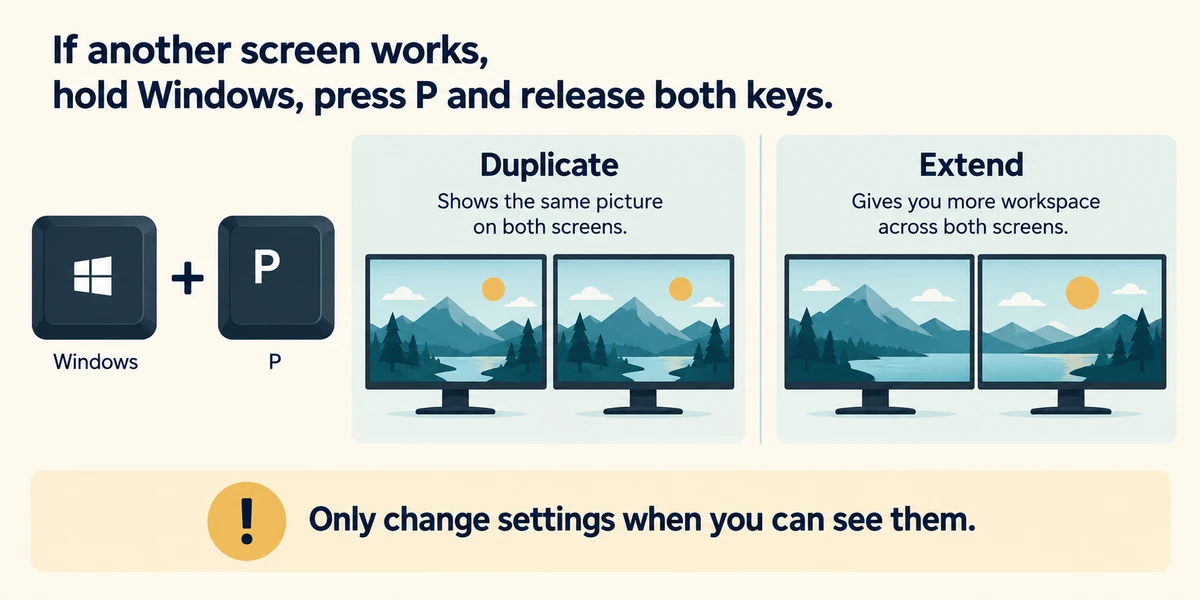
If another screen works, hold Windows, press P and release both keys. Duplicate shows the same picture; Extend gives more workspace. Click the intended mode once. Do not change settings blindly if you cannot see the controls.
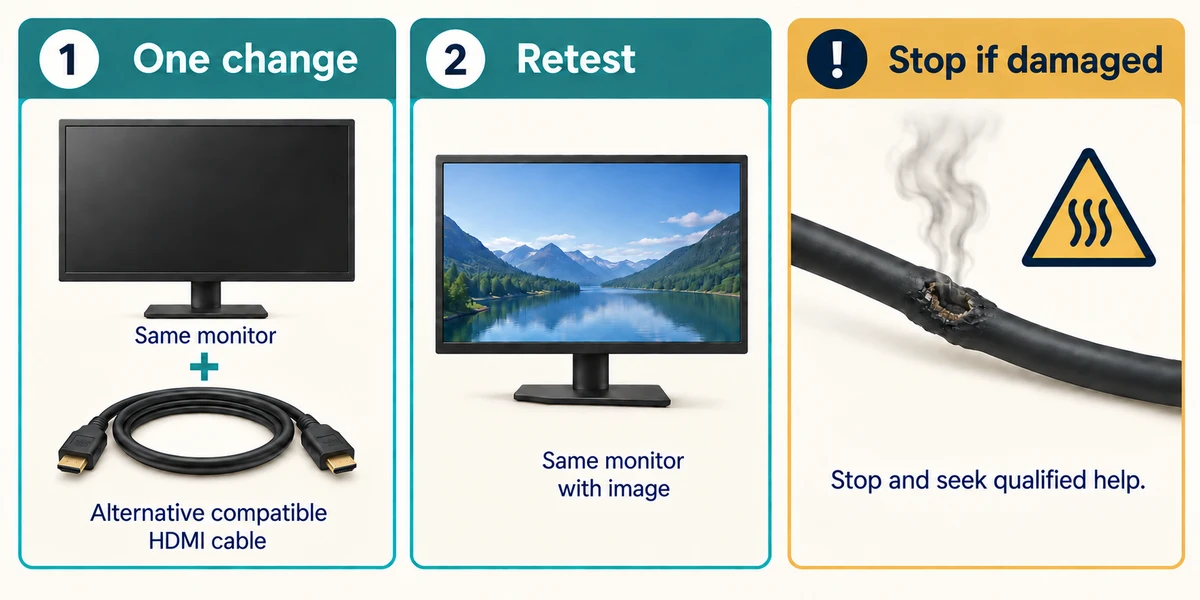
Change one thing and retest. An alternate compatible cable or screen gives useful comparison evidence. Stop using damaged power equipment or anything producing smoke or a burning smell and seek qualified help.
The second screen says No signal
A second monitor has power but is not showing the computer’s picture. Keep cable moves to the accessible outside of the devices.
- Read the monitor’s selected source. The monitor is set to HDMI 2. Its own source menu confirms that input.
- Check the cable’s labelled destination. The computer’s video cable is connected to the monitor socket labelled HDMI 1. The cable is seated at both ends.
- Check the computer’s display mode. Windows is set to extend to the second display, rather than show on the built-in screen only.
The selected monitor input does not match the connected socket. Choose HDMI 1 in the monitor’s source menu, then check the picture. Reinstalling Windows is not supported by this evidence.
A monitor shows No signal and its own menu works. Which check fits best?
Compare the selected input with the connected cable socket.
Check what you understand
In guided learning, click Start 3 questions to receive a selection from this lesson. Click the circle beside an answer, then click Check answer. Read the feedback and try again if needed. Click Next question after each correct answer. Answer all 3 correctly to continue.
Returning to guided learning keeps the questions and answers in your current attempt.
Read all 3 questions and explanations
USB-C charges a phone but sends no picture to a monitor. What must be established?
Answer: Whether the socket, cable and adapter support video.
Charging and video are separate capabilities. Check the exact socket, cable and adapter specifications.
Two working screens should show the same presentation. Which mode fits?
Answer: Duplicate.
Duplicate mirrors the view. Extend creates extra workspace; Second screen only uses the other display instead.
A known-good compatible cable restores the picture. What does this suggest?
Answer: Investigate the original cable or its connection.
The controlled comparison points towards the cable route. It does not establish that the monitor needs replacing or that its resolution must change.
Take this to your computer
- 1
Read the input/source name on a working monitor using its own menu. Compare it with the connected socket without disconnecting anything.
- 2
If two displays are working, hold Windows and press P, release, then read the mode. Press Escape to close the panel without changing it.
The lesson uses fictional examples. Optional checks on your computer can be observational. Settings and available features vary by model and Windows version.
Prefer a more personal, one-to-one lesson? Basic Computing can help. Explore our services.