Add the right file to an email
The file travels with the message
Choose a sample attachment, remove a mistaken choice and check the message.
Check a file attachment's identity, completion and audience.
An attachment includes a file with an email. It might be a photograph, document or other saved item. Typing its name or folder into the message does not include it. A file copy and a cloud sharing link also behave differently after the recipient receives them.
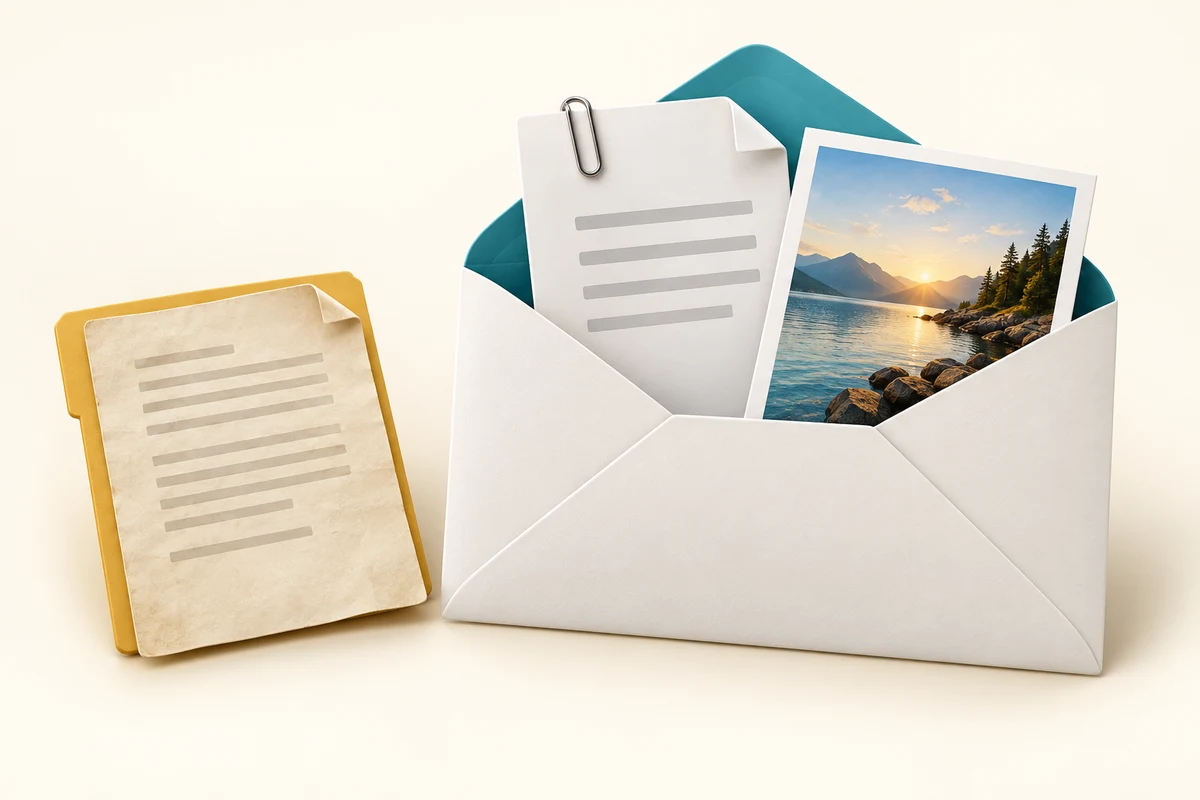
Select the contents you intend to send
How this works
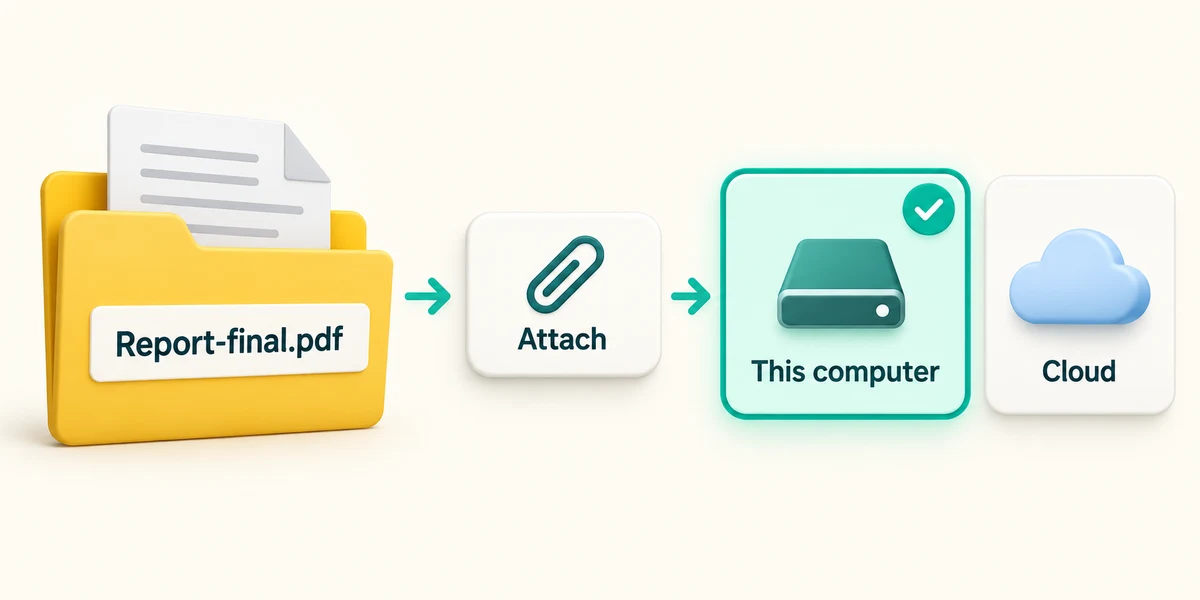
Save your intended file before composing. Give it a name that helps distinguish the right version. In the message, click the paperclip or Attach control once, then choose the option for a file from this computer. Outlook may also offer recent files or a cloud location, so read the source before selecting.
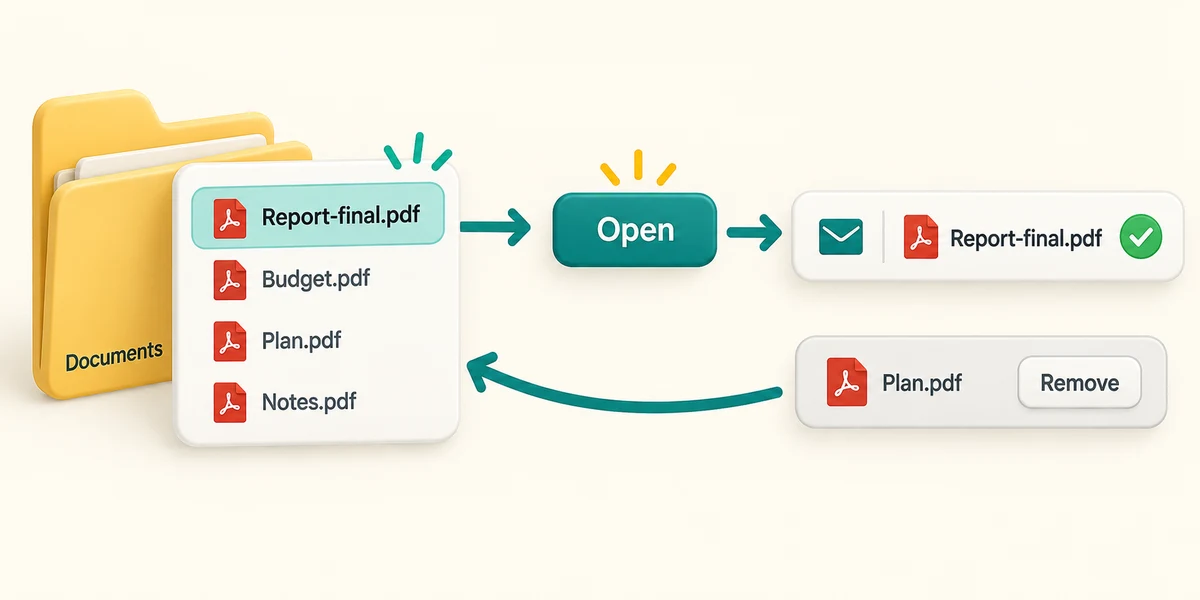
In the file picker, click the location on the left, then double-click folders to open them. Click the intended file once and click Open. Check the attachment name and any preview or progress indicator in the message. If it is wrong, use the attachment's Remove control and choose the correct file.
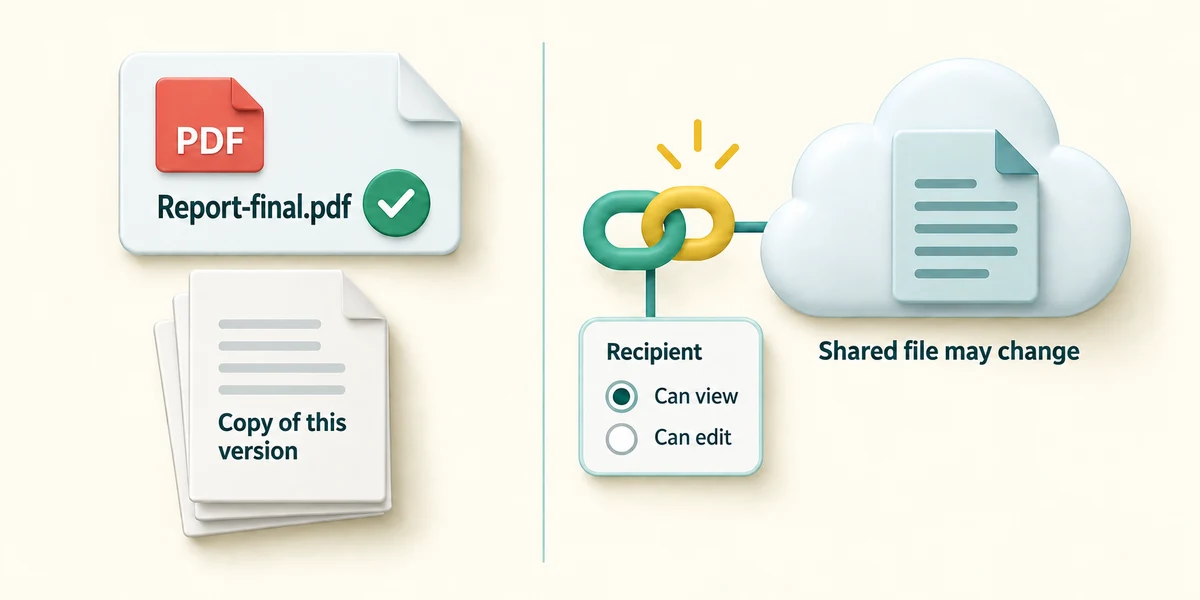
Wait until the attachment has finished adding. Mail services have size limits; a very large file may fail or be offered as a cloud link. Do not simply repeat Send. For a link, check who can access it and whether they can edit. A copy gives the recipient that version; a link can lead to the shared file as it changes.
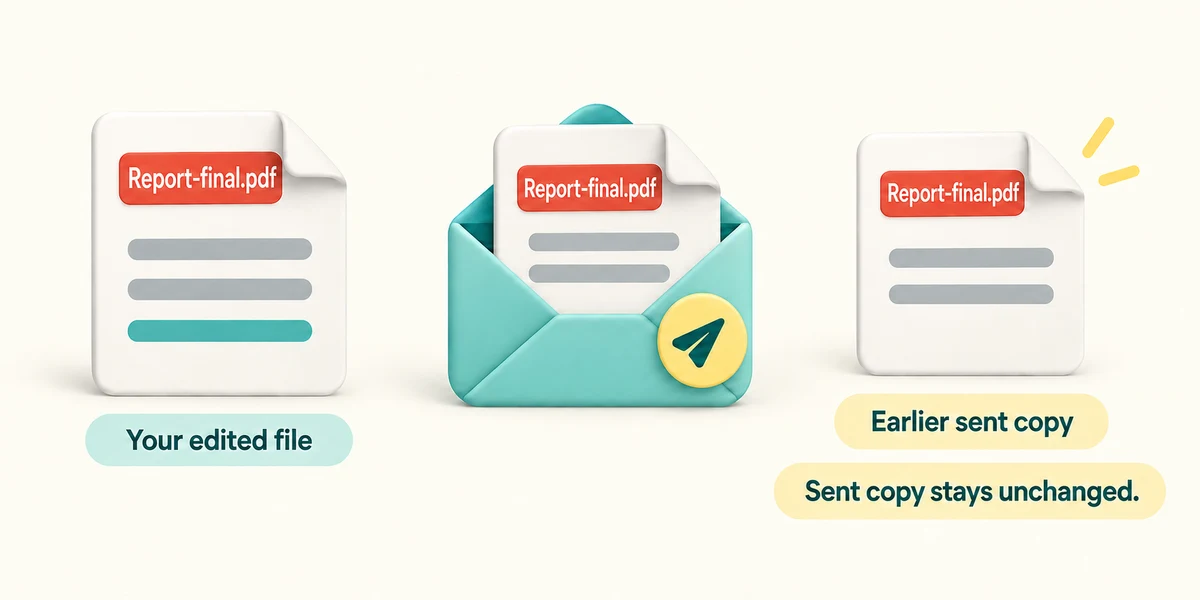
Read the recipient address and message again, and confirm that the file contains only what you mean to share. Click Send only when ready. Editing your own file after sending a normal attachment does not update the copy already sent. If a revision is needed, send the correct version clearly rather than assuming the old attachment changed.
You need to send the finished letter. The draft currently shows Letter-old.pdf attached, while Letter-final.pdf is saved on your PC. What should you do?
Remove the old attachment and attach the saved final version before reviewing Send.
Try a fictional example
Sam needs Meeting notes.txt. Choose that sample file, check the attached filename and send the practice message. The private budget is not part of this request. The interactive example uses only sample data and sends nothing. Read the Learn guidance for the same decisions.
Check what you understand
In guided learning, click Start 3 questions to receive a selection from this lesson. Click the circle beside an answer, then click Check answer. Read the feedback and try again if needed. Click Next question after each correct answer. Answer all 3 correctly to continue.
Returning to guided learning keeps the questions and answers in your current attempt.
Read all 3 questions and explanations
You type a photograph's filename into a message. What have you included?
Answer: Text describing the name, not the photo file itself.
Use Attach for a file or an actual sharing link for online access. A name alone provides neither.
You change a document after sending it as a normal attachment. What happens to the recipient's copy?
Answer: It remains the version already sent.
A file attachment is a copy at sending time. It is different from a link to a shared changing file.
The app offers a link instead of a large attachment. What needs checking?
Answer: Whether the intended recipient has suitable access to the shared file.
Sharing links depend on permissions for the recipient. The link’s appearance and your own access do not establish their access.
Take this to your computer
- 1
No message or file needs to leave your PC. Identify one harmless sample file you could use in a future intended message.
- 2
Before a real send, use the attachment picker steps above and check its displayed name, completion and contents.
Attachments and photos may contain private information. This lesson never reads or sends your files.
Prefer a more personal, one-to-one lesson? Basic Computing can help. Explore our services.