Check before using online banking
The account is yours to control
Choose how to handle an unexpected request to move money for safety.
Use independent banking access and pause over unexpected payment requests.
Online banking lets you view and manage money through your bank's service. The most important decisions are who you are dealing with and what you authorise. A caller's urgency does not make a transfer necessary, even if they know something about your account.

Use your route and read the payment
How this works

Use the bank app you already know or an independently verified saved address. Do not sign in through an unexpected message's link. Read prompts within the genuine service and keep your password, PIN and sign-in codes private. A real service may ask you to approve an action you started; a caller asking you to read a code aloud is different.
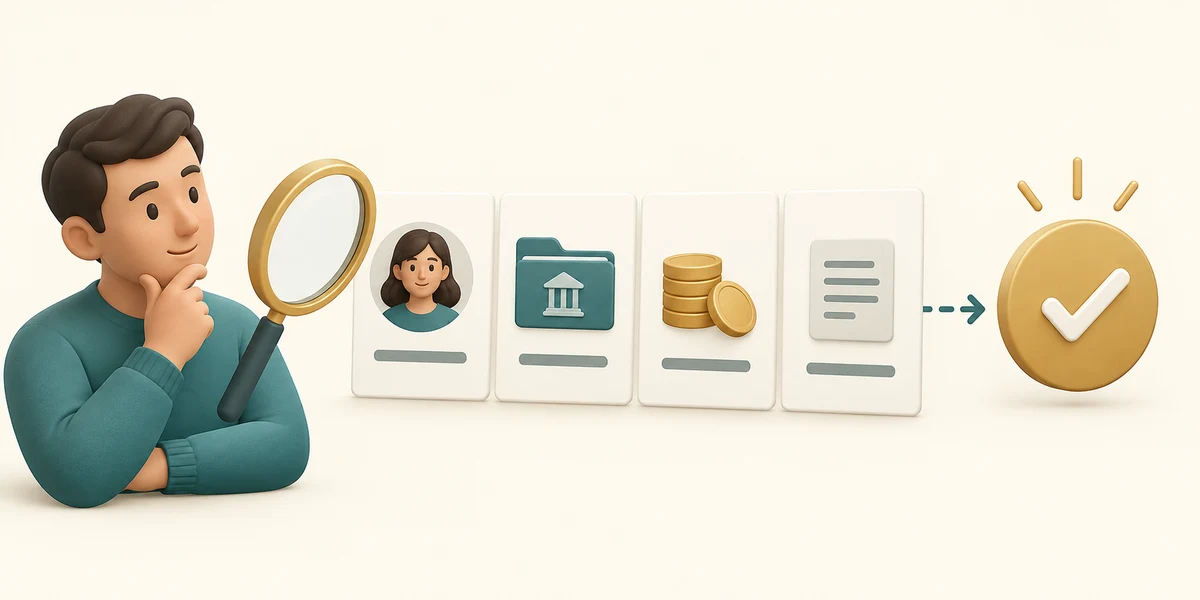
For a payment you genuinely intend, check the recipient, account details, amount and reference before the final confirmation. Read any recipient-name check or warning instead of dismissing it. If account details have changed in a message, confirm them through contact details you already held for the recipient.

Your bank or the police will not ask you to move money into a safe account. If someone makes that claim, stop and contact the bank independently. Follow the bank's payment warnings and answer its questions truthfully; instructions from a caller about what to tell the bank are a reason to pause.
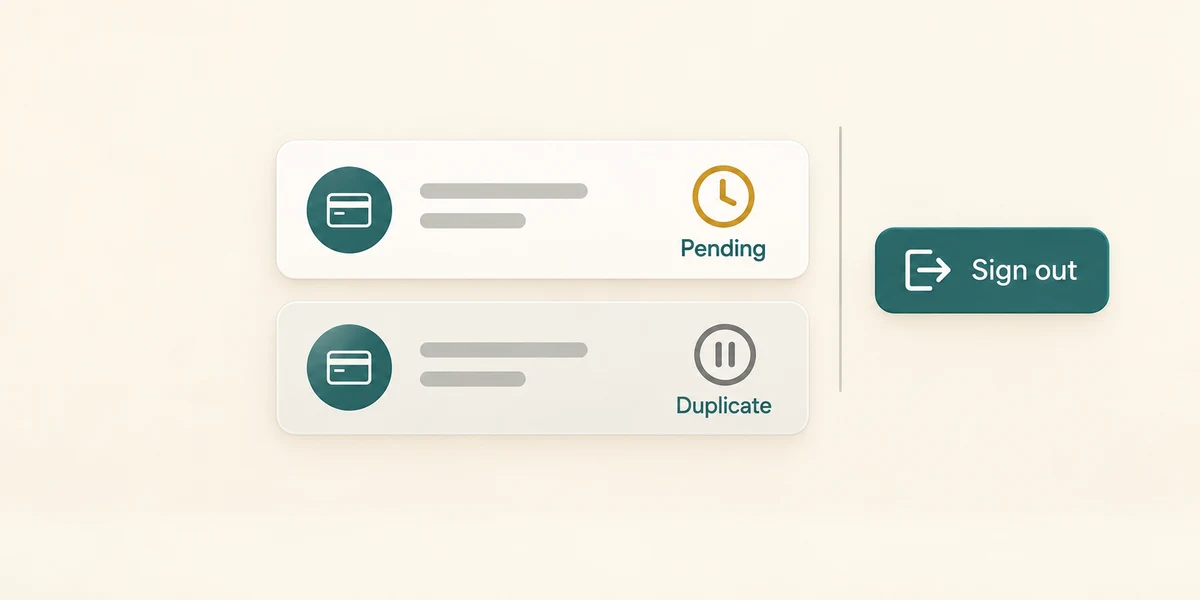
After an intended payment, read its status and keep an appropriate record. Pending does not mean failed, so do not repeat the payment merely because it is not yet complete. Sign out using the bank's labelled Sign out or Log out control when finished, especially on a shared device. For any suspected loss, contact the bank promptly through its known route.
A caller claims to be your bank and tells you to move savings into a safe account immediately. Which response fits?
Stop the call and contact your bank independently without making that transfer.
Check what you understand
In guided learning, click Start 3 questions to receive a selection from this lesson. Click the circle beside an answer, then click Check answer. Read the feedback and try again if needed. Click Next question after each correct answer. Answer all 3 correctly to continue.
Returning to guided learning keeps the questions and answers in your current attempt.
Read all 3 questions and explanations
An invoice arrives with different bank details from before. What should you do?
Answer: Confirm the change using contact details you already held for the supplier.
Use an independent route to confirm changed payment details.
A payment is marked Pending. What is the useful next step before trying to pay again?
Answer: Check the existing transaction's status or ask the bank through its known route.
Pending is neither a confirmed failure nor necessarily a final completion. Check the existing transaction before creating a duplicate.
A caller tells you exactly what to say to bypass your bank's warning. What is useful?
Answer: Stop and speak to the bank through its genuine route.
Warnings and truthful answers help the bank assess a payment. A caller's script is not a reason to bypass them.
Take this to your computer
- 1
No bank account needs to be opened. Use this fictional decision only.
- 2
Privately identify the bank contact details you already trust, such as those on your card. Do not display them or any account information in the lesson.
No payment or financial account access occurs here. This teaches fraud precautions, not product advice or a guarantee of reimbursement.
Prefer a more personal, one-to-one lesson? Basic Computing can help. Explore our services.