Find the right government service
Read the service page before the form
Choose a suitable route to a government service.
You will know how to check the service, evidence and deadline before entering information.
A government service page explains who a service is for, what is needed and how to begin. Starting from that guidance helps you avoid paying an unnecessary intermediary or completing the wrong form. An official service may have specific eligibility, evidence and timescales.
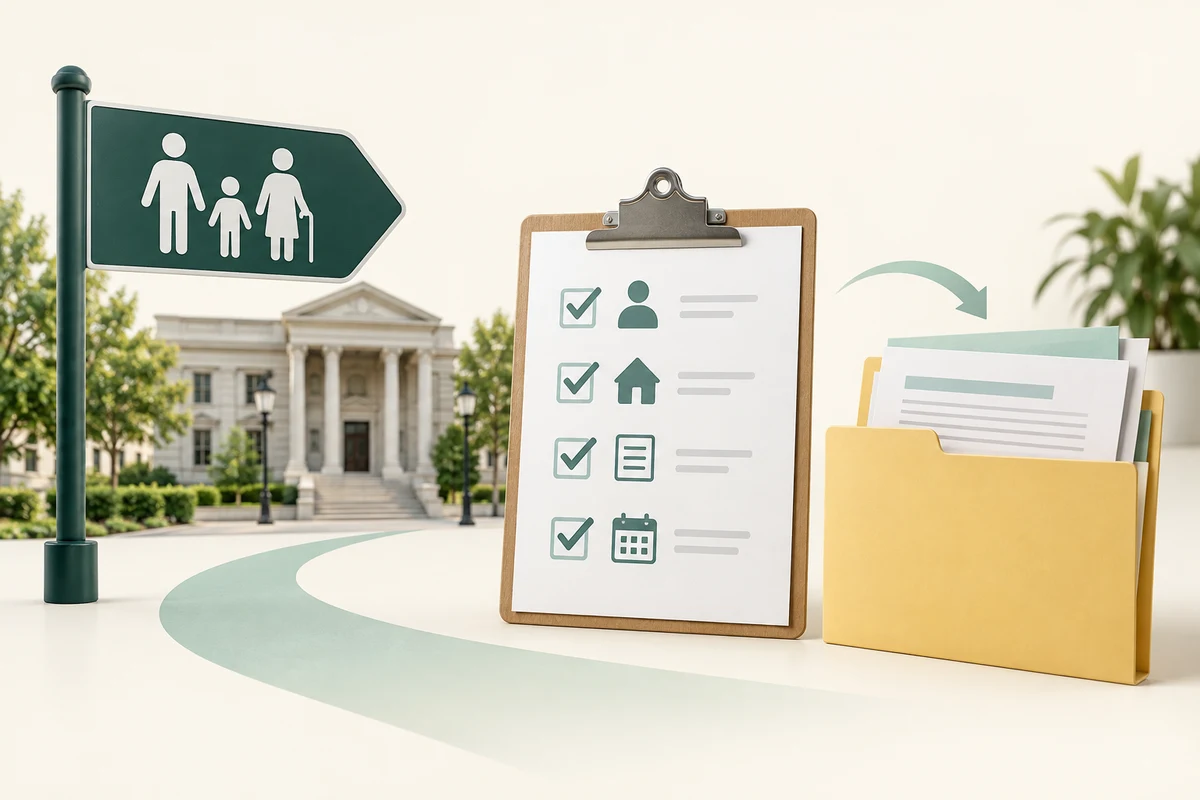
Find, read and prepare
How this works
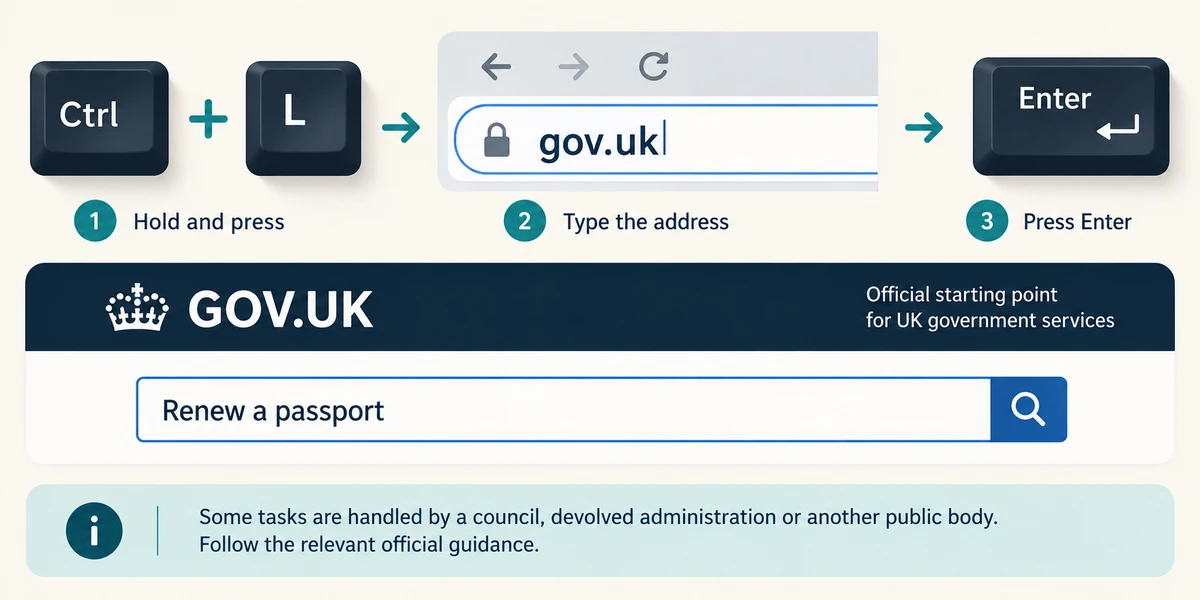
For a UK central-government task, type gov.uk into the browser’s address bar: hold Ctrl, press L, release both, type the address and press Enter. Use GOV.UK’s labelled search field for the task, then read the result title and description. Some tasks belong to a council, devolved administration or another public body; follow the relevant official guidance rather than assuming every task is completed on GOV.UK.
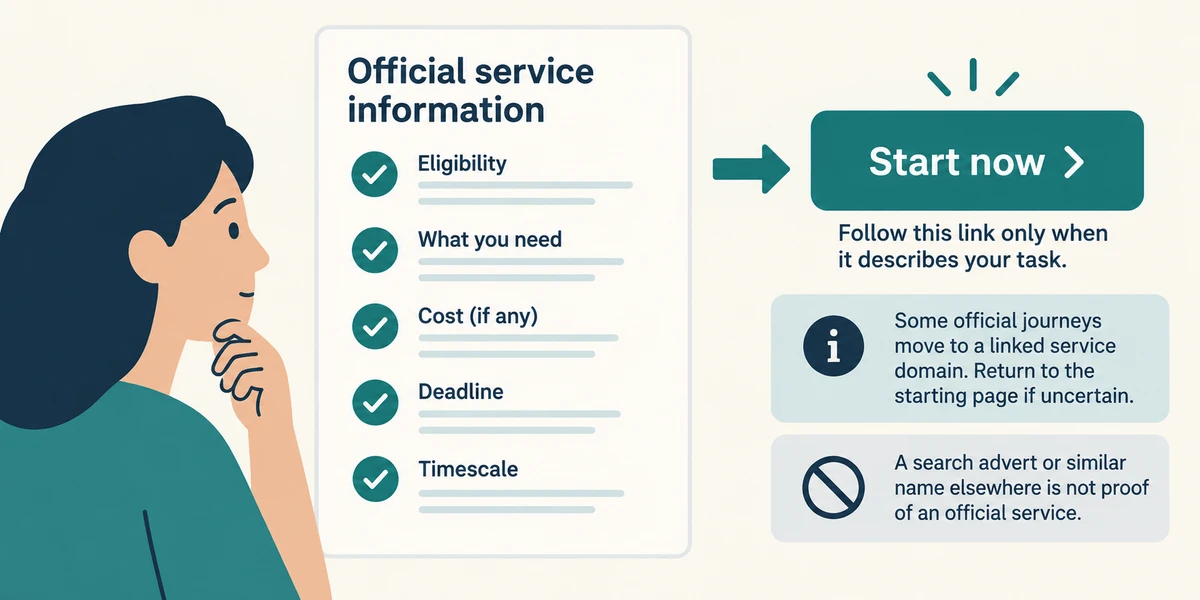
Read the service page’s eligibility, what you need, cost if any, deadline and expected timescale. Follow its Start now or application link only when it describes your task. A search advert or similar name elsewhere is not proof of an official service. Some official journeys move to a linked service domain; return to the known starting page if uncertain.
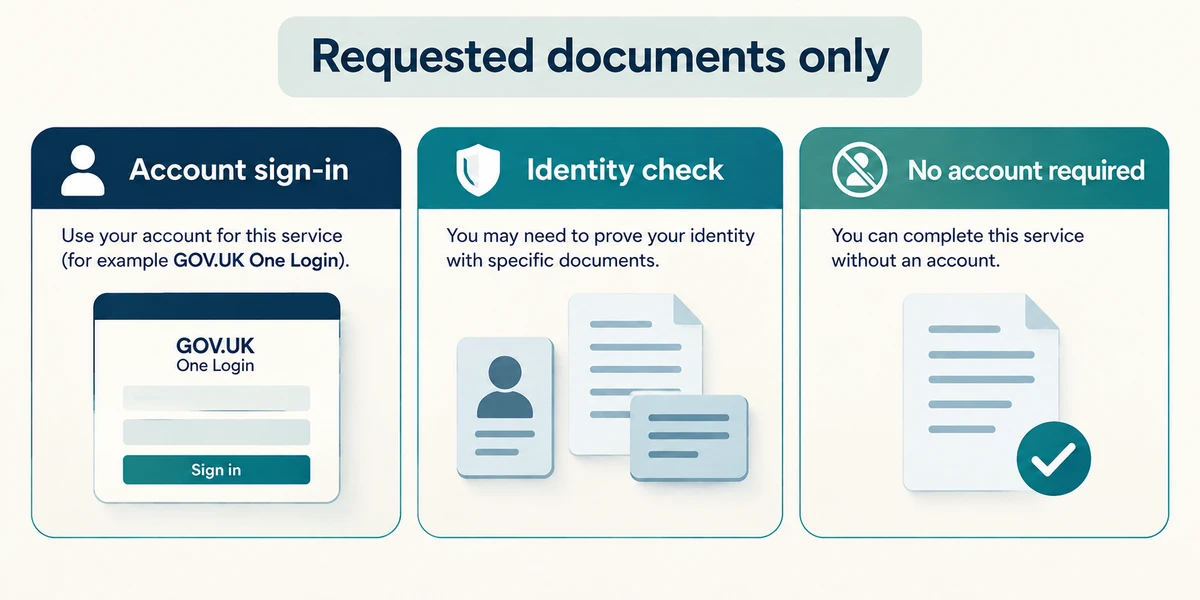
Prepare only the documents the service requests. Some services use GOV.UK One Login and may require identity proof; others use different accounts or processes. The identity method and acceptable evidence vary, so use the instructions for that service rather than uploading an identity document everywhere.
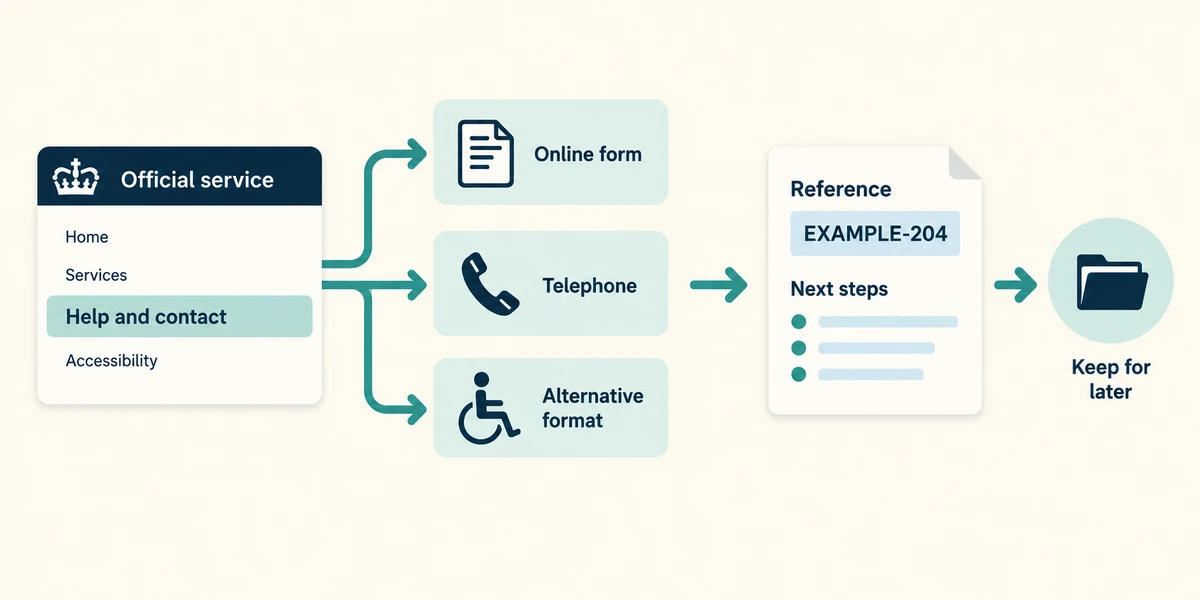
If a form does not fit your circumstances or is inaccessible, find the service’s official contact or alternative application route. After a future application, retain the reference and stated next steps. No application or account creation is needed here.
A search result offers to apply for a government document for an extra handling fee. You want to understand the official process first. What is the best next step?
Read the relevant service page reached through GOV.UK
Check what you understand
In guided learning, click Start 3 questions to receive a selection from this lesson. Click the circle beside an answer, then click Check answer. Read the feedback and try again if needed. Click Next question after each correct answer. Answer all 3 correctly to continue.
Returning to guided learning keeps the questions and answers in your current attempt.
Read all 3 questions and explanations
An official service page says applicants need a particular document you do not have. What should you do?
Answer: Read its alternative-evidence or help guidance before starting
Evidence requirements belong to the service. Use its alternatives or help route rather than substituting an unrelated file.
One service asks for GOV.UK One Login. What can you infer about another government task?
Answer: Its own page will explain whether and how to sign in
Public services can use different sign-in arrangements. Follow the specific official journey.
An application shows a reference and says further evidence is needed. What does that mean?
Answer: Keep the reference and follow the stated next step
A reference identifies a request. It is not the same as approval or completion of all required steps.
Take this to your computer
- 1
Optional: visit GOV.UK and read a service description relevant to you. Find What you need and its help route.
- 2
Stop before starting an application or entering personal details.
This lesson explains navigation and preparation, not entitlement or legal advice.
Prefer a more personal, one-to-one lesson? Basic Computing can help. Explore our services.