Understand the internet
A connection beyond your home
Compare a working local connection with a connection that also reaches websites.
Explain why a Wi-Fi connection and internet access are different things.
The internet connects many networks around the world. Your computer reaches websites and online services through those connections. A home router helps your devices join a local network; an internet provider supplies the connection beyond it. A working computer can still do some jobs when that outside connection is unavailable.
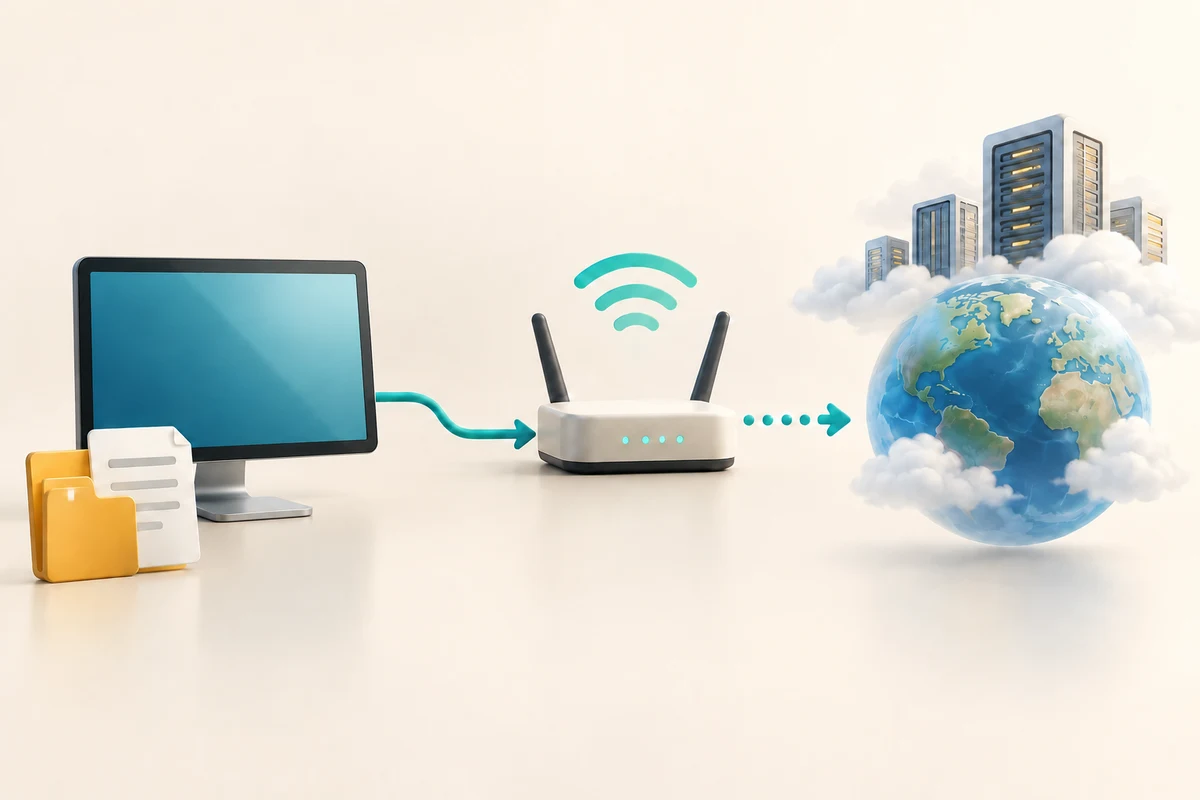
Follow the connection in stages
How this works
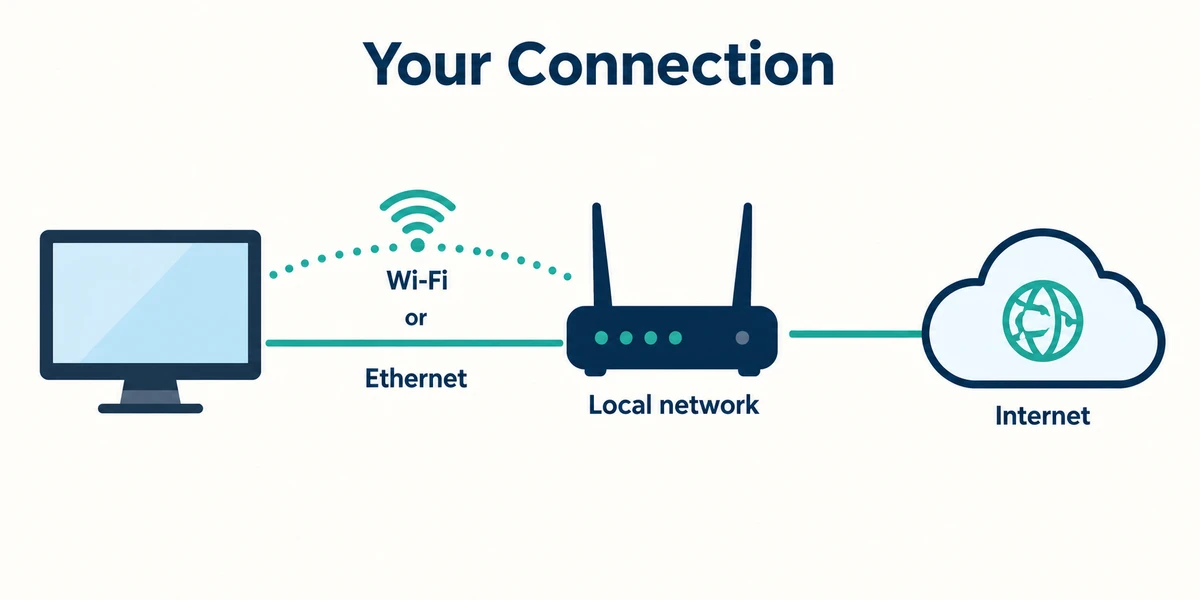
Picture three parts: your computer, the router or local network, and the outside internet connection. Wi-Fi or an Ethernet cable can connect the computer to the local network. They are different ways to reach that network, not names for the entire internet.

A Wi-Fi symbol can show that your computer has joined a network even when the router cannot reach the internet. A saved document may still open, while a new website cannot load. Similarly, a printer on the local network may work without a working outside connection.

A browser is the app that displays websites. Email and calling apps also use internet connections, although some keep previously downloaded information available offline. Seeing an old page already on screen does not prove a new request will succeed.

For a simple observation, click the network, sound or battery area near the taskbar clock once to open Quick Settings. Read the connection status without changing it, then press and release Escape to dismiss the panel. If several websites fail, check the connection status before assuming each website has broken. A work or public network may have its own sign-in requirements.
A laptop says it is connected to home Wi-Fi. A saved letter opens, but no new websites load. Which explanation is possible?
The local connection works, but the outside internet connection may not.
Check what you understand
In guided learning, click Start 3 questions to receive a selection from this lesson. Click the circle beside an answer, then click Check answer. Read the feedback and try again if needed. Click Next question after each correct answer. Answer all 3 correctly to continue.
Returning to guided learning keeps the questions and answers in your current attempt.
Read all 3 questions and explanations
Which part links devices through your home router before they reach outside services?
Answer: The local network.
The local network connects your nearby devices. The provider and website are further parts of an online connection.
An old webpage is still visible after the connection drops. What does that show?
Answer: Previously displayed information can remain on screen.
A displayed page can remain visible without a connection. New requests may still fail.
A saved letter opens while a new video call cannot connect. Which difference could explain this?
Answer: The letter is available locally; the call needs a working online connection.
A local file may be available offline. A live call needs the network to reach the service.
Take this to your computer
- 1
If you wish, observe the connection status using the taskbar area described above. Leave its switches unchanged.
- 2
Think of one job you can do with a saved local file and one job that needs someone else's online service.
No network changes, router resets or account details are needed. The example is a way to understand connections, not a diagnosis of your computer.
Prefer a more personal, one-to-one lesson? Basic Computing can help. Explore our services.