Understand private browsing
A private window changes local records
Identify what remains after a private session.
You will know what private browsing can and cannot hide.
Private browsing reduces some records left in that browser after the private session ends. It is useful for separating a temporary session, but it does not make you anonymous to websites or to an organisation managing the network. Signing into an account still tells that service who you are.
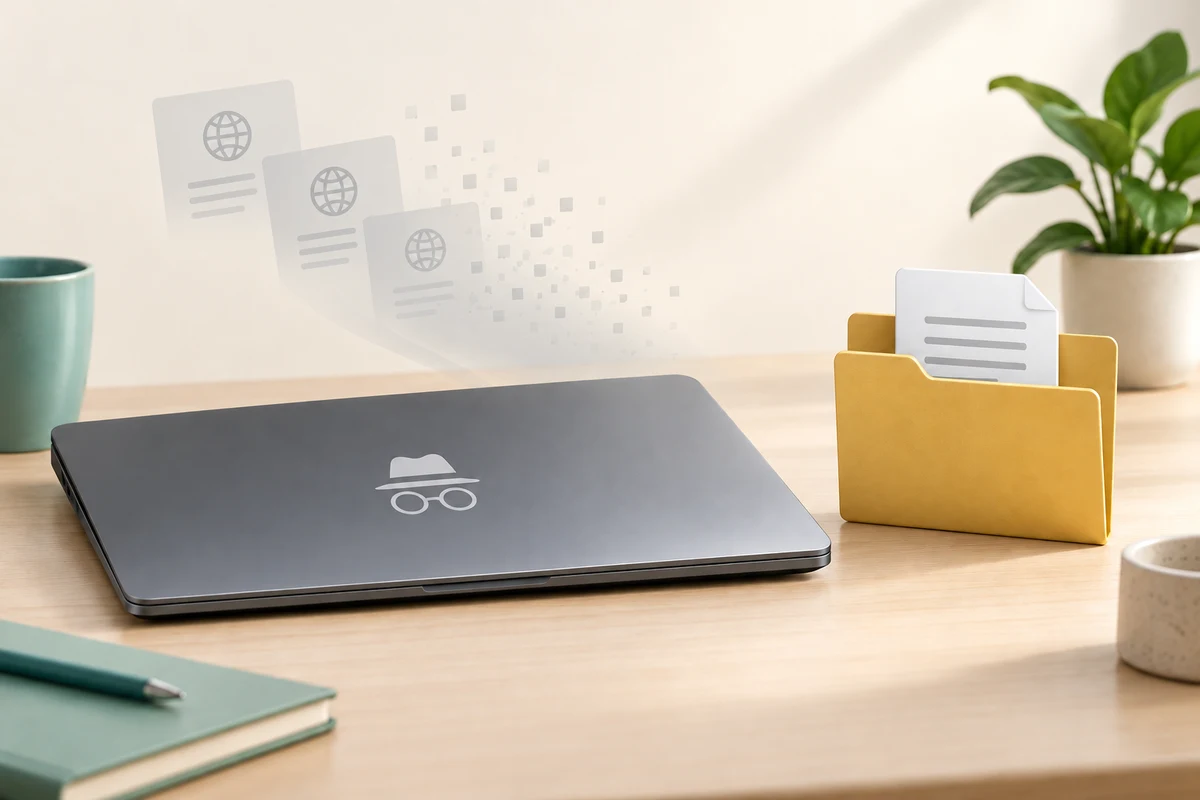
Know what stays and what ends
How this works

In Chrome, click the three-dot menu at the top right and choose New Incognito window; in Edge, use New InPrivate window. Read the window’s private-mode indicator and explanation. A new ordinary tab is not a private window, and private mode does not change the existing ordinary windows.

Downloads you save and bookmarks you create can remain after the private session. Websites can identify a signed-in account, and a school, employer or internet provider may still observe network activity. Private browsing is not a guarantee against scams, malware or information you deliberately submit.
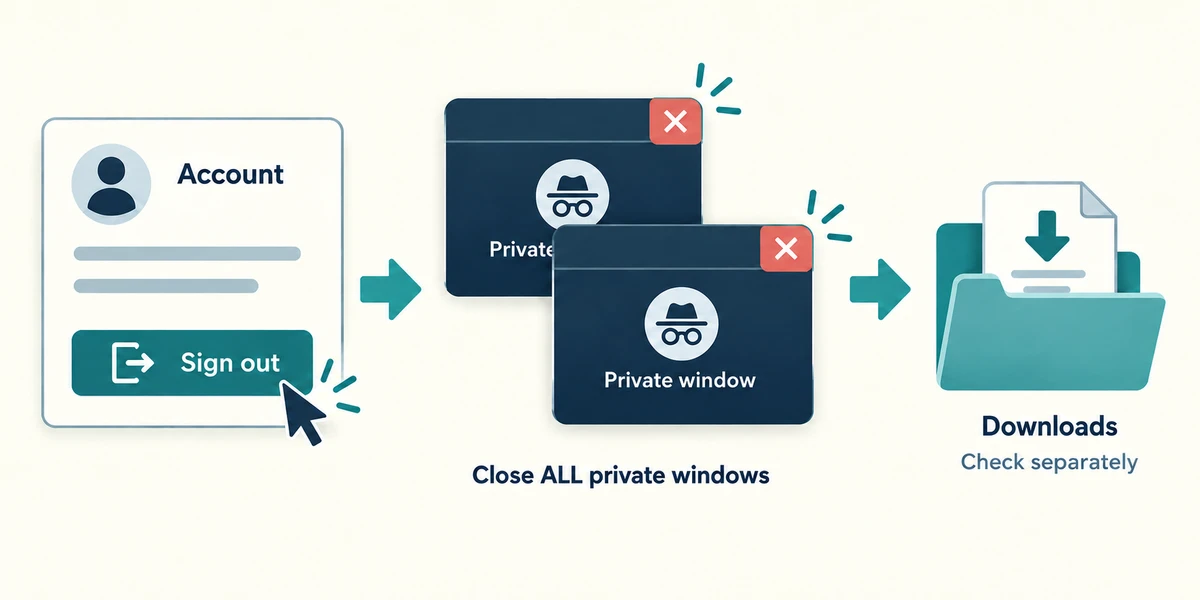
When finished, sign out of any account using its labelled Sign out control, then close every private window with its top-right X to end the session. Closing just one tab may leave other private windows running. Check any saved downloads separately, particularly on a shared computer.
You download a statement in a private window and then close every private window. What should you still check on a shared computer?
The saved statement file, which may remain
Check what you understand
In guided learning, click Start 3 questions to receive a selection from this lesson. Click the circle beside an answer, then click Check answer. Read the feedback and try again if needed. Click Next question after each correct answer. Answer all 3 correctly to continue.
Returning to guided learning keeps the questions and answers in your current attempt.
Read all 3 questions and explanations
You sign into a shopping account in a private window. What can that shop know?
Answer: Which account you signed into
Private mode does not hide the identity you supply by signing in.
One private window remains open after you close another. Has the whole private session necessarily ended?
Answer: No, close all private windows to end it
Private windows can share a private session. Close them all when finished.
A website asks for a password in private mode. What still matters?
Answer: Whether it is the intended genuine service and request
Private mode does not establish that a page or request is trustworthy.
Take this to your computer
- 1
Optional: open a private window through the browser menu and read its explanation. Close it with the top-right X without signing in.
Private browsing has a limited local scope. Downloads and wider activity are separate.
Prefer a more personal, one-to-one lesson? Basic Computing can help. Explore our services.