Understand apps and programs
Understand apps and programs
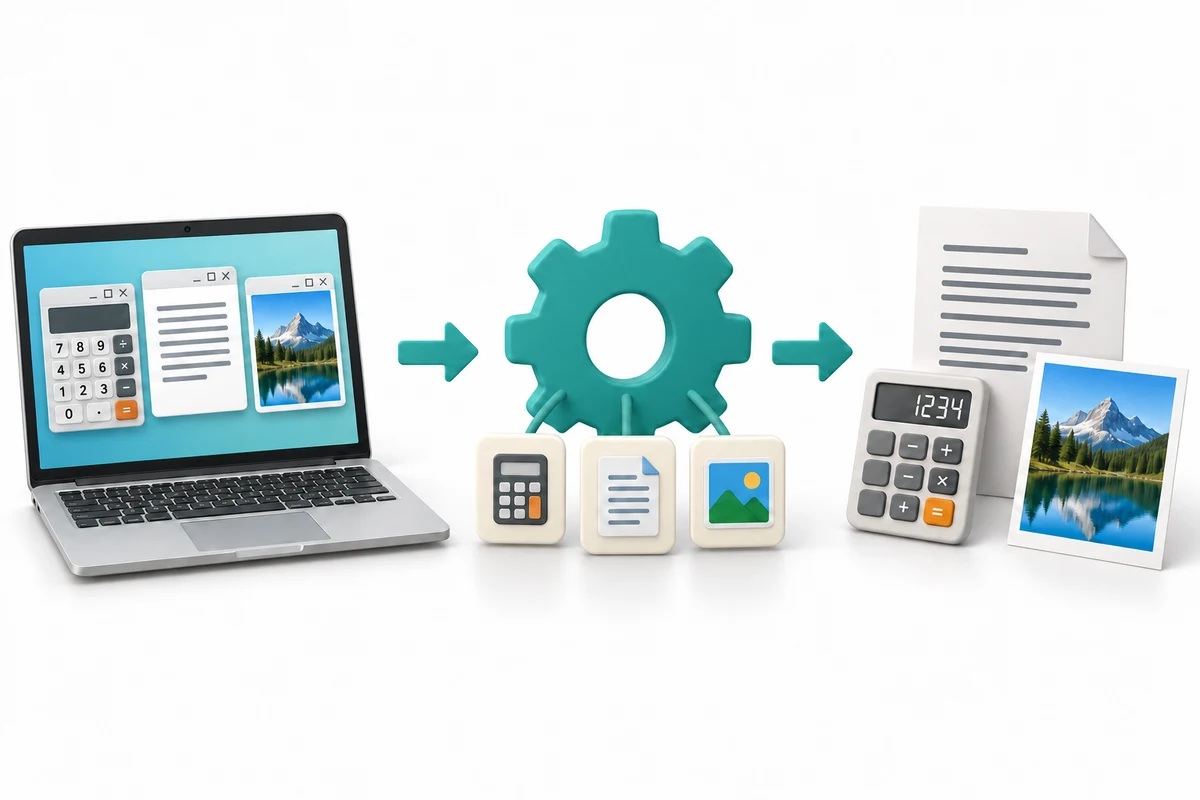
You are going to explore three short illustrated stages, try a practice choice and answer three quick-check questions.
Explain what an app does. Distinguish an app from a file and an operating system. Choose a suitable kind of app for a task.
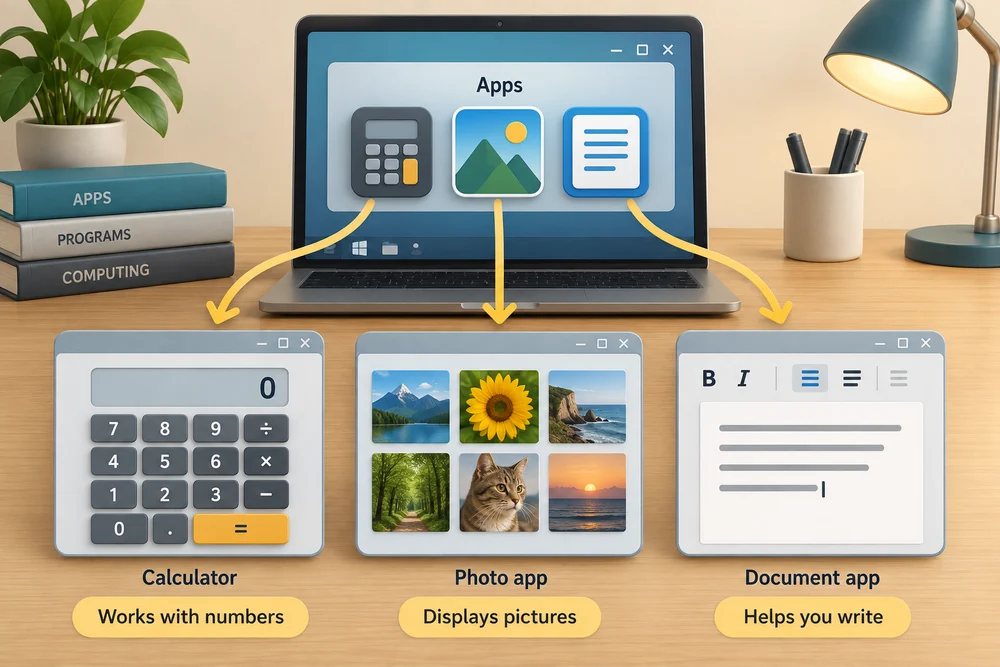
An app, short for application, is a program that helps you do a job. A calculator works with numbers, a photo app displays pictures and a document app helps you write. App and program often mean the same thing in everyday computer instructions.
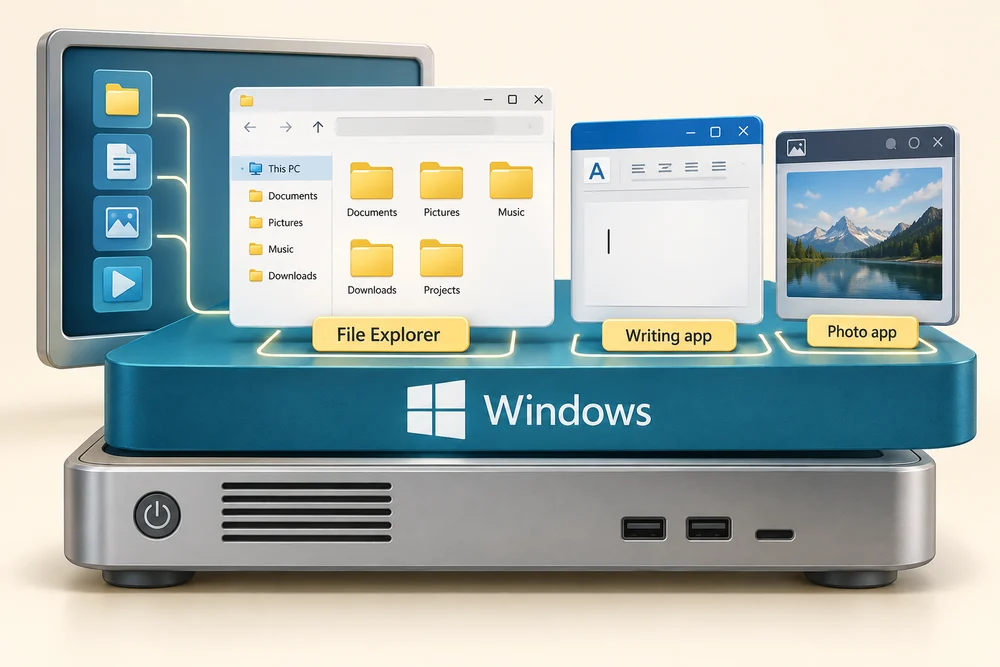
Windows is the operating system: it manages the computer and provides the environment in which apps run. An app does a particular job within that environment. File Explorer is also an app, used to browse and organise files and folders.
A file is a saved item of information, such as a photo or letter. The app is the tool that opens or changes it. Holiday photo.jpg is a photo file; a photo app can display it. Closing its window does not, by itself, delete the saved photo.

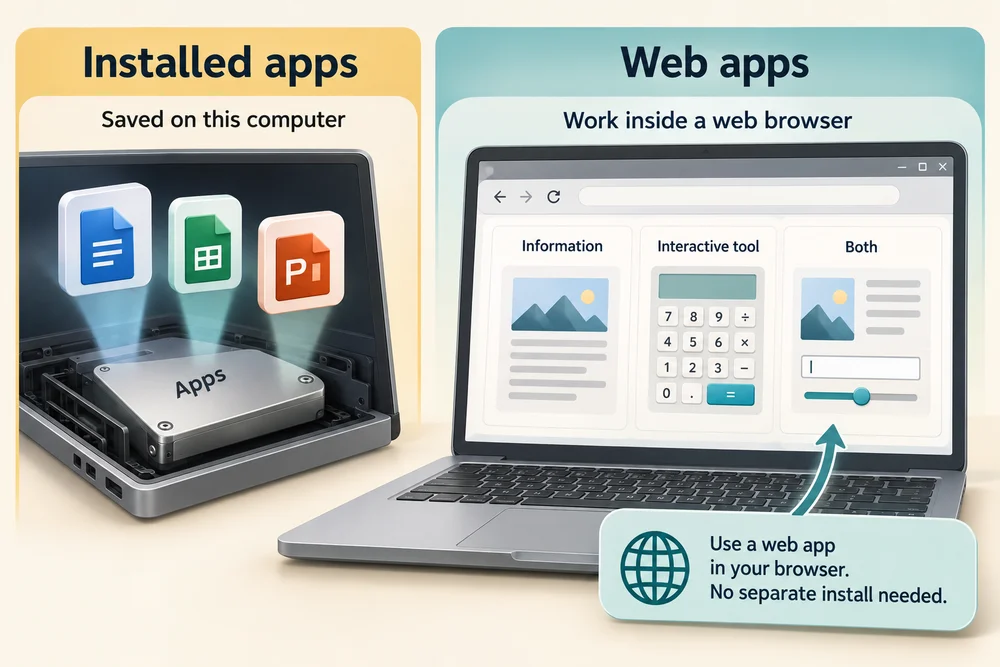
Some apps are installed on the computer. Others work inside a web browser and are called web apps. A website can offer information, an interactive tool or both. Using a web app does not necessarily require installing a separate desktop app.
A default app is the app Windows normally chooses for a kind of file or link. Several suitable apps may do similar jobs. Their features, account requirements and supported file types can differ. Having Windows does not mean every app you hear about is already installed or included at no extra cost.
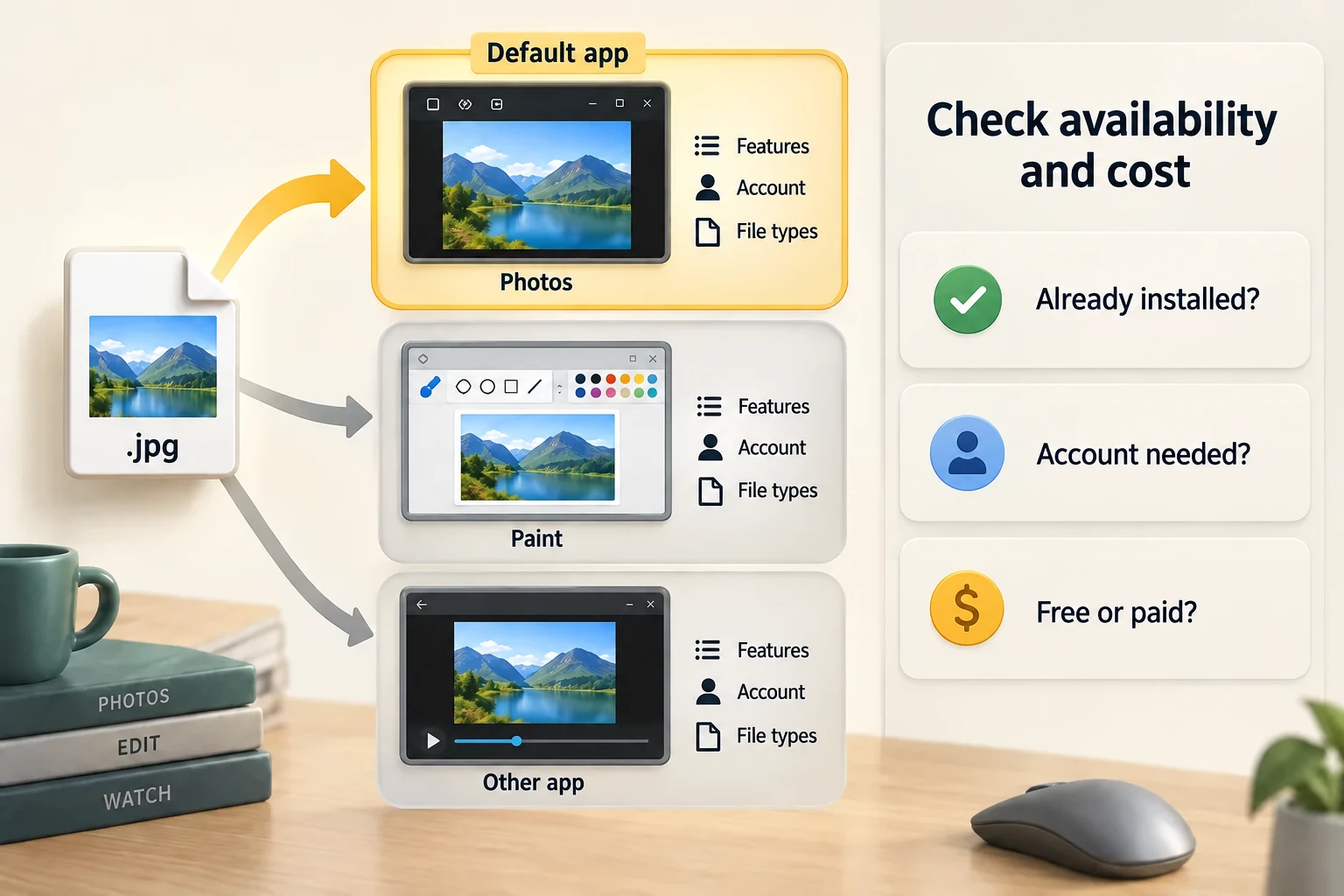
Explore the example
Explore how an app, a saved file and Windows fit together. Use what you notice to make the practice choice. No files are opened or changed on your computer.
Explore the three stages, then try the practice choice. The guidance beside each control explains what to do. The separate Quick check comes next.
An app helps you do a job
1. Choose a suitable app
An app is a program designed to help with a job. A photo app displays pictures, a writing app works with documents, and a calculator works with numbers. The app is the tool; a photo or letter is a file you use with it.
2. Instructions do the work
The app gives the computer instructions. When you choose an action such as opening a photo, the computer follows those instructions. The cog in the picture represents this work; an app does not contain a physical cog.
3. See the result
The result might be a picture on screen, a calculation or a document you save. Closing the app window and deleting a saved file are different actions. Your saved photo can remain after the photo app closes.
Try a small task
A saved image contains people you want to identify. You need to see its contents without changing it. What would you use?
- A viewer that opens saved pictures (the suitable choice)
A viewer lets you inspect the image itself. The saved picture is the file; the program is the tool displaying it.
- A naming tool used only to change the item’s label
Changing the label does not show who is in the picture. A viewer opens the saved contents so you can inspect them.
- The saved item itself, treating it as a program
The saved item contains image information; it is not the program that displays that information. A viewer supplies that role.
Your activity stays as you left it when you return to one section at a time.
Check your understanding
Click Start 3 questions to begin. Click the circle beside your answer, then Check answer. After each of the first two correct answers, click Next question. When all three are correct, click Continue below. You can change a wrong answer and check again. With a keyboard, Tab reaches choices, arrow keys choose an answer, and Tab then Enter activates a button.
In guided learning, click Start 3 questions to receive a selection from this lesson. Click the circle beside an answer, then click Check answer. Read the feedback and try again if needed. Click Next question after each correct answer. Answer all 3 correctly to continue.
Returning to guided learning keeps the questions and answers in your current attempt.
Read all 10 questions and explanations
What do a calculator and a writing tool have in common?
Answer: Both are programs for particular tasks.
Yes. An app is software for a task, such as writing or viewing a photo.
One guide says to open a program; another calls the same tool an app. What is the usual explanation?
Answer: The guides are using two common names for the same kind of software.
Yes. In computer instructions, app and program often refer to software you use.
Your computer runs several different tools. What is Windows responsible for?
Answer: Managing the computer and providing the environment those tools run in.
Yes. Windows provides the environment in which apps run.
Which item is saved work, rather than a tool used to handle it?
Answer: Holiday photo.jpg, a picture you took.
Yes. The saved photo is information; an app is the tool that displays it.
You want to see what is in a saved picture before deciding where to keep it. Which action fits?
Answer: Open it with a tool that displays image files.
Yes. A photo app is designed to display image files.
You finish looking at a saved picture and close its window. What has changed?
Answer: The view has closed; the saved item can still be opened later.
Yes. Closing a window and deleting a saved file are different actions.
You edit a document using an online tool inside Edge. Where is that tool working?
Answer: Within the browser as a web app.
Yes. A web app provides an interactive tool through the browser.
Opening a certain kind of file normally launches the same tool on your PC. What explains that choice?
Answer: Windows has an app selected for that kind of file.
Yes. A default is the normal choice in that computer’s settings, not a universal rule.
You need to locate a saved letter and organise its containing folder. Which role fits File Explorer?
Answer: Finding and arranging saved items.
Yes. File Explorer is an app for navigating and organising saved items.
Someone recommends an app you have not used. What can you assume from having Windows?
Answer: You still need to check the app’s availability and requirements.
Yes. Windows and individual apps are different products; their requirements vary.
Connect the idea to your computer
These observations are optional. You can finish using the lesson’s examples, without installing an app or changing your computer’s settings.
- 1
Press the Windows logo key on your keyboard to open Start. Type Calculator, then click the Calculator app in the results if it is available. If it is not listed as an installed app, use this lesson’s examples instead.
- 2
Notice the app’s name and number buttons. Think of its job: working with numbers. You do not need to enter anything.
- 3
Click the X at the top right of the Calculator window to close it. Windows is still running behind that app.
App names and layouts can vary. If a suggested app or screen is not available, use the lesson example instead. Nothing needs to be bought, downloaded, sent or deleted.
Prefer a more personal, one-to-one lesson? Basic Computing can help. Explore our services.