Check an online purchase before paying
Check the purchase as well as the page
Judge an unexpected change in a seller's payment instructions.
Check the seller and transaction details before authorising an order.
A convincing shop page is only one part of a purchase. You also need to know who is selling, what you are buying, the full cost and how payment is requested. Taking a moment before the final payment is easier than trying to untangle an unexpected order afterwards.
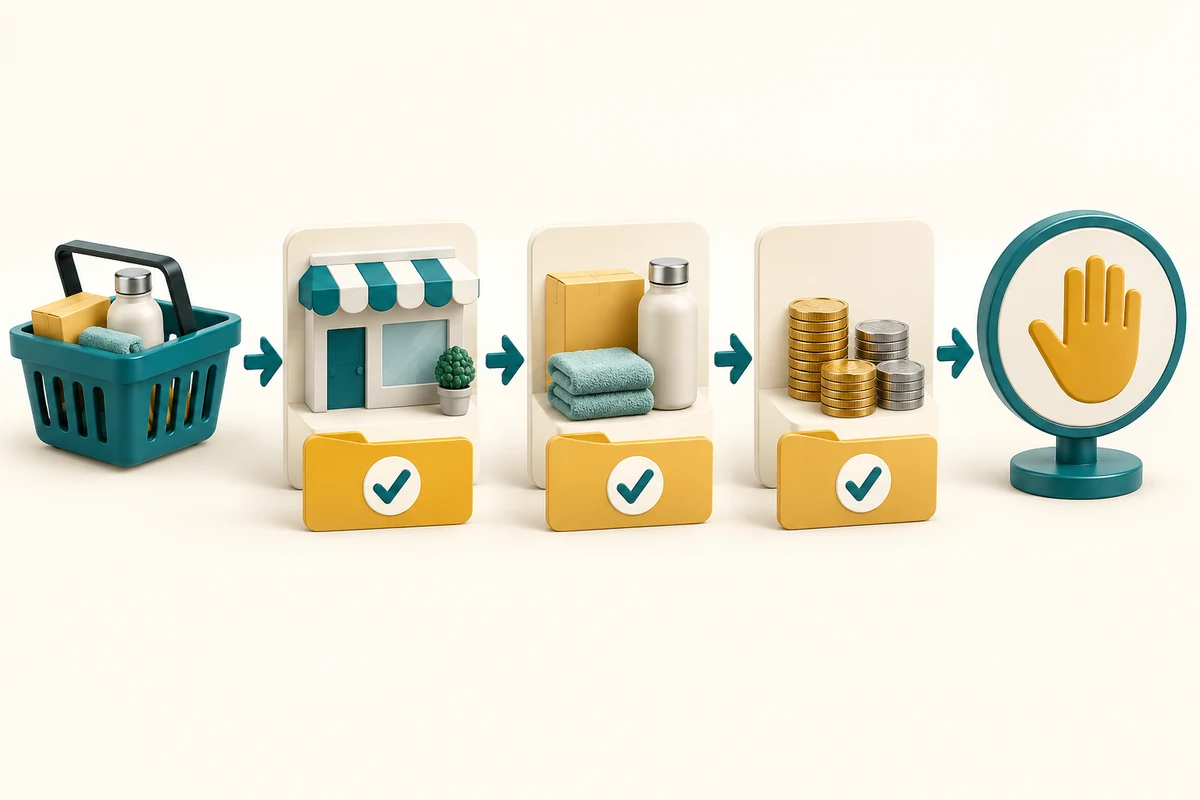
Review the seller, basket and result
How this works

Reach the shop independently and check its identity and contact information. For an unfamiliar seller, look for independent information and read delivery and returns terms. A copied logo, excellent-looking review or unusually low price is not proof of a reliable shop. Marketplace websites can contain different individual sellers, so check the actual seller too.
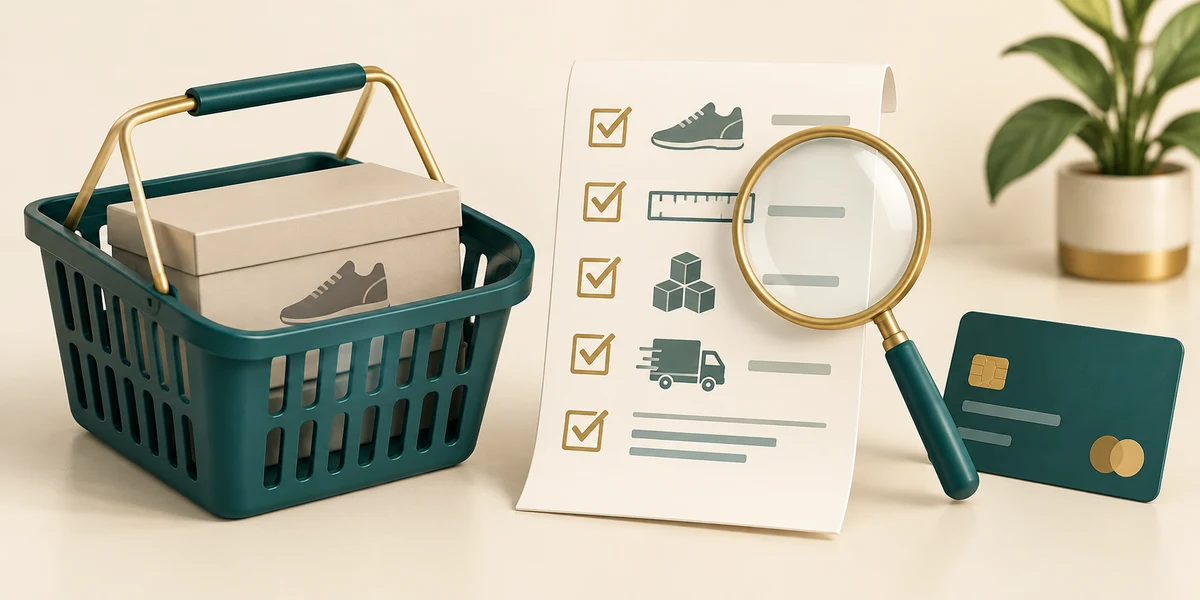
Before checkout, read the basket: item, model or size, quantity, delivery charge and final total. Check whether the offer is a one-off purchase or an ongoing subscription. If an item is wrong, click its quantity or Remove control and review the total again before proceeding.

Read the available payment options and their terms. Be cautious if a seller pressures you to leave the normal checkout and transfer money to a different person or account. Do not assume a payment method guarantees a refund in every situation. Protect the shopping account with its own password and available extra sign-in protection.
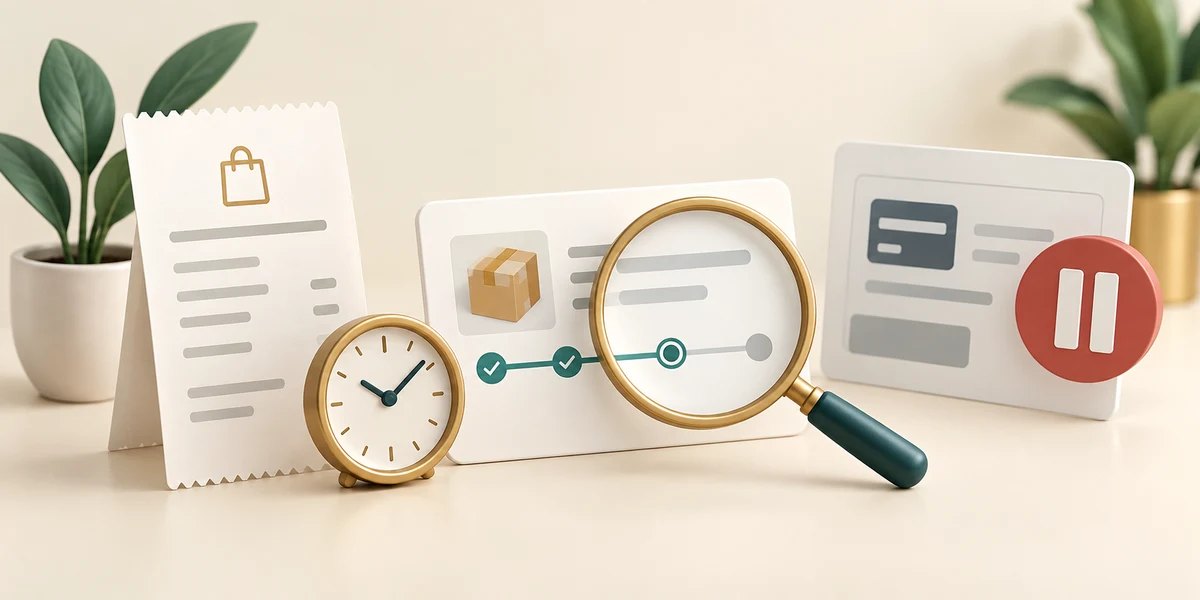
Click the final order or payment control only when the details match your intention. Wait for the result and retain the confirmation. If the page stalls, check the account's order status or contact the seller independently before paying again. If you suspect a payment scam, contact your bank promptly through its known route.
At checkout, a seller messages you to transfer the money to a different personal account for a discount. What is a useful response?
Pause and independently check the seller and payment request before paying.
Check what you understand
In guided learning, click Start 3 questions to receive a selection from this lesson. Click the circle beside an answer, then click Check answer. Read the feedback and try again if needed. Click Next question after each correct answer. Answer all 3 correctly to continue.
Returning to guided learning keeps the questions and answers in your current attempt.
Read all 3 questions and explanations
Which review best checks what you are about to order and pay?
Answer: Read the item, quantity, delivery charges and full basket total.
The final basket can differ from the advertised price or a general description. Check the actual selection and charges.
A payment page stalls after you confirm. What is a sensible next step?
Answer: Check the order result before trying to pay again.
Repeated submission may create duplicate transactions. Check the first attempt's result.
Why check the individual seller on a marketplace?
Answer: The platform may host several different sellers.
The platform and individual seller can be different. Read the seller and transaction information.
Take this to your computer
- 1
No purchase is required. Use the fictional checkout decision here.
- 2
Before a future intended purchase, read the basket and payment terms without entering payment information merely to practise.
This lesson takes no payment and recommends no seller or payment product. Use current bank/provider guidance for an actual dispute.
Prefer a more personal, one-to-one lesson? Basic Computing can help. Explore our services.