Share a file with a nearby Windows PC
Share a file with a nearby Windows PC
Choose the right recipient and sharing scope for a local transfer.
Choose the intended device and confirm a local transfer.
Nearby sharing can send a file between compatible Windows computers close to each other using Bluetooth or Wi-Fi. It is different from attaching a file to email, and it is not a universal transfer method for every phone. The recipient and file still need checking before you send.
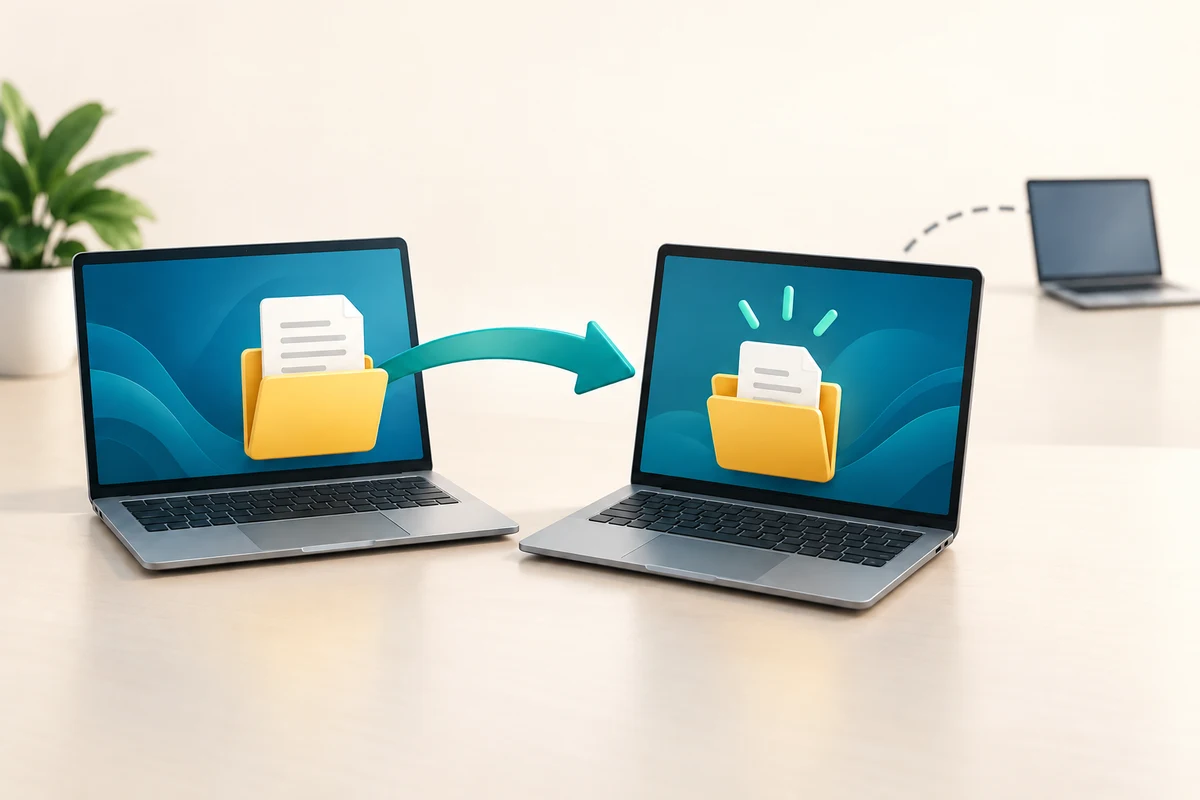
Make the choice that fits your task
How this works
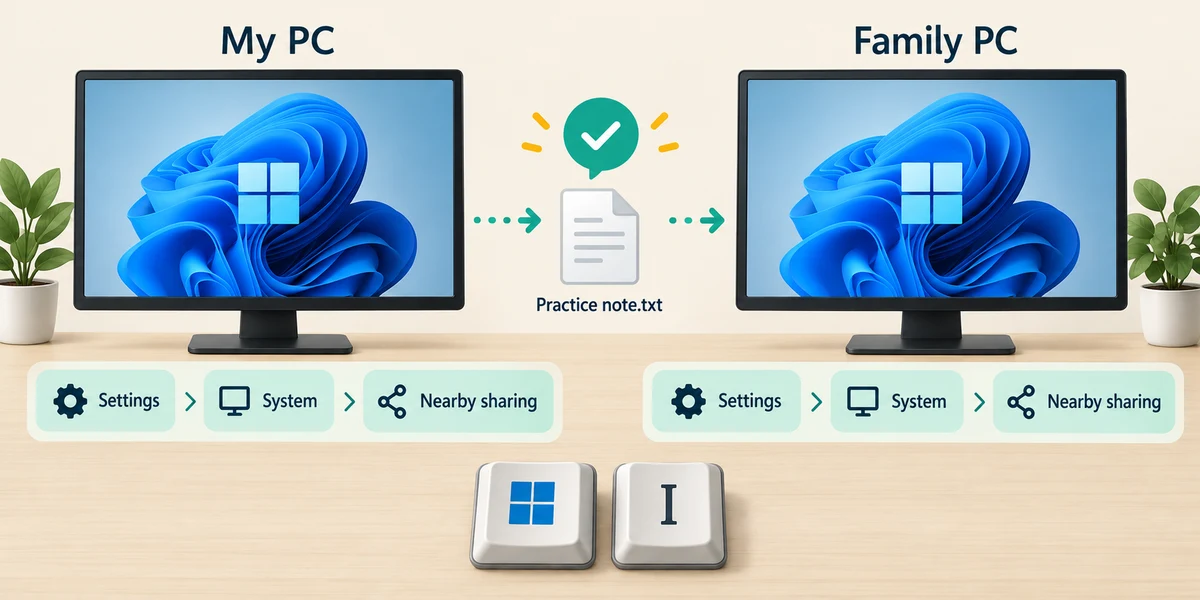
Agree the intended file and receiving computer with the other person. On both Windows PCs, open Settings by holding Windows, pressing I and releasing. Click System, then Nearby sharing.
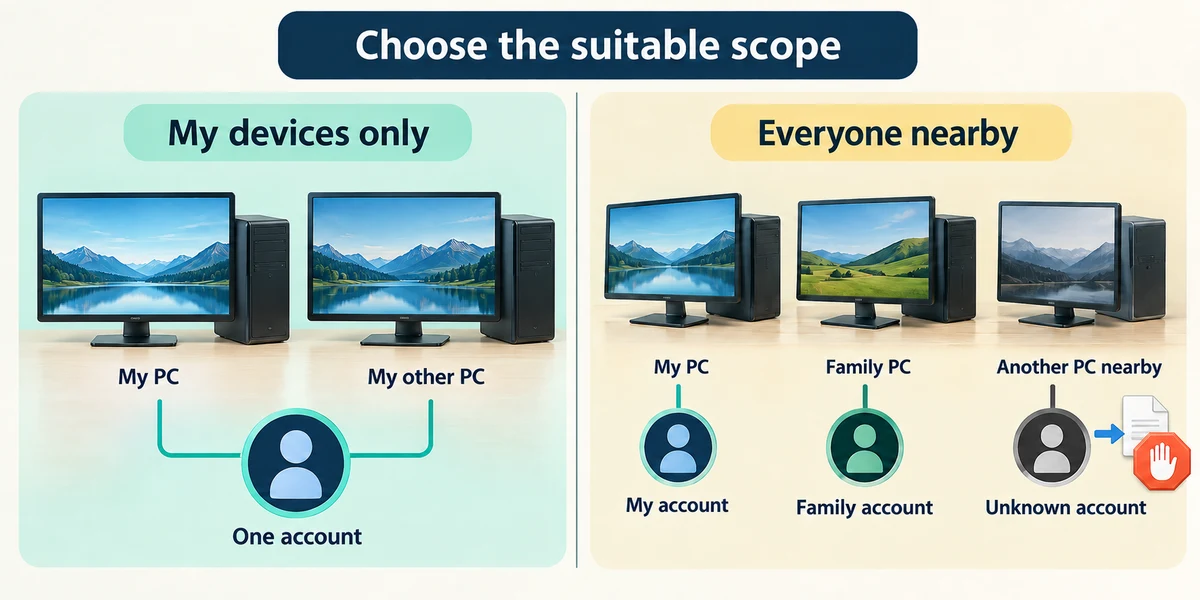
Choose the narrowest suitable sharing option. My devices only is for your devices using the same Microsoft account. Everyone nearby allows other nearby PCs to be found; it is not a reason to accept every offer. Both devices need suitable connectivity enabled.
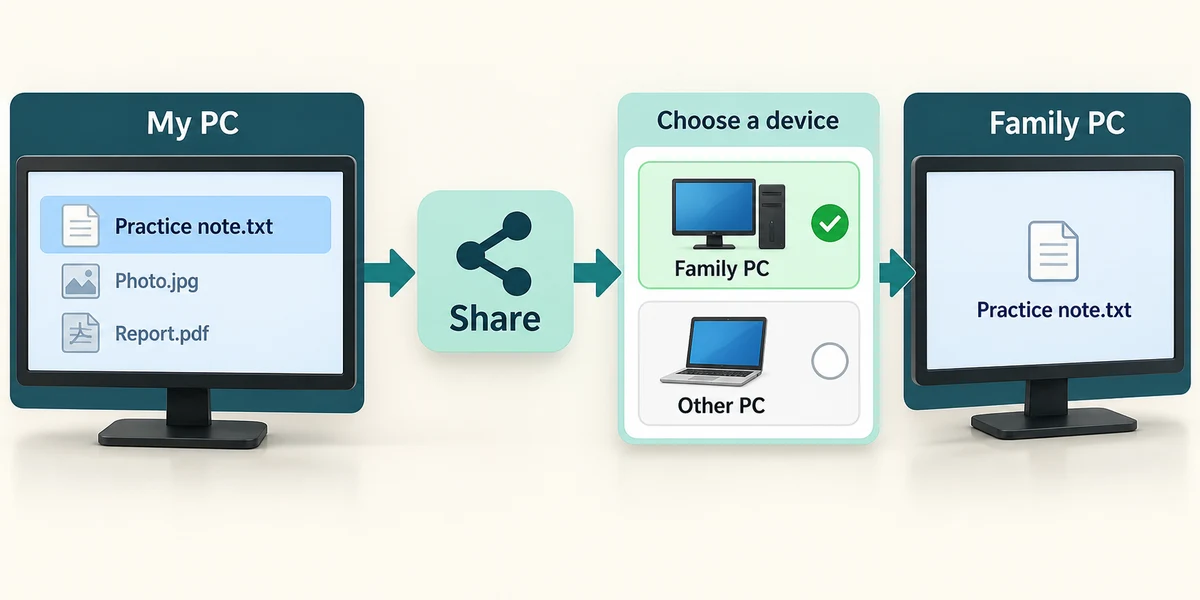
On the sending PC, hold Windows, press E and release to open File Explorer. Find a harmless file, click it once to select, then click Share on the toolbar or right-click it and choose Share. Select the receiver’s confirmed PC name from nearby devices.
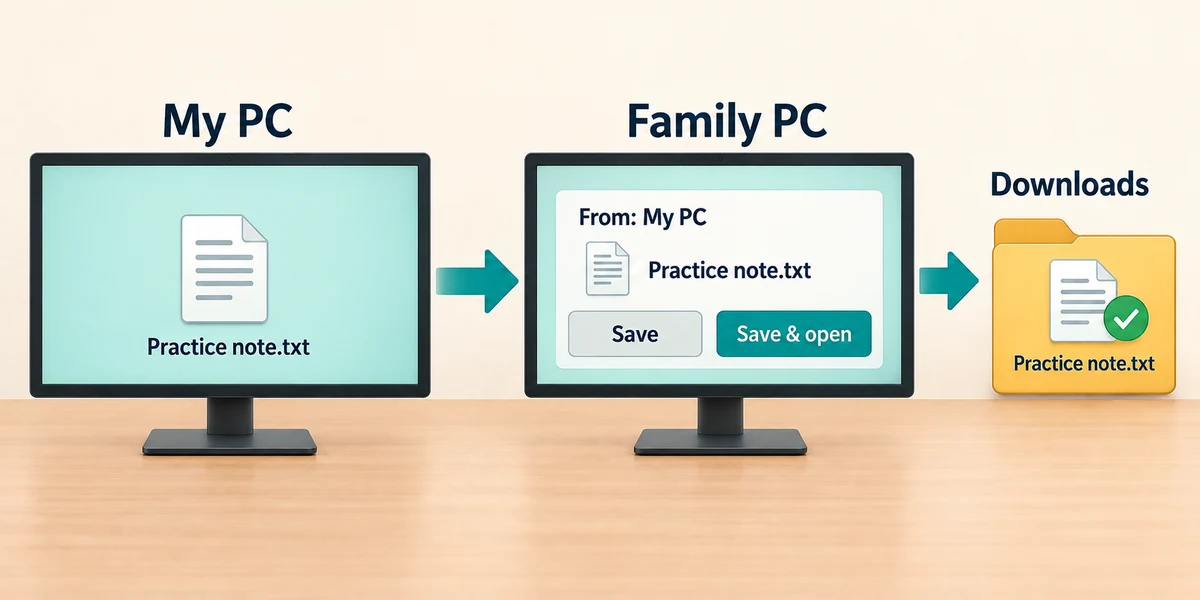
The receiver should check the sender and file, then click the offered Save or Save & open choice only if expected. Note the destination shown in Nearby sharing settings and confirm the file arrived.
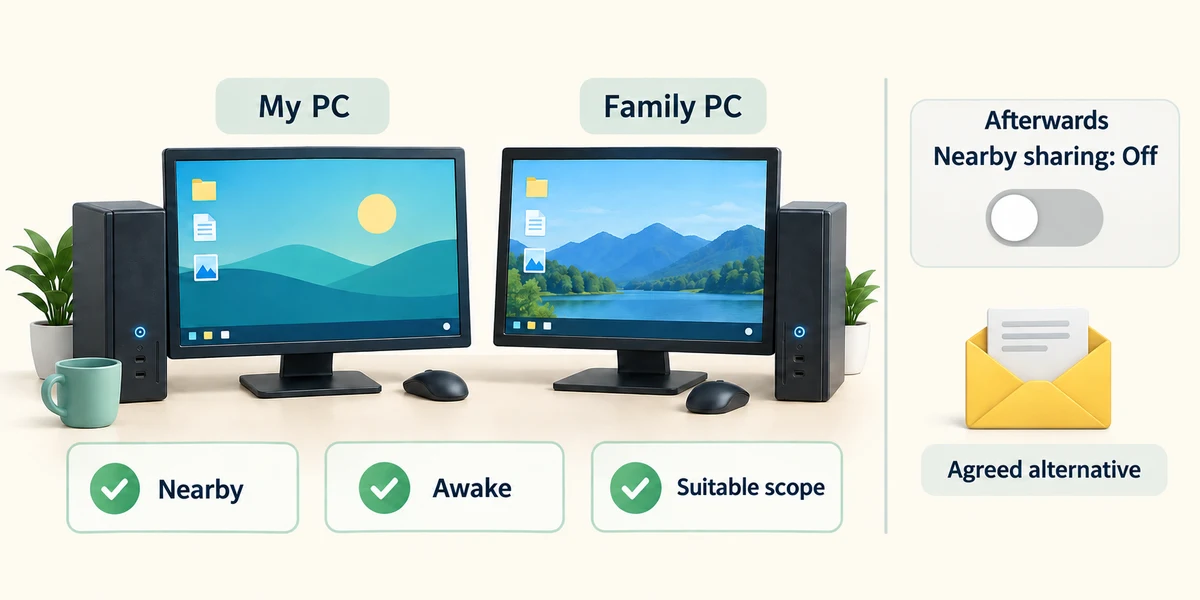
If the device does not appear, check that both are nearby, awake and configured for the intended sharing scope. Use an agreed alternative such as email if needed. Turn broad discovery off after a one-off transfer when you no longer need it.
Two nearby device names look similar. What should you do before selecting one?
Confirm the intended PC’s name with its owner
Check what you understand
In guided learning, click Start 3 questions to receive a selection from this lesson. Click the circle beside an answer, then click Check answer. Read the feedback and try again if needed. Click Next question after each correct answer. Answer all 3 correctly to continue.
Returning to guided learning keeps the questions and answers in your current attempt.
Read all 3 questions and explanations
My devices only is selected. Why might a friend’s PC not appear?
Answer: It is not using your same Microsoft account
That mode limits sharing to your own account’s devices.
An unexpected transfer request appears. What should the receiver do?
Answer: Check who sent it and whether the file was expected
Being nearby does not make a file safe or wanted.
After a successful one-off transfer using Everyone nearby, what can you review?
Answer: Whether to turn off broad nearby discovery
Use the sharing scope you currently need.
Take this to your computer
- 1
Hold the Windows key, press I once, then release both keys to open Settings. Click System, then Nearby sharing. Read the current receiving options without changing them.
- 2
With a trusted person and two suitable Windows PCs, you can follow Learn to send a harmless file after confirming the receiving PC name. Otherwise, identify which sharing scope you would use and close Settings with its top-right X.
The lesson examples do not change your computer. On your PC, read each confirmation before continuing; available controls can vary.
Prefer a more personal, one-to-one lesson? Basic Computing can help. Explore our services.