Show one window during a call
Choose what other people can see
Choose a sharing scope that reveals the document without the rest of the desktop.
Distinguish sharing a window, sharing a screen and sending a file.
Screen sharing sends a live view of chosen content to a call. Sharing one window can keep unrelated desktop activity out of that view. It is different from sending someone a file copy, and different from letting them control your computer. Choosing the smallest useful view helps you explain a task without exposing everything else.

Prepare the view before sharing
How this works
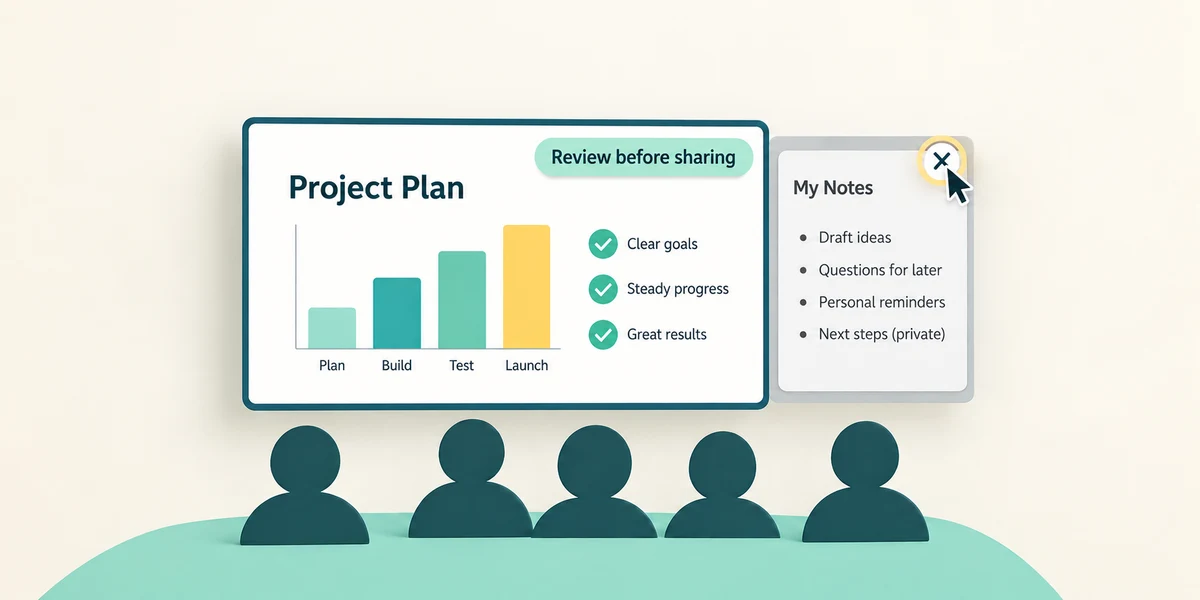
Open the document or app you intend to show and review what is visible inside it. Close private panels or switch to a harmless example. Sharing a window can still expose personal details inside that window, and participants may record or copy what they see. Confirm you know the meeting and audience.
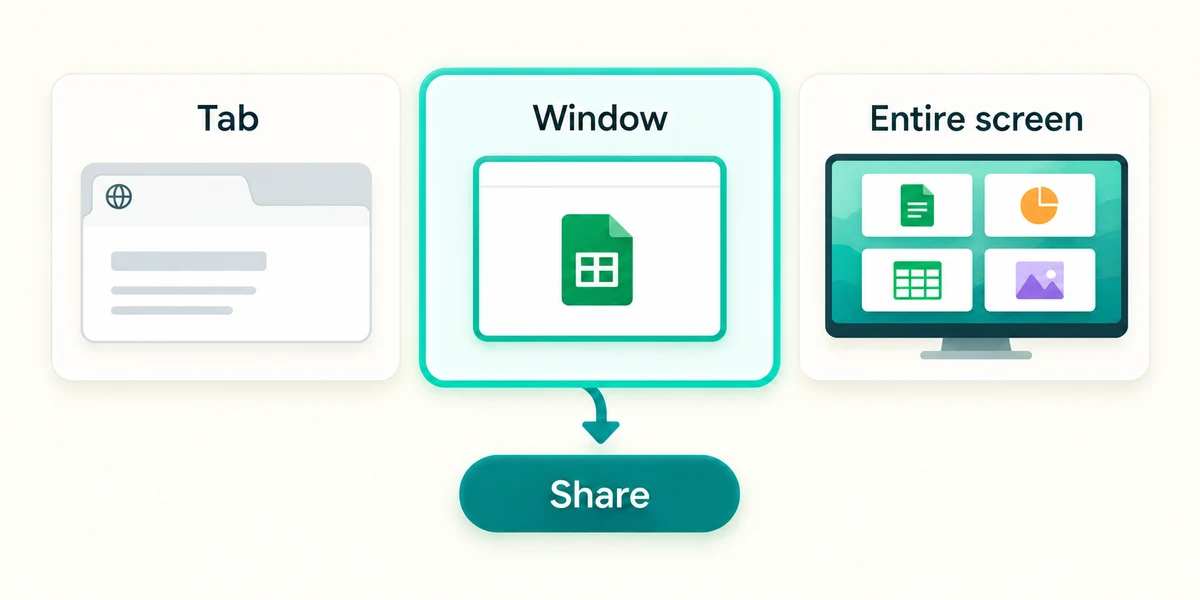
In a Teams meeting, click Share in the meeting controls, then choose Window and the thumbnail of the intended open app when that option is available. Screen or Desktop shares a wider display. In a browser, its own chooser may offer a tab, window or entire screen; read the selected scope and click Share only after checking it.
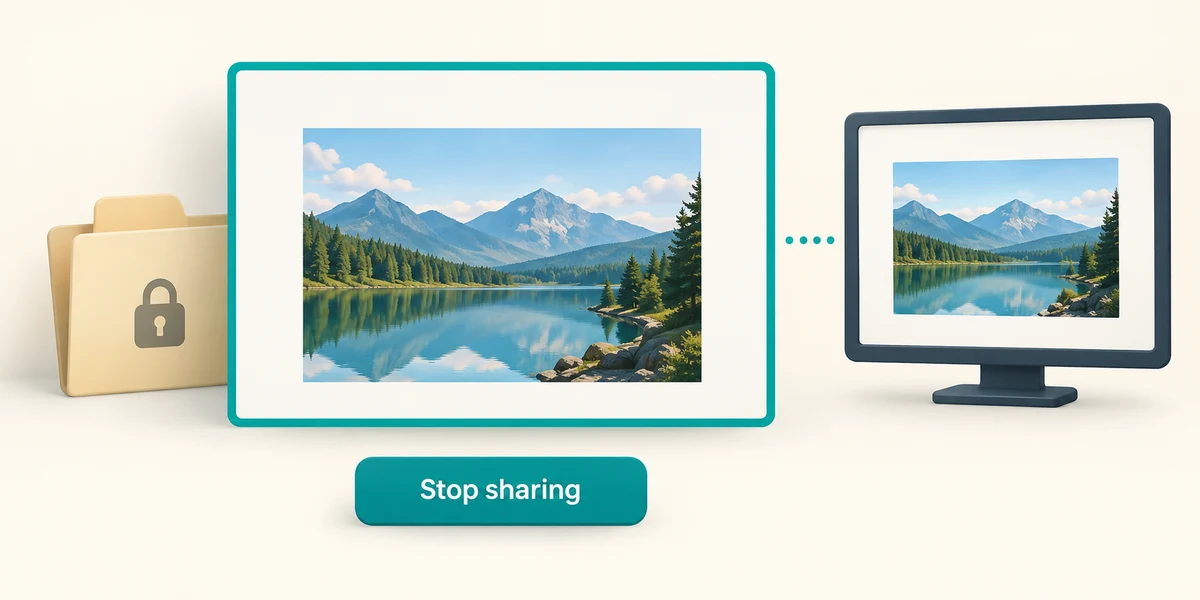
Check the sharing indicator and ask the other person whether the intended content is visible. If the wrong view is shared, click Stop sharing before rearranging private material. Permission to present can depend on the organiser; a missing sharing control is not a reason to install remote-control software.
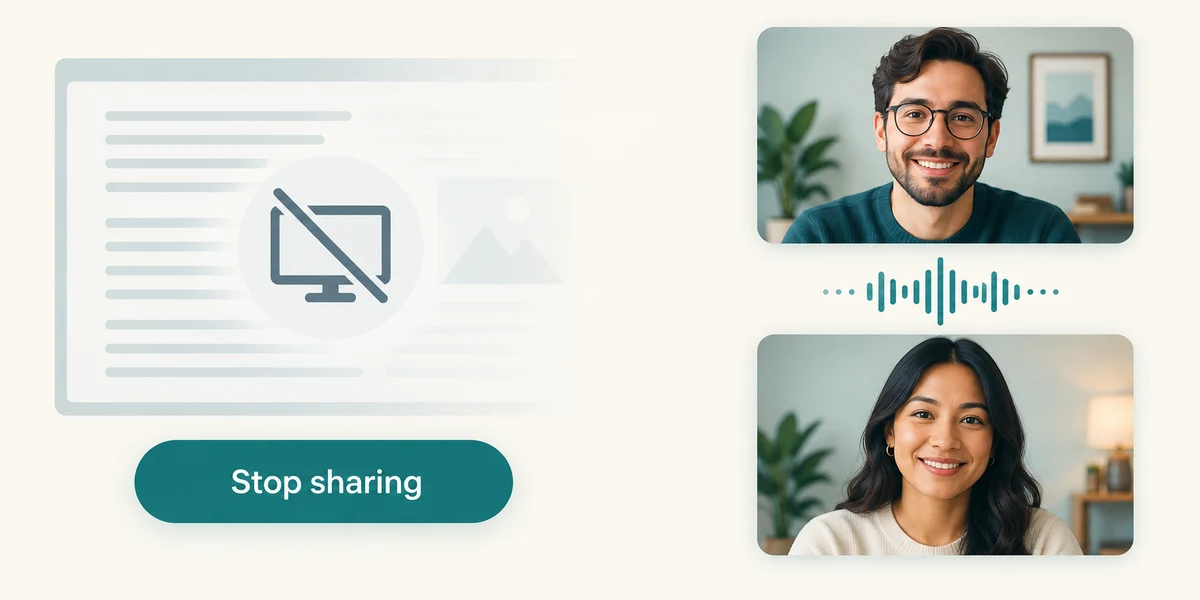
When finished, click Stop sharing on the presenter toolbar. You can remain in the call afterwards. If you instead need to send a file, use an available attachment or approved sharing-link route with its own recipient checks. Showing a live window does not itself give someone a saved file, and giving remote control is a separate, more powerful permission.
A trusted helper needs to see a sample letter. Your desktop also has private email open. Which sharing choice is the narrower useful view?
The letter's window, after checking its contents.
Check what you understand
In guided learning, click Start 3 questions to receive a selection from this lesson. Click the circle beside an answer, then click Check answer. Read the feedback and try again if needed. Click Next question after each correct answer. Answer all 3 correctly to continue.
Returning to guided learning keeps the questions and answers in your current attempt.
Read all 3 questions and explanations
You click Stop sharing. What does that normally stop?
Answer: The live view being sent, while the meeting can continue.
Stop sharing ends the shared view. Camera and meeting participation are separate controls.
What should you do if the wrong window is being shown?
Answer: Stop sharing before arranging private content and selecting again.
Stop the unwanted view first. Then select the correct content deliberately.
A participant needs their own copy of your document. What does sharing its window provide?
Answer: A live view, not automatically a saved file copy.
Use a separate file or sharing-link route when a copy or access is intended.
Take this to your computer
- 1
No real sharing is needed. Choose a harmless window you would be comfortable showing and identify anything private within it.
- 2
For a call you later intend to share in, use its labelled Share and Stop sharing controls and check the selected scope each time.
Recording, presentation permissions and browser options vary. This lesson neither shares nor records your screen.
Prefer a more personal, one-to-one lesson? Basic Computing can help. Explore our services.