Protect information when using AI
Useful context does not mean every private detail
Choose a useful request with unnecessary personal details removed.
You will know how to reduce exposure before sending material to AI.
An AI service can only respond to information it receives or can access. Sending a message, file or picture can disclose its contents to that service. Removing unnecessary details before sending is often more reliable than hoping a later setting or deletion will undo the disclosure.

Minimise before you send
How this works
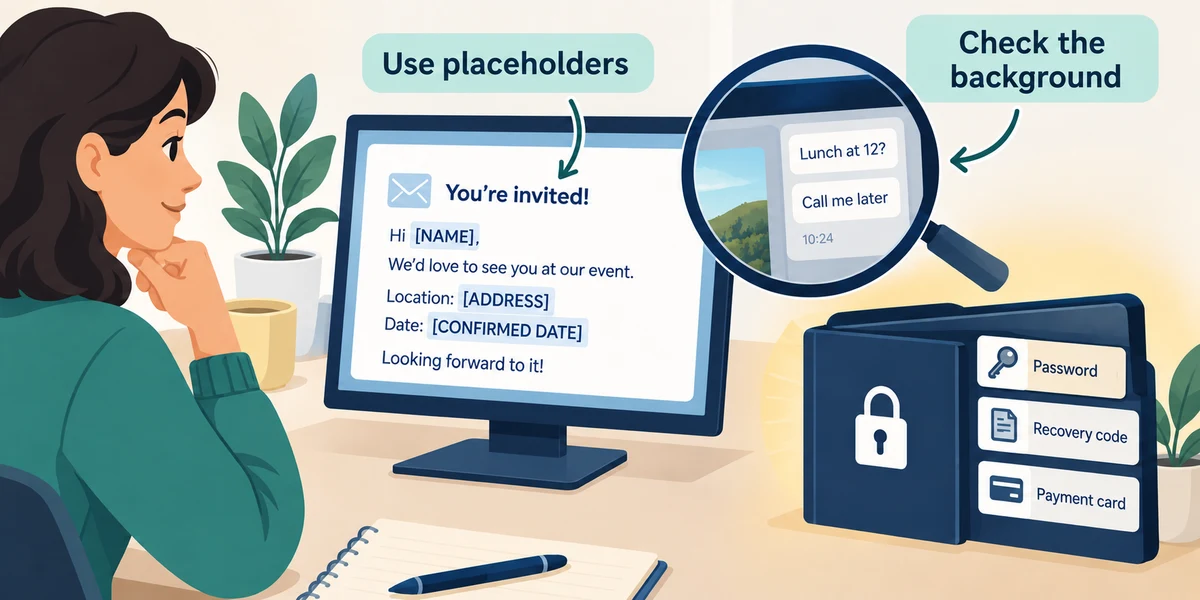
Use placeholders for names, addresses and account details when the task does not need real ones. Do not submit passwords, recovery codes, full payment details or confidential information you are not authorised to share. Inspect screenshots for background messages and documents for other people’s details.
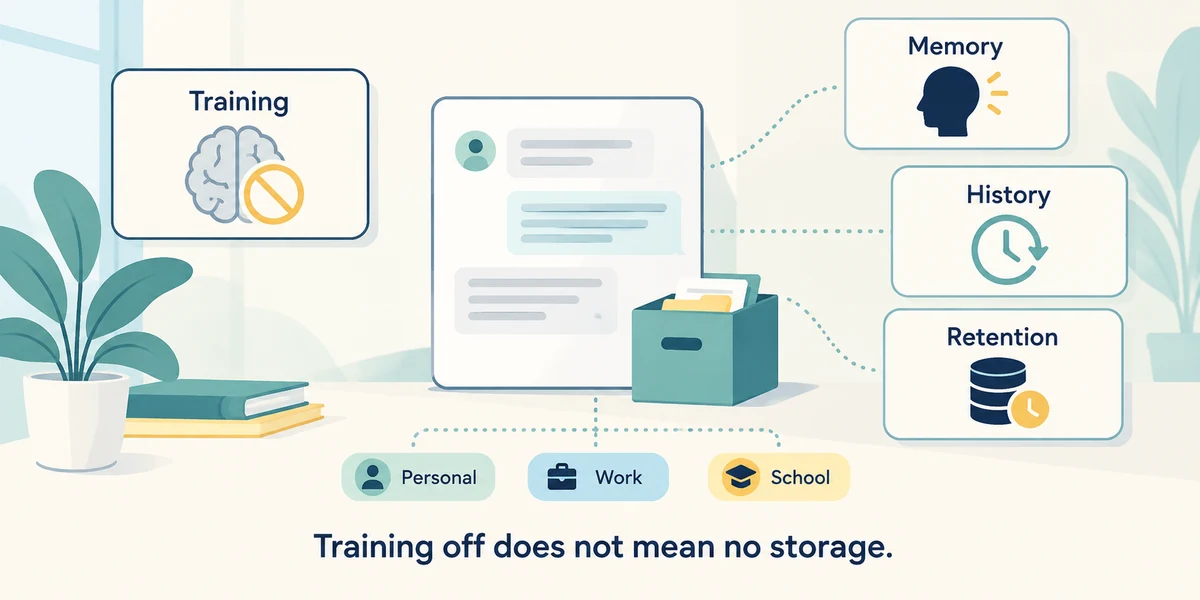
Read the service’s current privacy and data controls for the account you are using. Consumer, work and school arrangements can differ, as can training, memory, history and retention settings. A setting that limits model training is not a promise that the service never receives or stores the conversation.
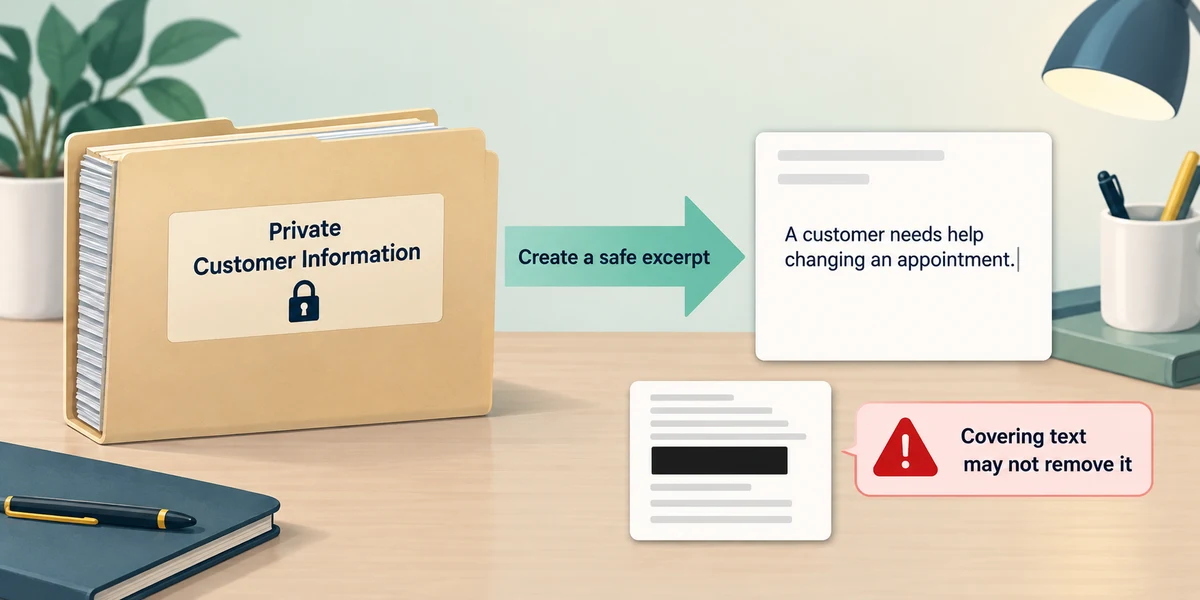
For a writing example, make a small anonymous excerpt instead of uploading a whole private document. Check that removed information is actually absent from the version you send, not merely hidden behind a visual box. If safe removal is uncertain, describe the issue generally or use approved help without uploading it.
You want help making a routine letter clearer. The address and account number are irrelevant to the wording. What should you provide?
An anonymous excerpt with those details removed
Check what you understand
In guided learning, click Start 3 questions to receive a selection from this lesson. Click the circle beside an answer, then click Check answer. Read the feedback and try again if needed. Click Next question after each correct answer. Answer all 3 correctly to continue.
Returning to guided learning keeps the questions and answers in your current attempt.
Read all 3 questions and explanations
A service setting says conversations are not used for training. What should you avoid assuming?
Answer: That no conversation information is received or retained
Training, storage, memory and access are different questions. Read the account’s actual policy.
A screenshot hides your document but shows another person’s message beside it. What needs review?
Answer: The whole image, including surrounding information
Background content is still part of an uploaded image. Inspect everything it contains.
You are unsure whether you may share a work document. What is the useful next step?
Answer: Check the organisation’s rules before uploading it
Use authorised tools and policies. A different account or filename does not establish permission to disclose the content.
Take this to your computer
- 1
Write a fictional paragraph with invented details, then replace information unnecessary to a wording task. Do not send real information anywhere.
This lesson uses no live AI upload. Privacy controls vary by service and account.
Prefer a more personal, one-to-one lesson? Basic Computing can help. Explore our services.