Prepare an old computer for reuse
Prepare an old computer for reuse
Review whether a fictional old PC is ready to leave its owner.
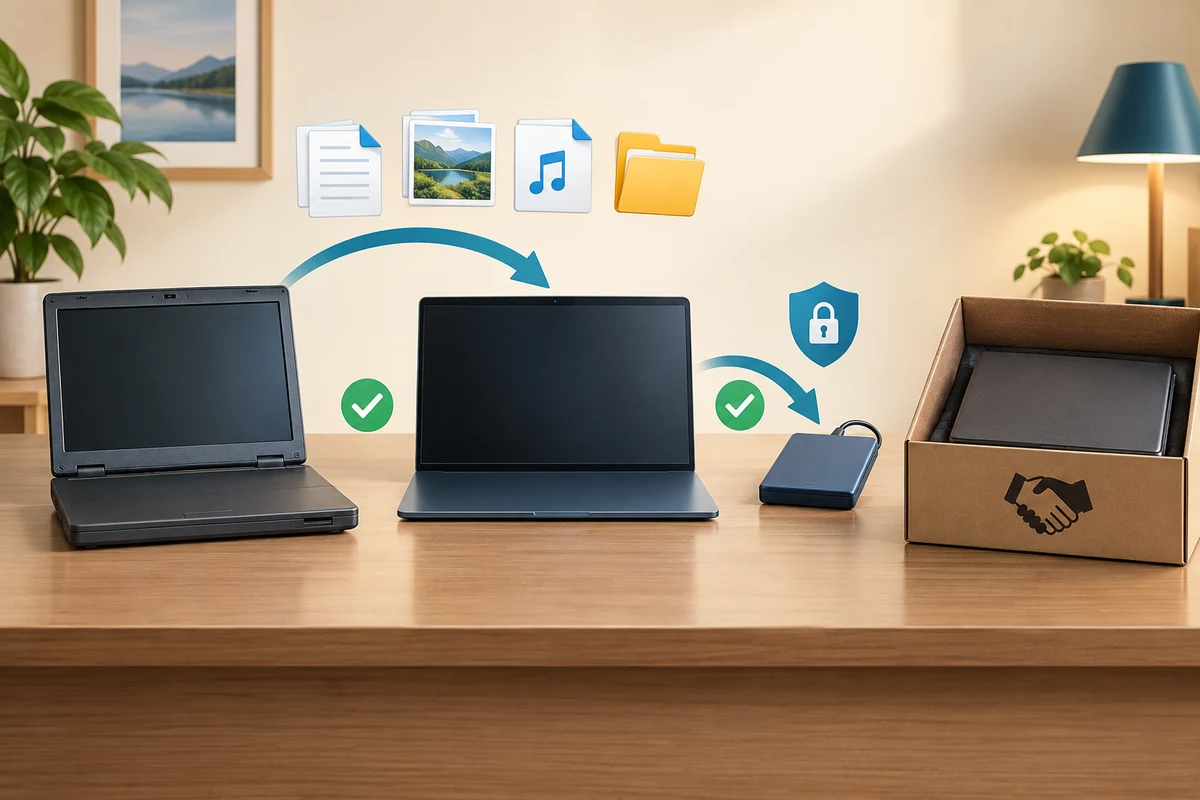
You can separate verified migration from removing data on the old device.
Giving away a computer transfers the device, not permission to use your accounts or read your files. First prove that important work is available elsewhere. Then use the supported process to remove your information from the old device. Deleting a few visible shortcuts or signing out alone is not the same as preparing it for a new owner.
Work through the useful checks
How this works
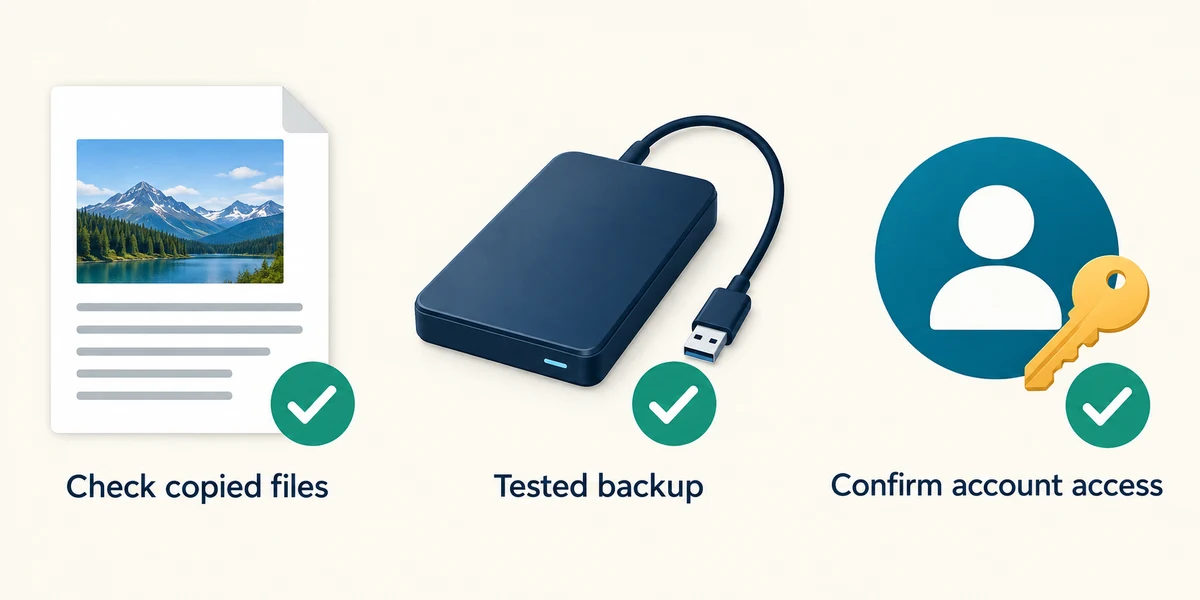
Open important copied files from the new destination and check that they are complete. Keep a separate tested backup. Confirm access to essential accounts and recovery methods before changing or removing the old device.
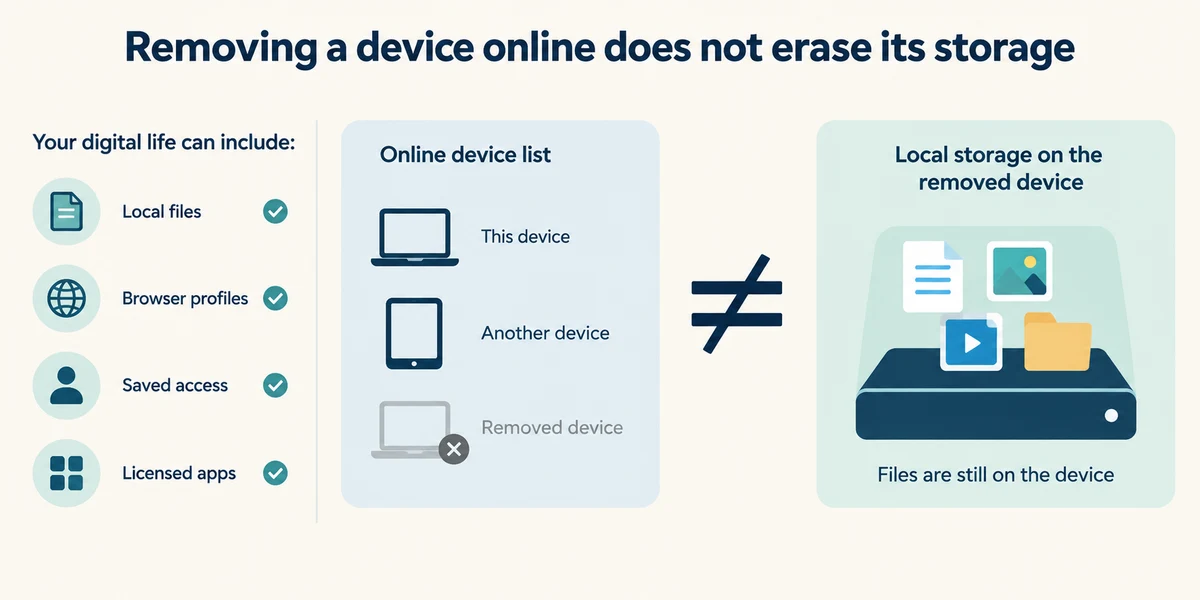
List local files, browser profiles, saved account access and licensed apps. Use each service’s own sign-out or device-management guidance when appropriate. Removing a device from an online account list is not the same as erasing its local storage.
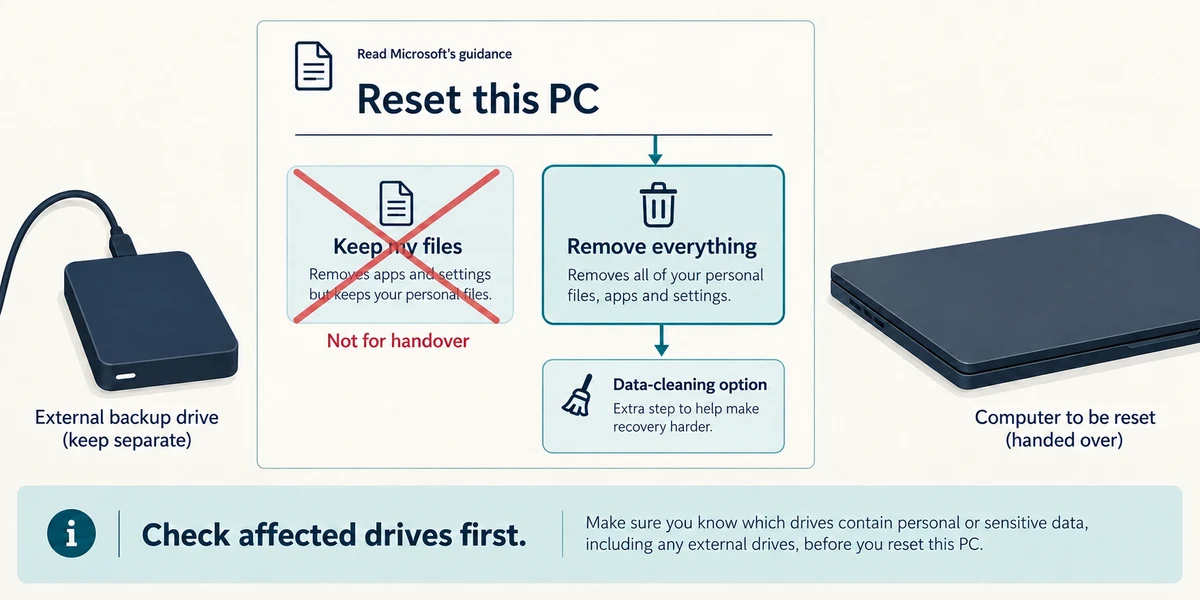
For an ordinary personal Windows handover, read Microsoft’s Reset this PC guidance for Remove everything and its data-cleaning option. Keep my files is not the handover choice. Confirm the affected drives and detach unrelated backup media as the guidance directs.
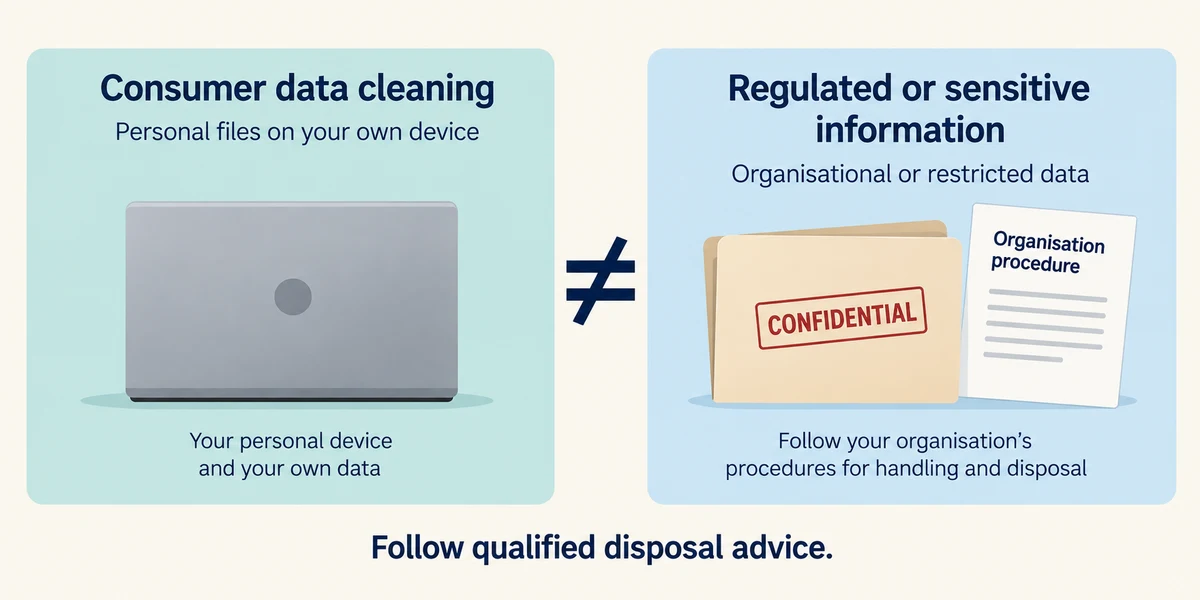
A consumer data-cleaning option is not certification for regulated or highly sensitive information. Use your organisation’s process or qualified disposal advice when that standard matters, or when the device cannot complete the supported procedure.
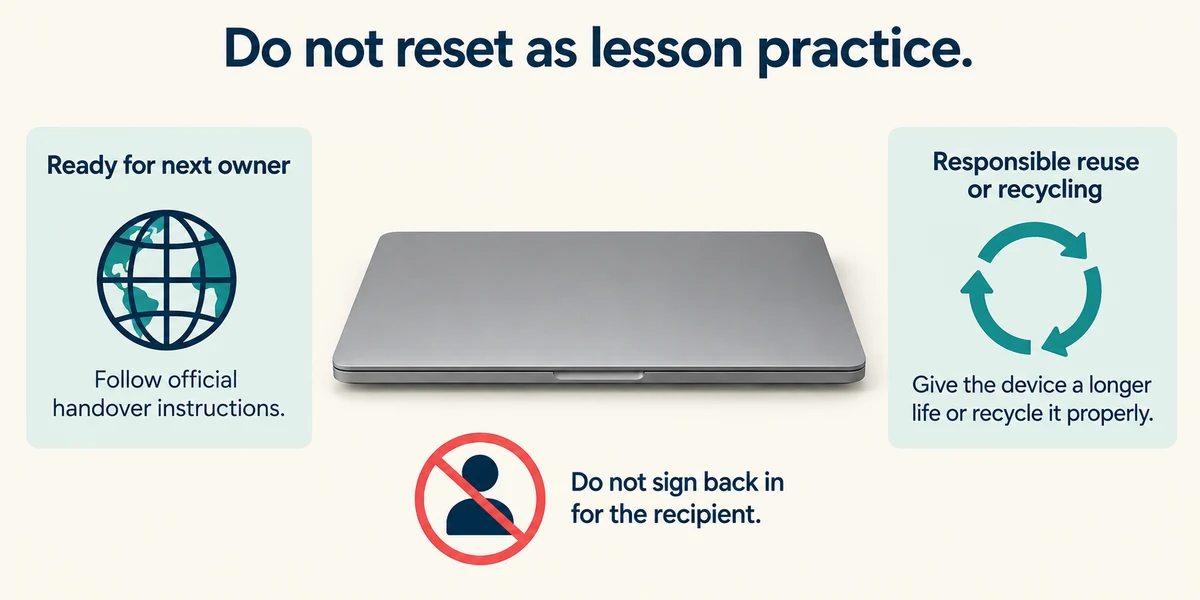
Do not start a real reset as a lesson exercise. When a properly prepared device reaches its first-owner setup screen, follow official handover instructions rather than signing your account back in for the recipient. Arrange responsible reuse or recycling appropriate to its condition.
The old PC’s desktop icons were deleted. Is it ready to give away?
No; underlying files, profiles and account access may remain.
Check what you understand
In guided learning, click Start 3 questions to receive a selection from this lesson. Click the circle beside an answer, then click Check answer. Read the feedback and try again if needed. Click Next question after each correct answer. Answer all 3 correctly to continue.
Returning to guided learning keeps the questions and answers in your current attempt.
Read all 3 questions and explanations
A device is removed from an online account list. What remains to check?
Answer: Whether local files and saved access were removed from the device.
Online device management and local data removal are separate actions. Check both where relevant.
You are preparing a PC for another owner. Why is Keep my files unsuitable for removing your personal information?
Answer: It is designed to retain personal files while reinstalling Windows.
The name describes retained personal files. Read the supported handover removal option and its affected drives instead.
Sensitive workplace records were stored on a device that will not reset. What should guide disposal?
Answer: The organisation’s process and qualified data-disposal advice.
Failure to start or reset does not prove storage is unreadable. Follow the required disposal standard and qualified advice.
Take this to your computer
- 1
Write a handover checklist for a fictional device: verified files elsewhere, tested backup, owner account access and an appropriate removal method. Mark any missing evidence.
- 2
Read the official reset guidance, comparing Keep my files with Remove everything. Leave your working computer unchanged.
The lesson uses fictional examples. Optional checks on your computer can be observational. Settings and available features vary by model and Windows version.
Prefer a more personal, one-to-one lesson? Basic Computing can help. Explore our services.