Plan a journey with online maps
A route depends on the journey you ask for
Choose the route settings that match a traveller’s needs.
You will know how to compare suitable routes and check current information.
A map can show several ways between two places. Its suggested route depends on the starting point, destination, transport mode and time. A driving estimate is not a walking plan, and a result for now may not fit tomorrow morning.
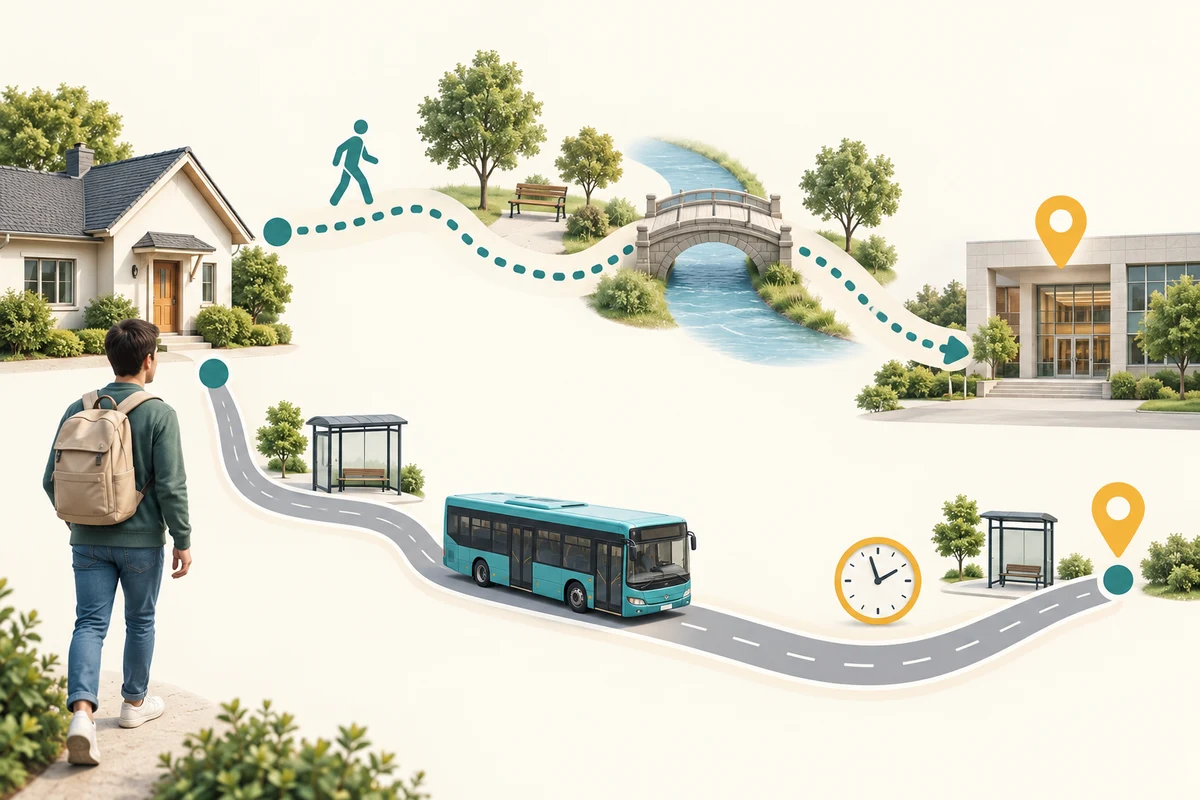
Set the journey before comparing routes
How this works
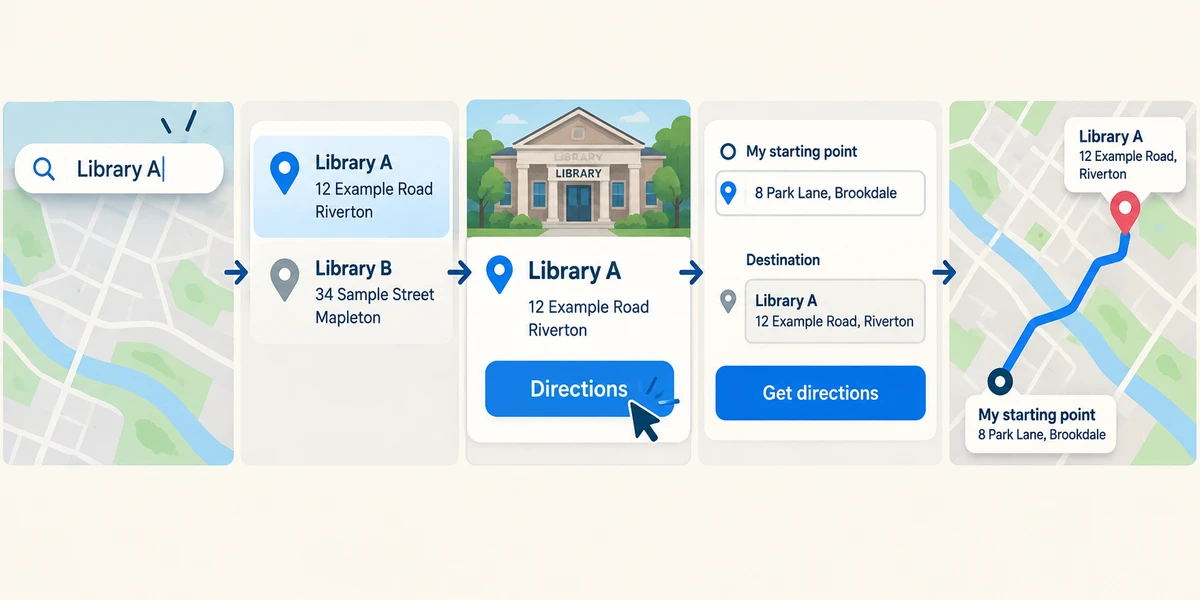
In a map service, click its search field once and enter the destination. Read the full address or landmark details to distinguish places with similar names. Click Directions, then enter the starting point in its labelled field instead of assuming the device’s location is correct.
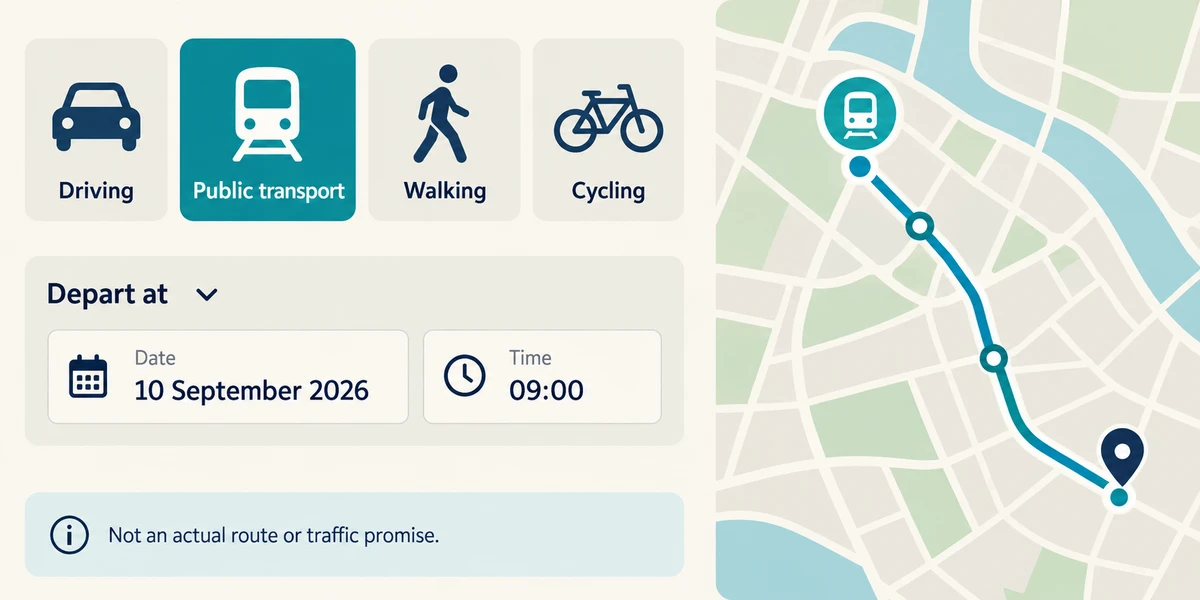
Click the travel-mode control labelled Driving, Public transport, Walking or a suitable alternative. If available, click the departure-time control and set Depart at or Arrive by with the required date and time. Not all modes or areas provide these options.
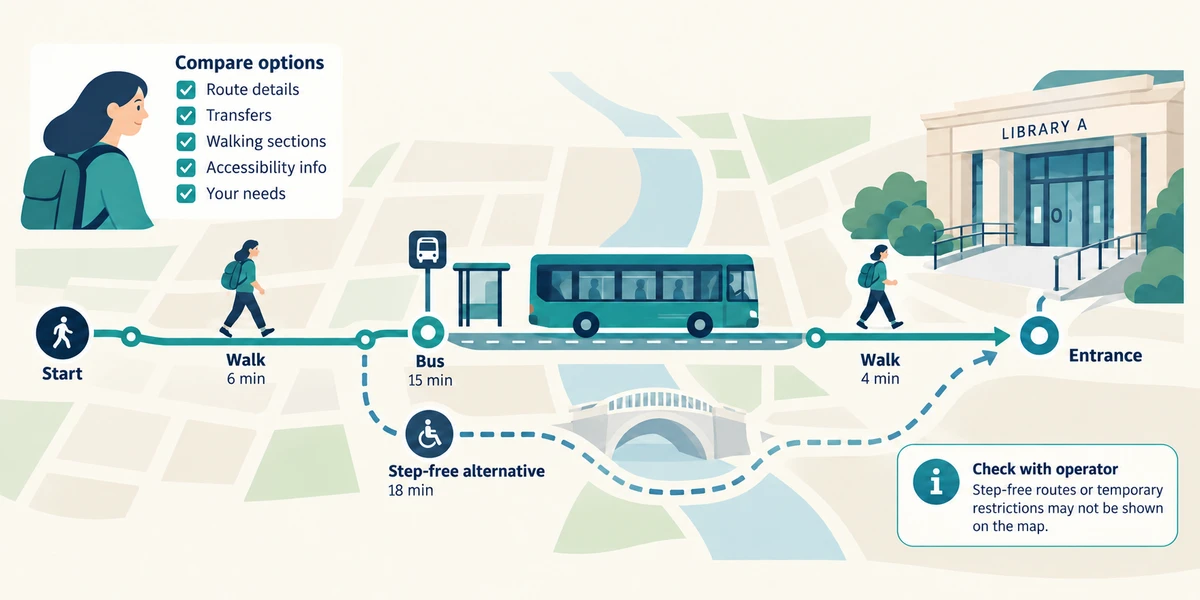
Read route details, transfers, walking sections and the destination entrance. Compare alternatives against your needs rather than choosing solely by the shortest estimate. Check accessibility information with the venue or transport operator if it matters; the map may not contain every step-free route or temporary restriction.
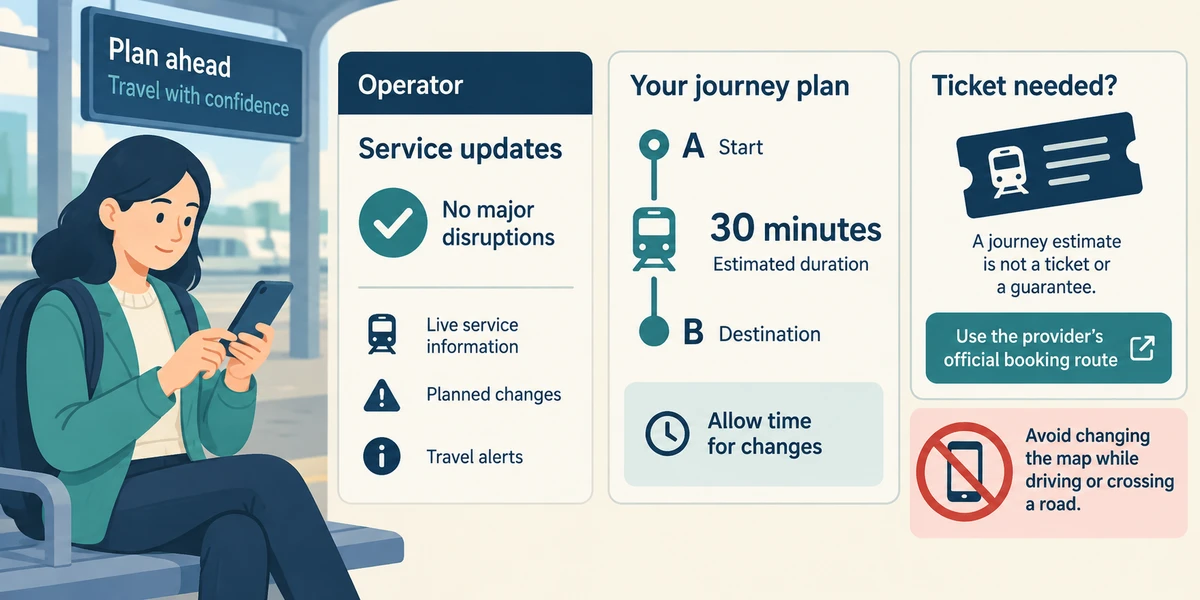
Before travelling, check current service information and allow time for changes. A journey estimate is not a ticket or a guarantee. Use the provider’s official booking route separately if a ticket is required. Avoid changing the map while driving or crossing a road.
You need to arrive by 10:00 tomorrow using public transport. The map currently shows a car journey starting now. What should you change first?
Set public transport and tomorrow’s arrival time where available
Check what you understand
In guided learning, click Start 3 questions to receive a selection from this lesson. Click the circle beside an answer, then click Check answer. Read the feedback and try again if needed. Click Next question after each correct answer. Answer all 3 correctly to continue.
Returning to guided learning keeps the questions and answers in your current attempt.
Read all 3 questions and explanations
Two places have the same name. What helps choose the intended destination?
Answer: The complete address and landmark details
Check the actual place, including address or relevant landmark, rather than relying on a shared name.
A route includes a station change you cannot manage by stairs. What is the useful next check?
Answer: The operator’s accessibility and disruption information
Confirm relevant access details with the operator or venue; a general map estimate does not guarantee step-free access.
The map gives a train arrival estimate. What does that establish?
Answer: A planning estimate that still needs current service checks
Directions and estimates are separate from tickets, reservations and current disruption information.
Take this to your computer
- 1
Optional: plan a familiar local journey with a public landmark as the starting point. Compare walking and public-transport modes.
- 2
Read the operator’s information without buying a ticket or sharing your home address.
Coverage and estimates vary. The lesson is planning practice, not live travel advice.
Prefer a more personal, one-to-one lesson? Basic Computing can help. Explore our services.