Move a file into a folder
Use a computer with a mouse and keyboard. This practice desktop is designed for clicking, right-clicking, dragging and typing with physical keys, rather than touchscreen use on a phone or tablet.
The same file, a new location
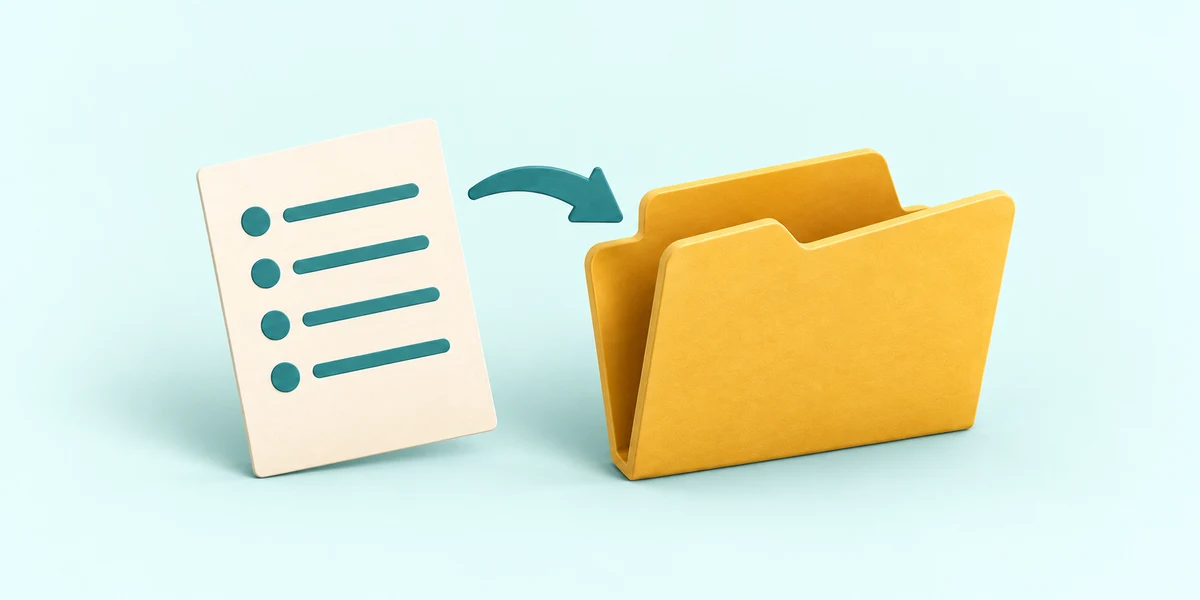
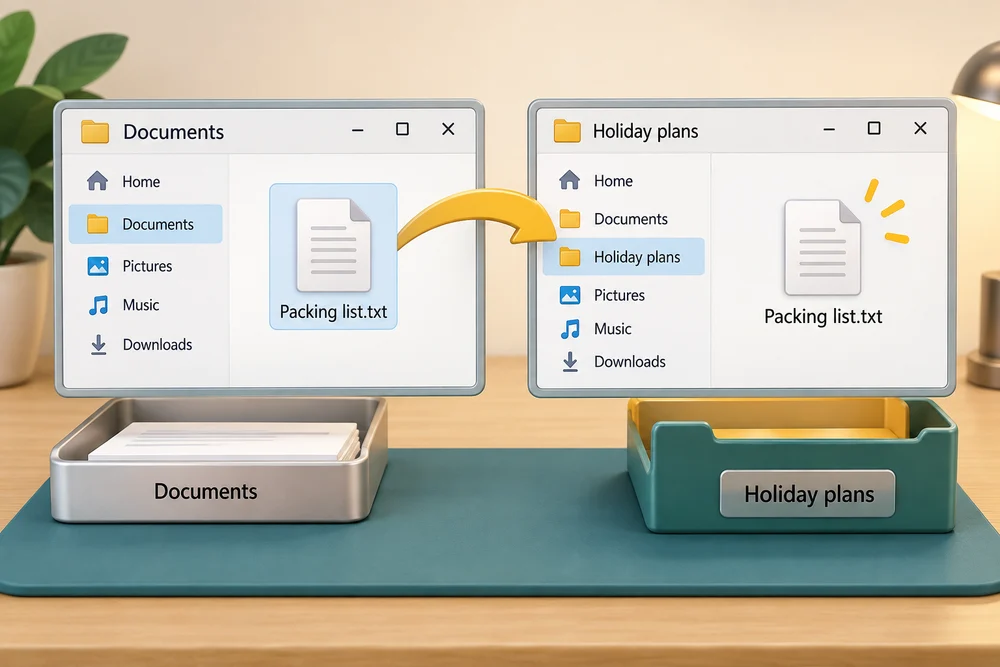
You are going to move Packing list.txt from Documents into Holiday plans.
You will learn how Cut and Paste move a file to a new location.
Moving puts a file somewhere else. Its starting place is the source, and the place you choose is the destination. We will move Packing list.txt from Documents into the Holiday plans folder. Its name and saved words will stay the same.
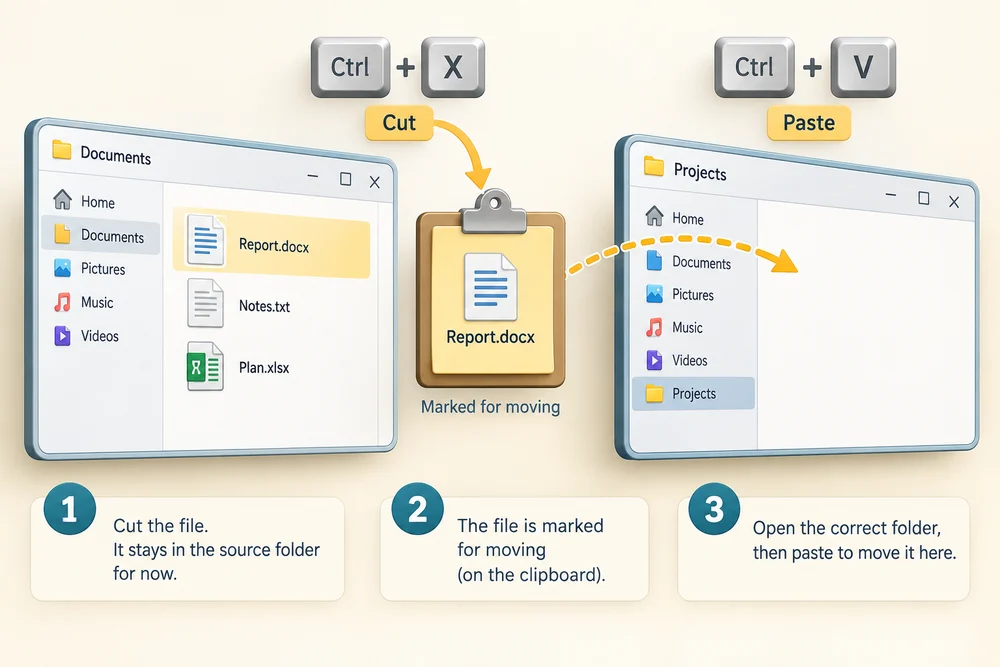
Cut marks the file for moving. It stays at the source until Paste completes the move. Paste puts it in the folder you currently have open, so check that location before you select Paste.
Move the file with guidance
A prepared list and an empty Holiday plans folder are ready in Documents. Follow the instruction popup to move the file yourself, then open it in its new location. Afterwards, Try it gives you a fresh desktop to practise independently. Click Check my work when you finish, or use the optional hints underneath.
In Documents, click Packing list.txt once to select it. Click Cut, the scissors icon in the command bar at the top. Double-click Holiday plans to open that folder, then click Paste, the clipboard icon at the top. Packing list.txt is now here instead of directly in Documents. Double-click the file to read the same saved words.
Give the list its new location
Move Packing list.txt into Holiday plans, then open the moved file. This is a fresh workspace with its own list and folder. Your previous lessons and your computer are unchanged.
Click Packing list.txt once to select it. Click Cut, the scissors icon at the top. Double-click Holiday plans, clicking twice quickly, to open the folder. Check that Holiday plans is shown in the location bar above the files. Click Paste, the clipboard icon at the top. Double-click Packing list.txt to read it. To check its old location, close Notes using its top-right X, then click Documents on the left.
Why is it no longer here?
You select Packing list.txt in Documents, choose Cut, open Holiday plans and choose Paste. Where should that file now be?
Inside Holiday plans, with none left directly in Documents.
Try this outside the practice desktop
You have practised inside this webpage. If you feel ready, you can repeat the skill in Windows on the same computer, outside the practice desktop. This is optional. The steps below use your actual apps and files, so use only disposable practice items. Files made in the webpage do not appear in Windows File Explorer.
Before moving, choose a starting file and a destination. After moving, check both places. This is how you can tell where your file now belongs.
- 1
Press the Windows logo key, type File Explorer and click the app in the results. Click Documents on the left, then double-click Learning Hub practice, or the practice folder name you chose. Find the disposable Packing list file you made in Understand and open a file.
- 2
With that practice folder open, click New at the top, then Folder. Type Holiday plans, or another unused name, and press Enter. This empty folder will be the destination.
- 3
Click your practice list once to select it. Click Cut, the scissors icon in the command bar at the top. You can also hold down Ctrl, press X, then release both keys. The file has not moved yet.
- 4
Double-click the destination folder, clicking twice quickly. Check its name in the location bar above the files. Click Paste, the clipboard icon at the top. You can also hold down Ctrl, press V, then release both keys.
- 5
Double-click the moved file to read its words. Click the X at the top right of the app window to close it. In File Explorer, click the up-pointing arrow beside the location bar to return to the containing practice folder. The file is no longer in that starting folder.
Trying this is optional. Use the file you created for practice. If your list is already inside a folder, choose a different new practice folder as the destination so you can see the location change.
Prefer a more personal, one-to-one lesson? Basic Computing can help. Explore our services.