Make text and controls easier to see
Make text and controls easier to see
Compare text size, scale and Magnifier for different reading needs.
Choose between larger lettering, larger controls and temporary magnification.
There are different ways to make a screen easier to read. Text size enlarges supported lettering. Display scaling makes many interface elements larger together. Magnifier temporarily enlarges a view of the screen. The best choice depends on whether you struggle with words, small controls or occasional fine detail.
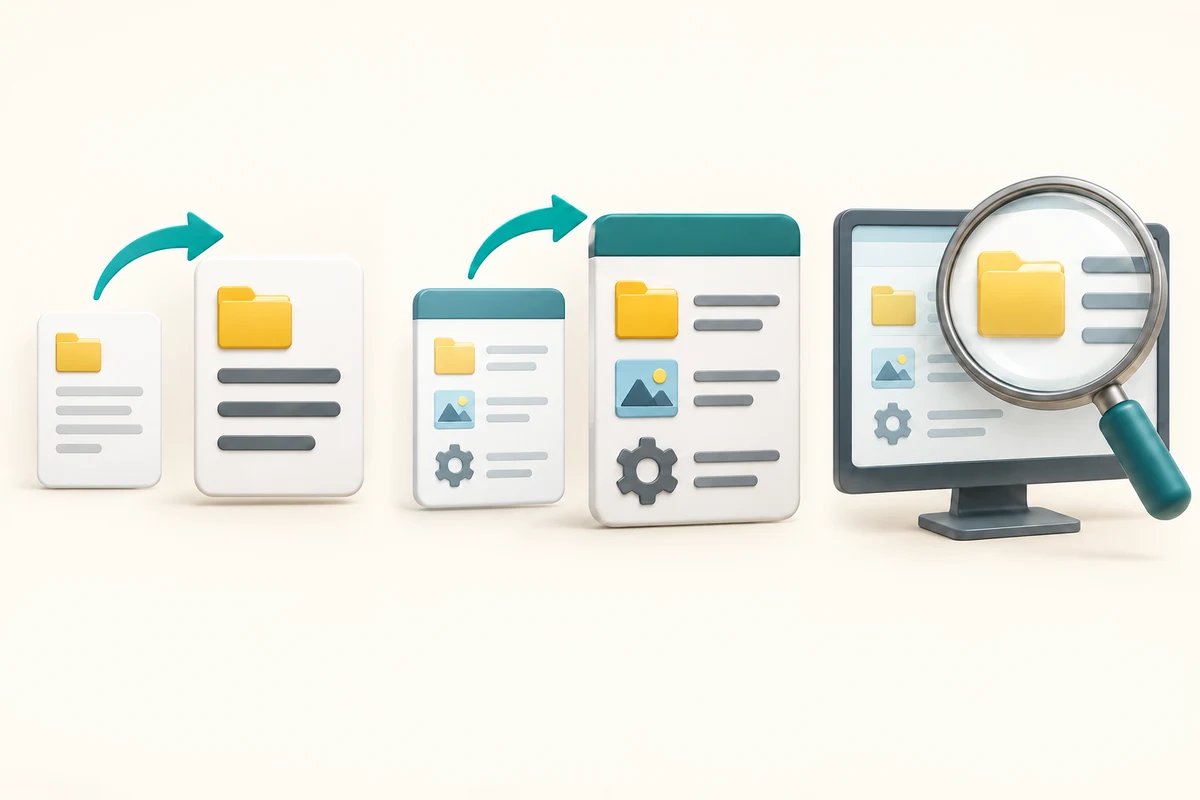
Make the choice that fits your task
How this works
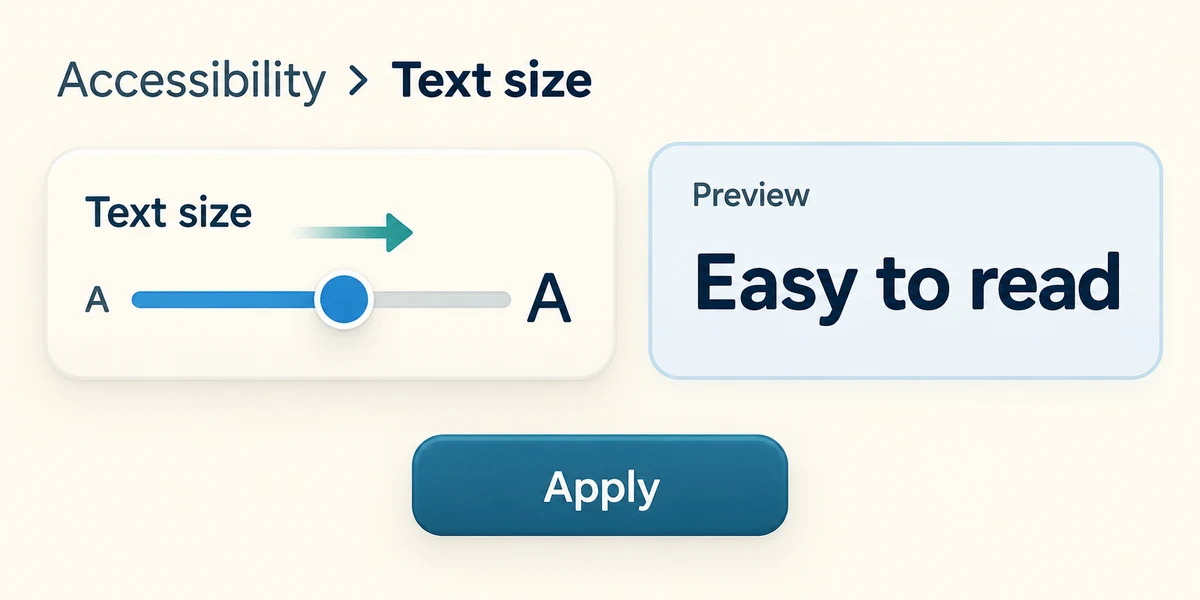
Hold the Windows key, press I once, then release both keys to open Settings. Click Accessibility, then Text size. Drag the slider a little to the right using the left mouse button and inspect the preview. Click Apply only if it is easier to read.
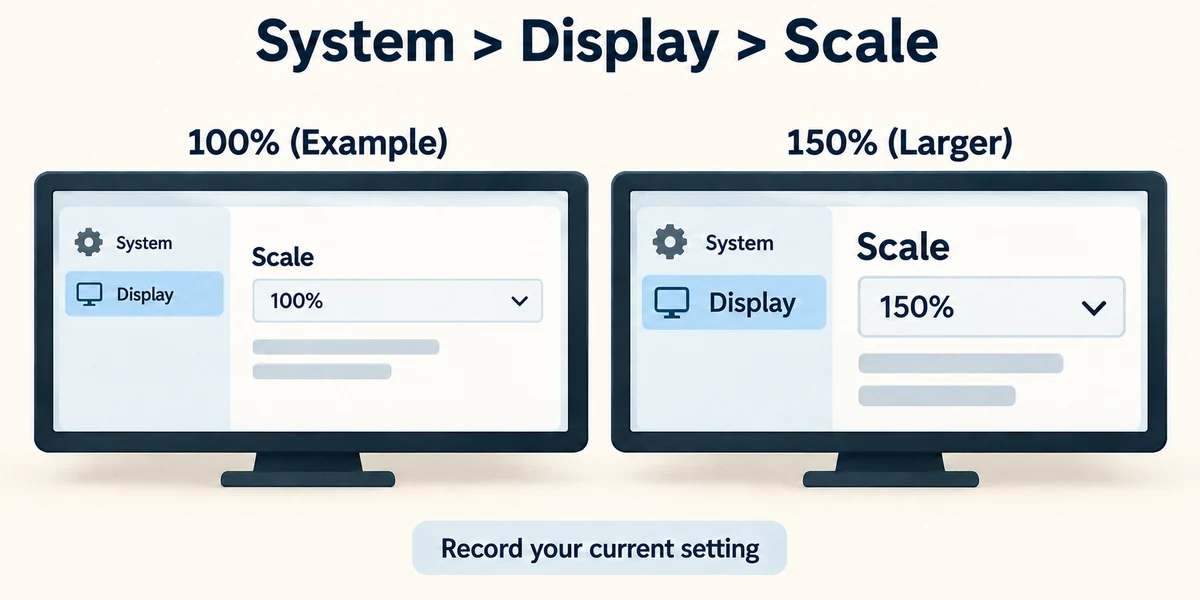
Some apps do not follow the Text size setting and may need their own zoom control. For larger controls as well as text, click System, then Display. Under Scale, inspect the recommended setting and available percentages. Record the current choice before changing it so you can return. Some apps may need reopening or signing out as Windows advises.
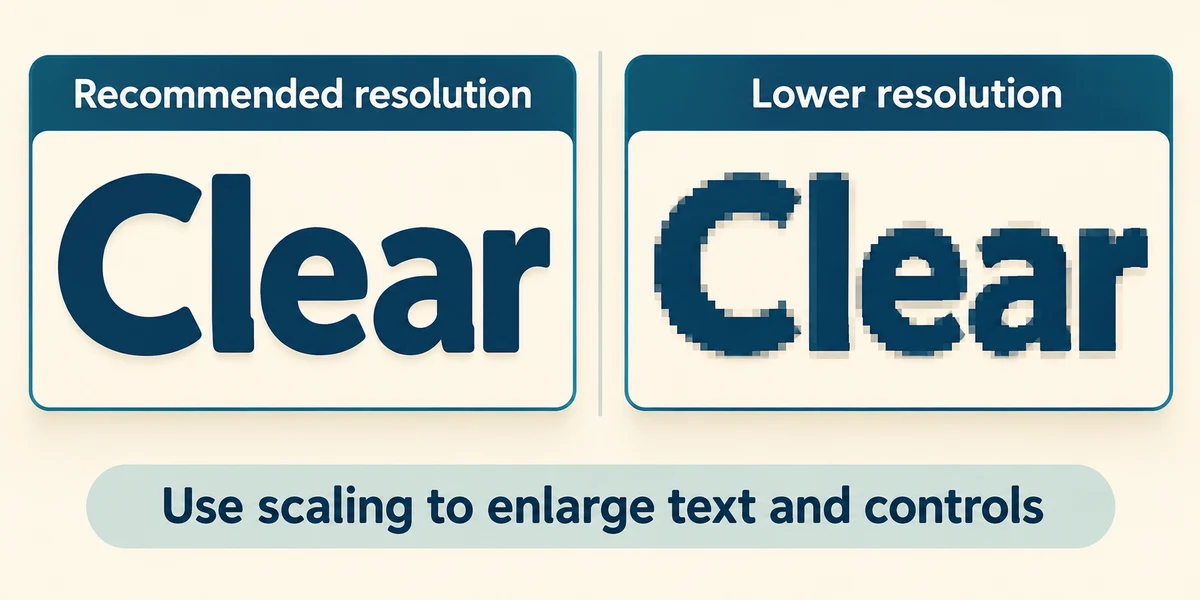
Do not lower screen resolution just to enlarge lettering unless you have a specific reason. The recommended resolution usually keeps the display clearer; scaling serves a different purpose.
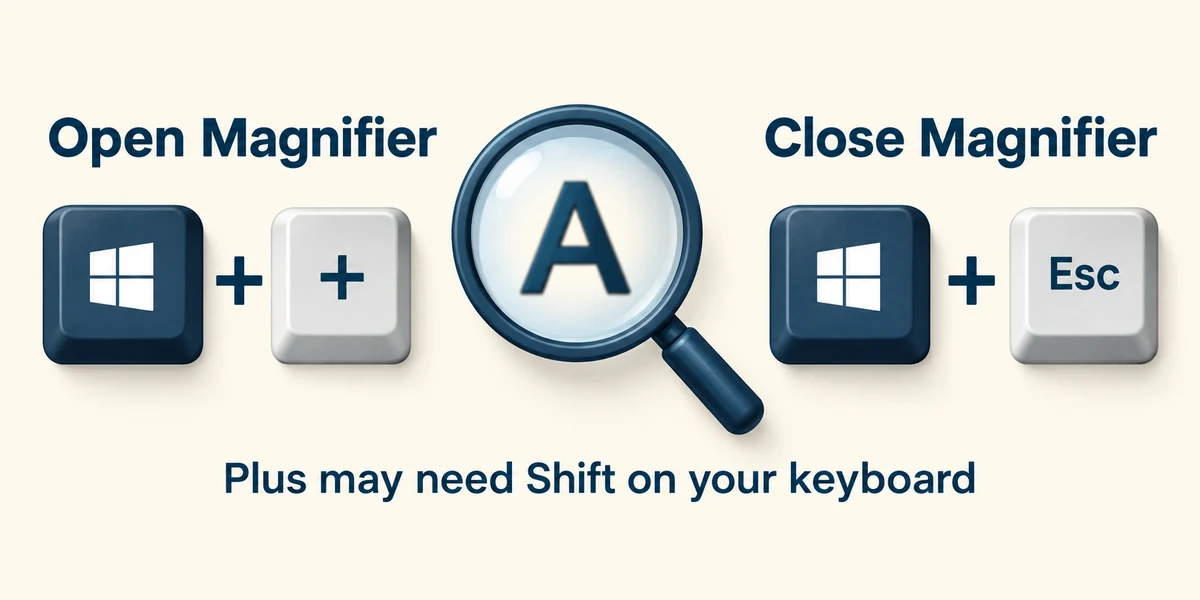
For occasional detail, hold the Windows key and press the Plus key, then release, to open Magnifier. On keyboards where Plus shares another key you may need Shift. Hold Windows and press Escape, then release, to close Magnifier.

Click the X at the top right of Settings to close it when you have finished.
Words and small buttons are both difficult to see across several apps. Which setting best matches that need?
Display scaling
Check what you understand
In guided learning, click Start 3 questions to receive a selection from this lesson. Click the circle beside an answer, then click Check answer. Read the feedback and try again if needed. Click Next question after each correct answer. Answer all 3 correctly to continue.
Returning to guided learning keeps the questions and answers in your current attempt.
Read all 3 questions and explanations
You want to inspect one small detail briefly, then return to the same layout. Which tool fits?
Answer: Magnifier
It enlarges a temporary view without requiring a permanent layout choice.
Before changing a scale percentage, what is useful to note?
Answer: The current value so you can restore it
Knowing the previous choice makes reversal straightforward.
After increasing text size, a particular app changes very little. What is a sensible interpretation?
Answer: Not every app follows the same text-size setting
App support varies; its own zoom or scaling may help.
Take this to your computer
- 1
Hold the Windows key, press I once, then release both keys to open Settings. Click Accessibility, then Text size. Note the current slider position.
- 2
Point at the slider, hold the left mouse button, move slightly right and release; inspect the preview. Click Apply only if you prefer it. You can restore the earlier value by dragging back and clicking Apply. Close Settings using its top-right X.
The lesson examples do not change your computer. On your PC, read each confirmation before continuing; available controls can vary.
Prefer a more personal, one-to-one lesson? Basic Computing can help. Explore our services.