Check what your connection speed means
Check what your connection speed means
Compare example speed results and the conditions behind them.
You can explain why one test is not a promise for every online task.
Download describes information coming to you; upload describes information you send. Latency is delay before a response. A video call, a large photo upload and a downloaded film need these in different ways. A speed result belongs to a particular route and moment, not every task on every device.

Work through the useful checks
How this works
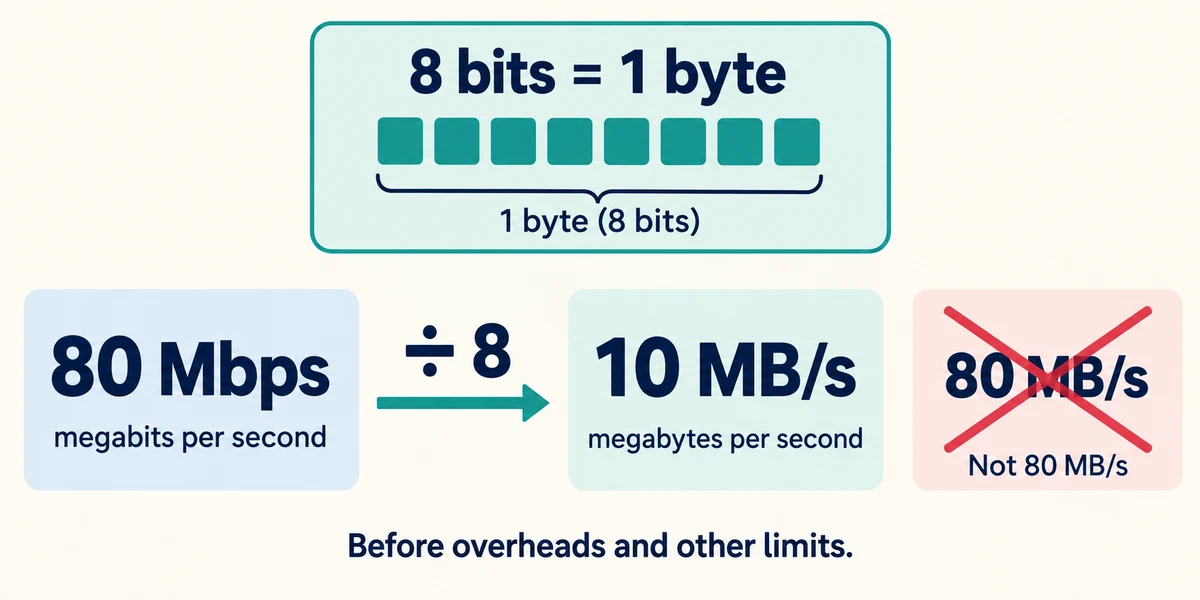
Read the labels and units. Mbps means megabits per second; MB/s means megabytes per second. Eight bits make a byte. As a simple upper-bound conversion, 80 Mbps is 10 MB/s before overheads and other limits, not 80 MB/s.
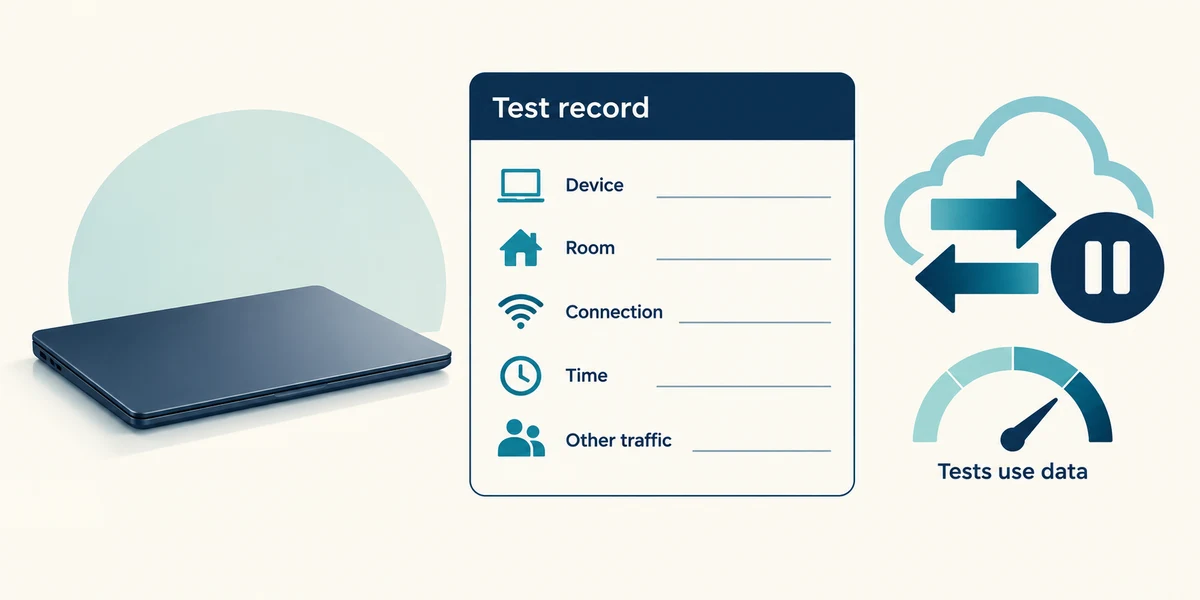
For a fair comparison, use a trusted test from your provider or another established service. Record the device, room, connection type and time. Pause your own unnecessary large transfers if safe, and note whether other people are using the connection. Tests consume data, which matters on metered services.
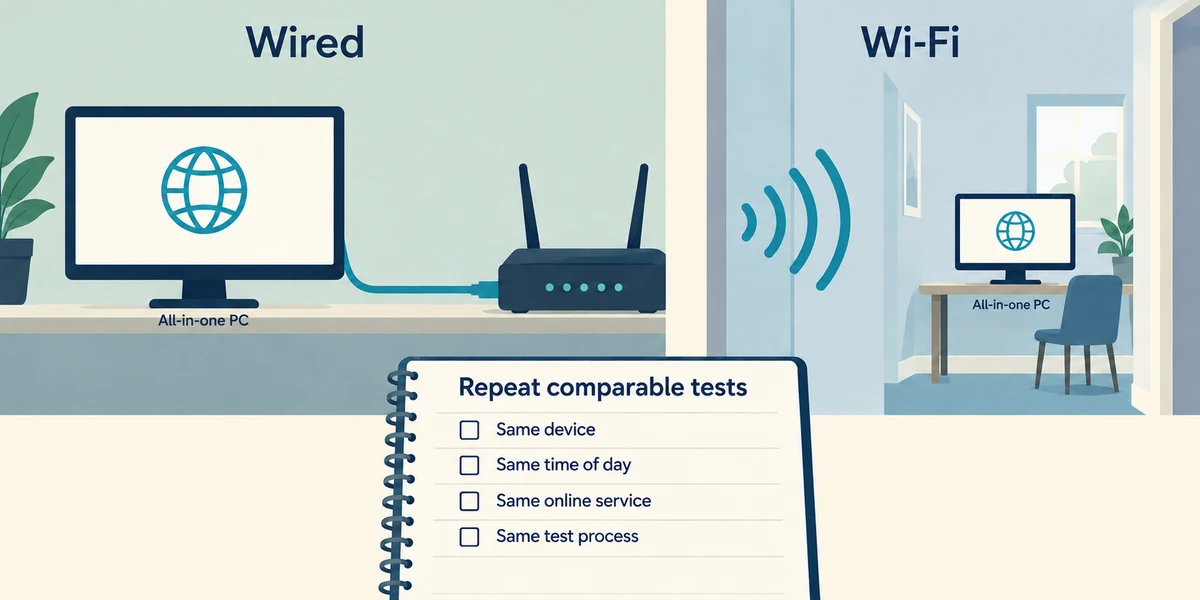
Compare a suitable wired connection with Wi-Fi when practical, without interrupting someone else’s call. A slow far-room test can be limited by Wi-Fi rather than the service reaching the router. Repeat comparable tests instead of choosing the single best or worst number.
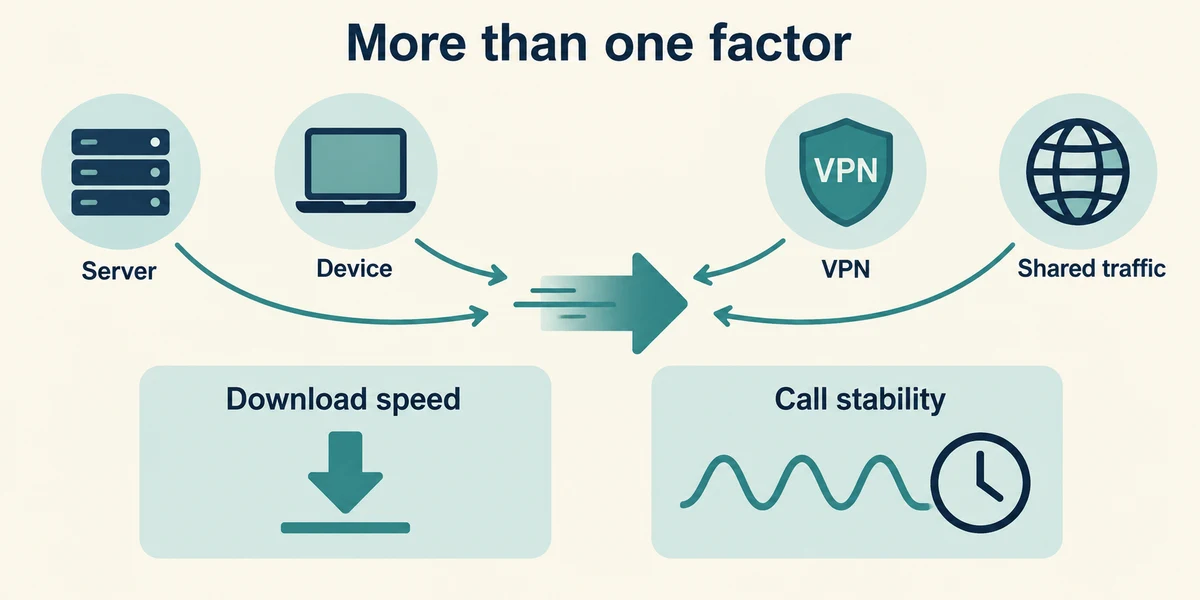
A site’s server, your device, a VPN and shared traffic can limit a transfer. Latency and stability can matter during calls even when the download number is large. A bigger download package does not automatically improve upload capacity or every delay.
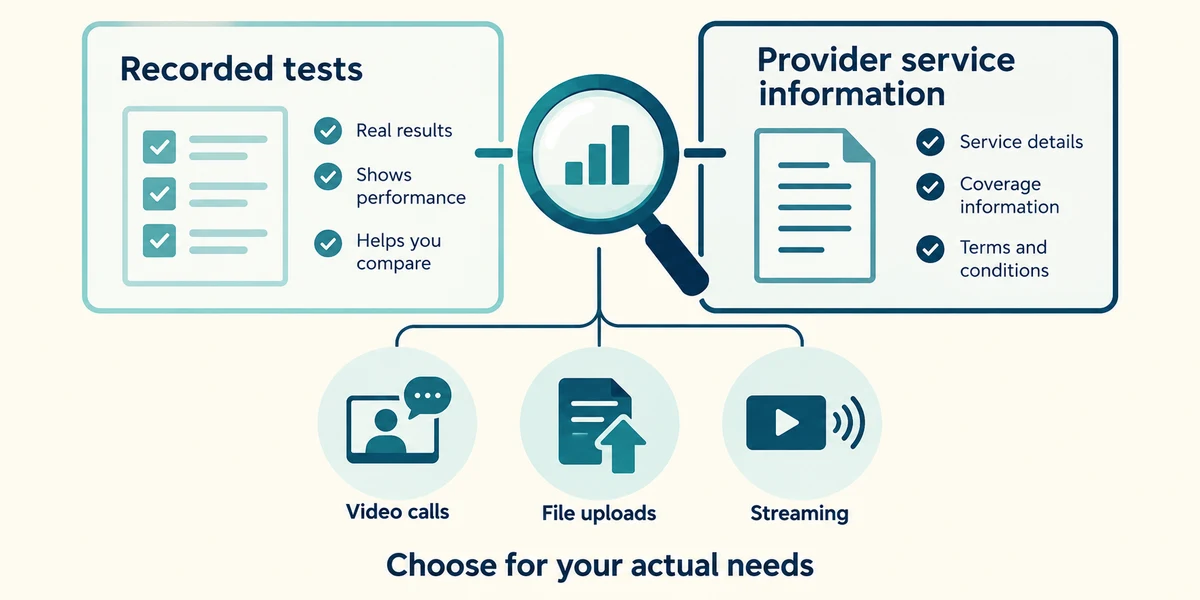
Compare results with the provider’s stated service information and its testing guidance. Ask about a persistent gap using recorded evidence. Choose a faster service because the household’s actual simultaneous tasks need it, not because the largest number must be best.
A large photo upload is slow, but downloaded videos arrive quickly. Which result is most relevant first?
Upload performance.
Check what you understand
In guided learning, click Start 3 questions to receive a selection from this lesson. Click the circle beside an answer, then click Check answer. Read the feedback and try again if needed. Click Next question after each correct answer. Answer all 3 correctly to continue.
Returning to guided learning keeps the questions and answers in your current attempt.
Read all 3 questions and explanations
A transfer is labelled 80 Mbps. What is its simple byte-rate equivalent before overheads?
Answer: 10 MB/s.
Eight bits make one byte, so divide 80 by eight. Real transfers may be slower because other limits remain.
A test is slow while another device downloads a large game. What should you record?
Answer: The shared traffic and test conditions before comparing another result.
Other traffic shares capacity. Comparable conditions help distinguish a temporary workload from a persistent fault.
Calls pause despite a large download-speed number. What else matters?
Answer: Latency, stability and the outgoing route.
Calls depend on timely two-way communication. Download capacity alone does not describe delay or interruptions.
Take this to your computer
- 1
Using this lesson’s examples, identify which direction a photo upload uses and which direction a downloaded bill uses. Convert the example 80 Mbps into its theoretical 10 MB/s before other limits.
- 2
If you run an optional trusted speed test, note device, time, connection and other activity. Avoid running one on a limited-data connection without understanding its data use.
The lesson uses fictional examples. Optional checks on your computer can be observational. Settings and available features vary by model and Windows version.
Prefer a more personal, one-to-one lesson? Basic Computing can help. Explore our services.