Check a computer that will not start
Check a computer that will not start
Classify the evidence from three startup problems.
You can describe the failure stage and avoid unsuitable repair steps.
Not starting can mean no apparent power, a running computer with no picture, or Windows stopping before sign-in. These are different clues. Reinstalling Windows is not a sensible first response to every blank screen.
Work through the useful checks
How this works
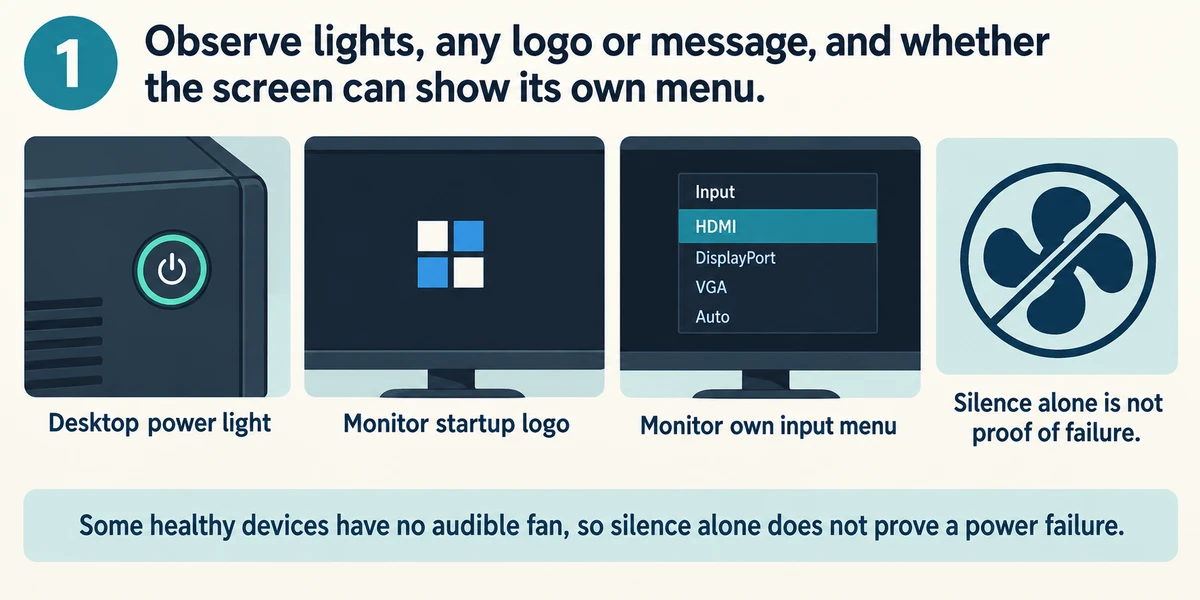
Observe lights, any logo or message, and whether the screen can show its own menu. Some healthy devices have no audible fan, so silence alone does not prove a power failure.
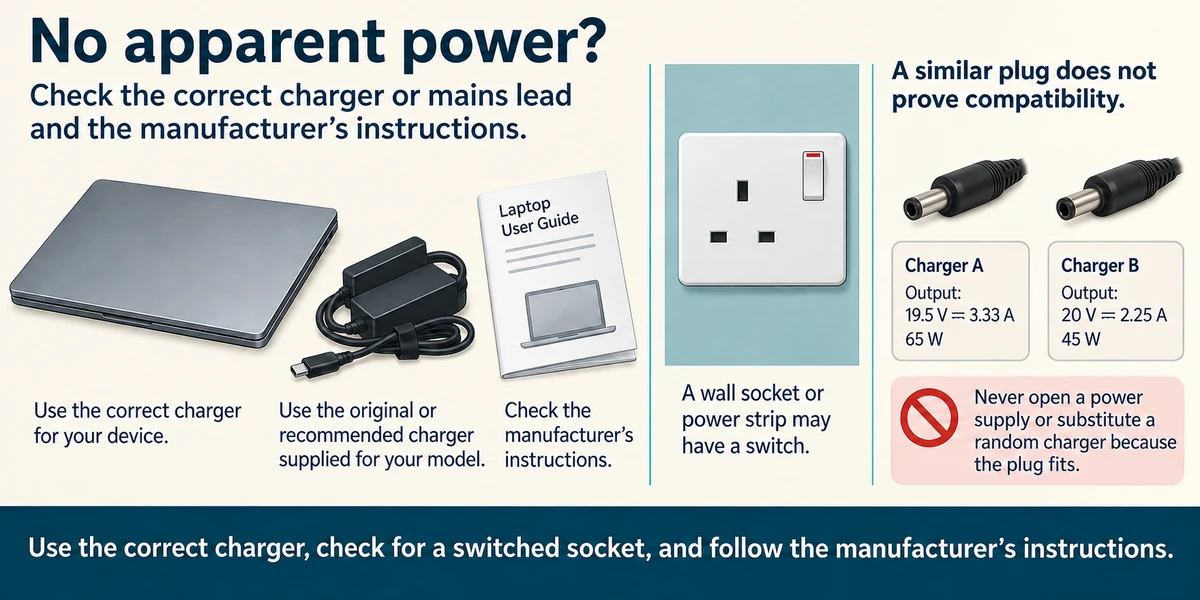
For no apparent power, check the correct charger or mains lead and the manufacturer’s instructions. A wall socket or power strip may have a switch. Never open a power supply or substitute a random charger because the plug fits.
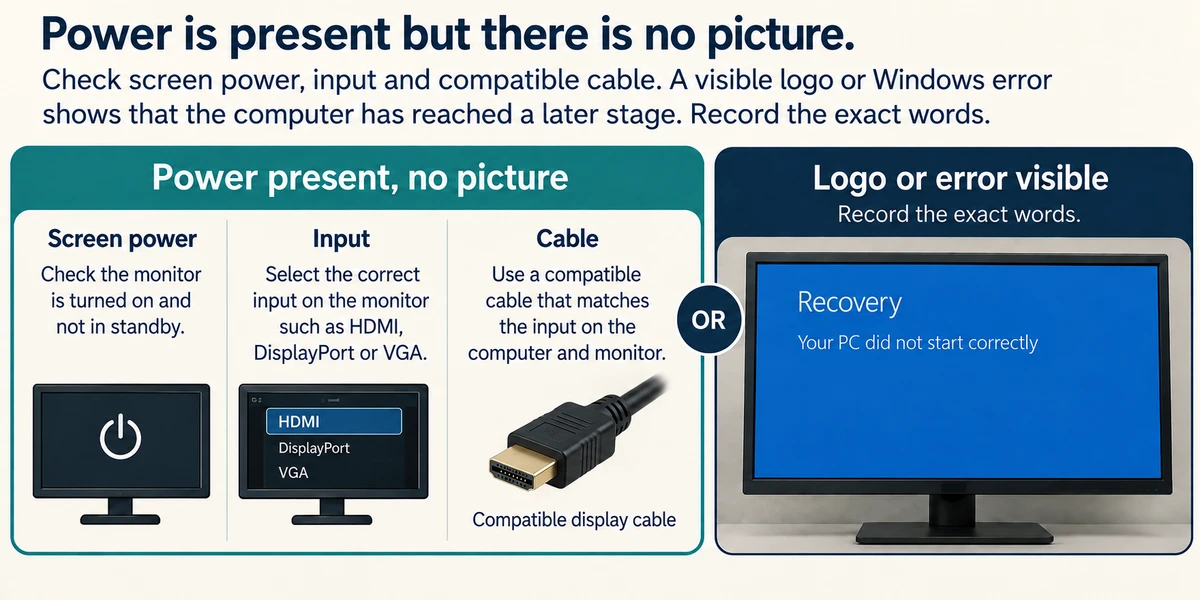
If power is present but there is no picture, check screen power, input and compatible cable. A visible logo or Windows error shows that the computer has reached a later stage. Record the exact words.
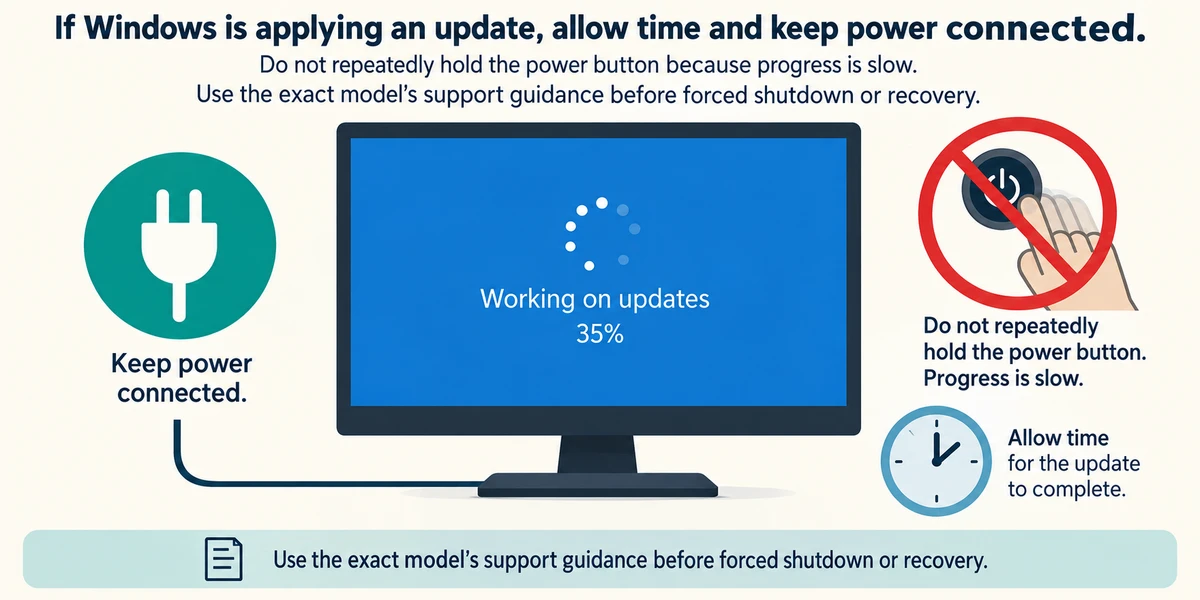
If Windows is applying an update, allow time and keep power connected. Do not repeatedly hold the power button because progress is slow. Use the exact model’s support guidance before forced shutdown or recovery.
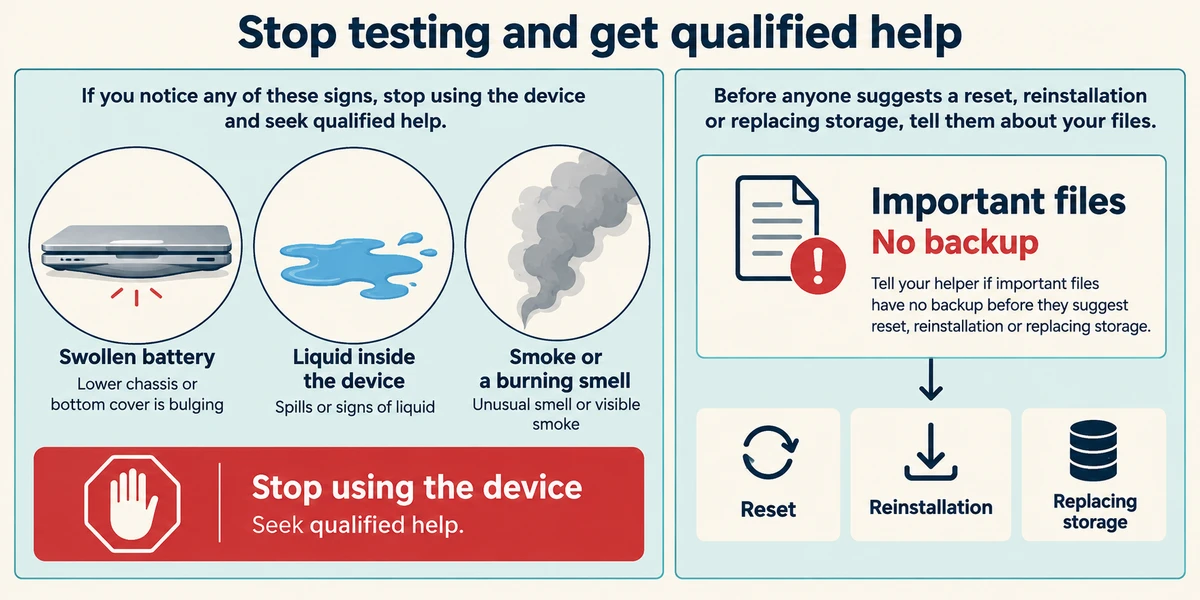
Stop ordinary testing for a swollen battery, liquid inside the device, smoke or a burning smell and seek qualified help. Tell a helper if important files have no backup before they suggest reset, reinstallation or replacing storage.
A computer stops during startup
The machine powers on and displays a storage warning before reaching the usual desktop. The owner has important files with no verified backup.
- Read the exact warning. The example warning reports a storage drive health problem. Copying its exact wording is more useful than describing the whole computer as broken.
- Check what is already protected. The owner has not checked an independent copy of the important files. A recovery USB would not contain those personal files.
- Consider the proposed repair. Repeated reset attempts or writing a fresh Windows installation could put recoverable data at further risk.
Stop experimenting and seek help with preserving the files before making changes. This case prioritises irreplaceable data. A normal software startup problem can need a different response, so use the actual evidence.
A Windows error appears before sign-in. What does it show?
Startup reached a later stage than no apparent power.
Check what you understand
In guided learning, click Start 3 questions to receive a selection from this lesson. Click the circle beside an answer, then click Check answer. Read the feedback and try again if needed. Click Next question after each correct answer. Answer all 3 correctly to continue.
Returning to guided learning keeps the questions and answers in your current attempt.
Read all 3 questions and explanations
A computer is silent. Is that enough to diagnose no power?
Answer: No; check other signs because not every device has an audible fan.
Fan design and workload vary. Use lights, messages and model guidance as well as sound.
A laptop battery is swollen. What route fits?
Answer: Stop ordinary testing and seek qualified hardware help.
Swelling is a hardware safety issue, not a software setting. Do not press, puncture or continue charging it.
The only family photos are on a PC a helper wants to reinstall. What comes first?
Answer: Discuss protecting or recovering the files before that procedure.
Reinstallation methods can affect files. Make the absence of a backup clear before changes to the system or drive.
Take this to your computer
- 1
Classify this lesson’s examples as no apparent power, no picture or Windows startup failure. Write the evidence behind each choice.
- 2
Locate the official startup guidance for your model. There is no need to shut down a working device or create a fault.
The lesson uses fictional examples. Optional checks on your computer can be observational. Settings and available features vary by model and Windows version.
Prefer a more personal, one-to-one lesson? Basic Computing can help. Explore our services.