Ask AI a useful question
Explain what you need the answer for
Choose context that would improve an explanation.
You will be able to refine a request in ordinary language.
A prompt is the request you give an AI tool. Helpful prompts explain the goal, relevant background and the form of answer you need. You do not need special commands: a natural follow-up can ask for a simpler explanation, a different example or a correction.

Ask, inspect and refine
How this works
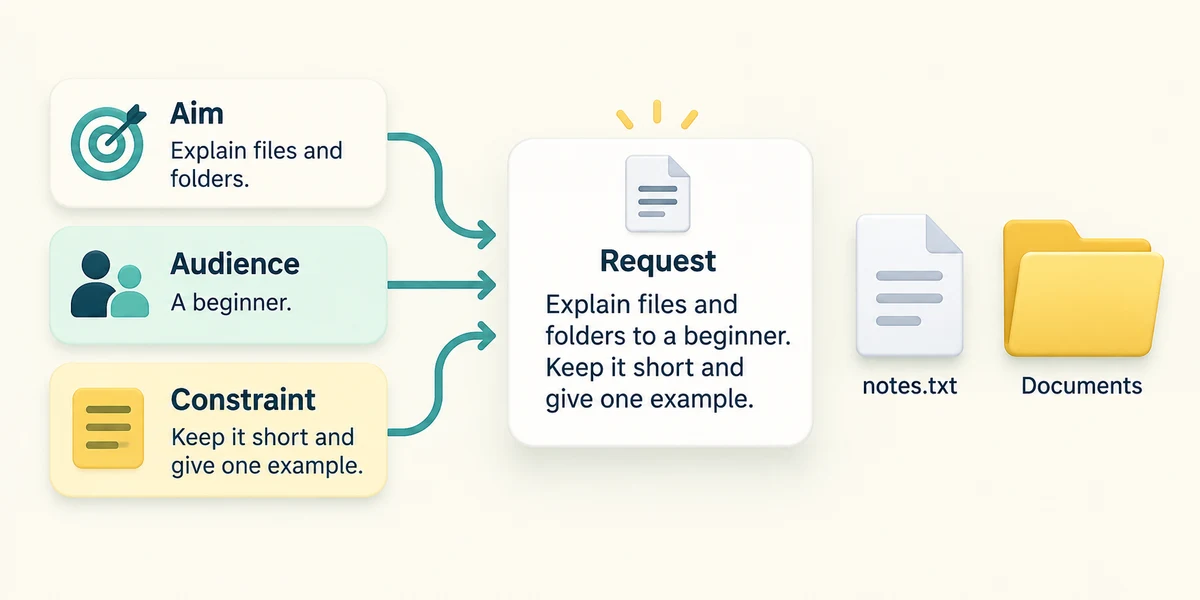
State a concrete aim and audience: for example, explain the difference between a file and a folder to someone new to computers. Add a useful constraint such as a short answer or one everyday example. Include relevant context rather than private details or a long unrelated history.
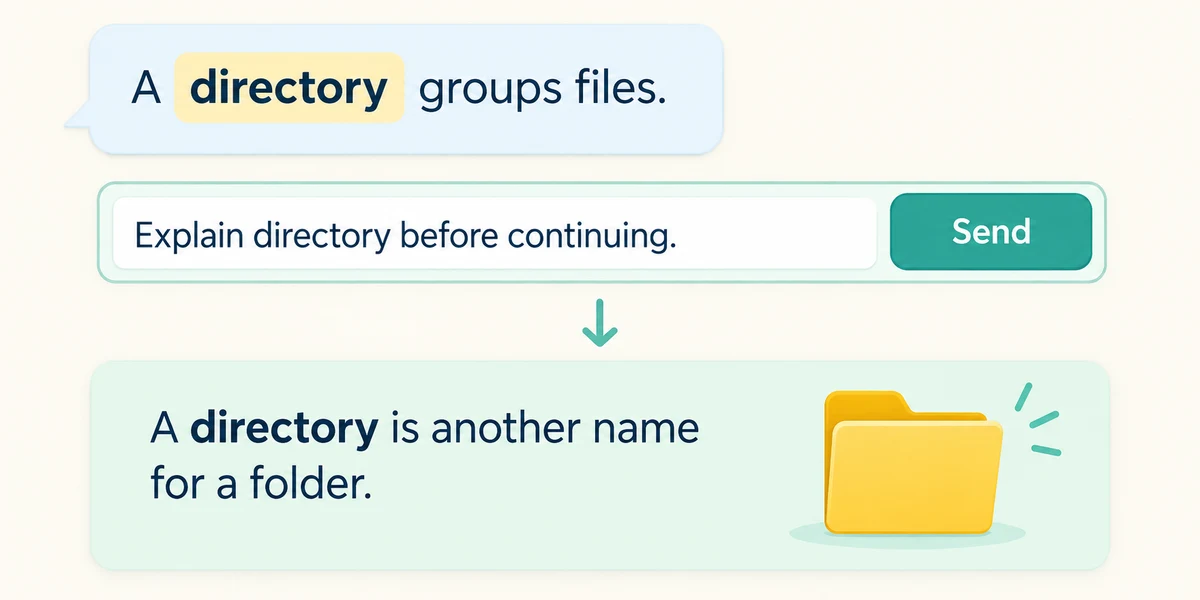
Read the first answer. If it assumes too much, click the message field and ask a follow-up such as Explain that unfamiliar word before continuing. If you need to change the task, state what to keep and what to change. Send using the labelled Send control and compare the revision with your goal.
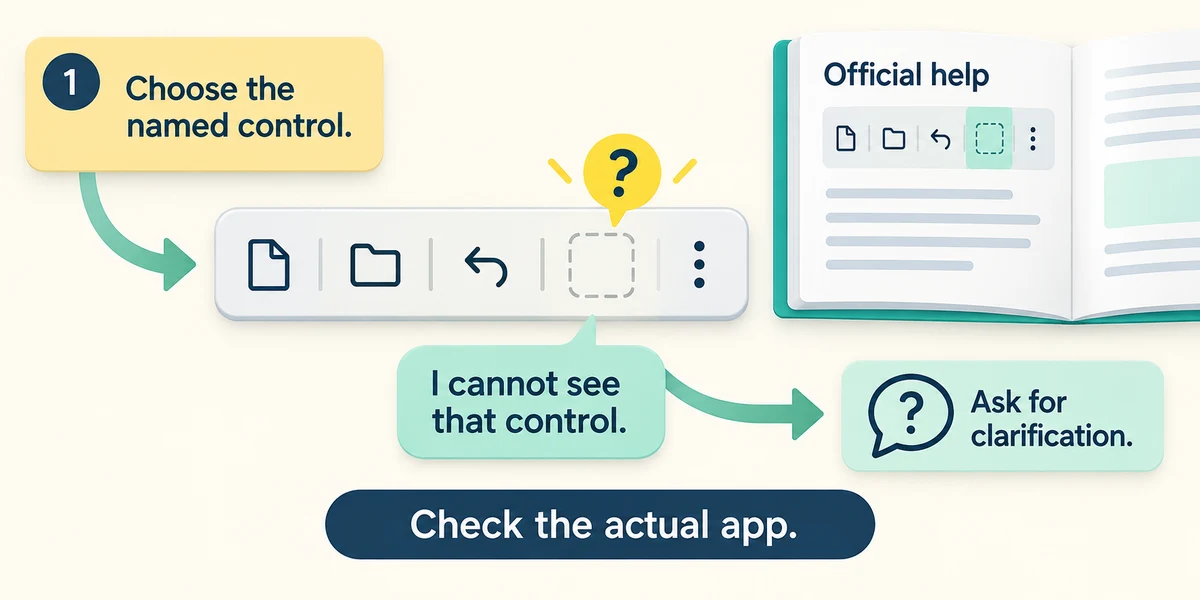
For learning a skill, ask for one small step and an example, then check it against the real app’s labels or official guidance. Say when the described control is absent instead of repeatedly clicking guesses. Better context can improve relevance, but cannot guarantee a correct answer.
An explanation of spreadsheets uses terms you do not know. Which follow-up is most useful?
Explain cell and formula in plain language before continuing
Check what you understand
In guided learning, click Start 3 questions to receive a selection from this lesson. Click the circle beside an answer, then click Check answer. Read the feedback and try again if needed. Click Next question after each correct answer. Answer all 3 correctly to continue.
Returning to guided learning keeps the questions and answers in your current attempt.
Read all 3 questions and explanations
You want a short invitation for a local club. Which context is most relevant?
Answer: Its purpose, audience and the confirmed date and place
Supply the task’s relevant facts, using placeholders when details are private. More unrelated information does not make a better request.
The first answer is too long but otherwise on topic. What can you ask?
Answer: Keep the main points and shorten it to one paragraph
A clear follow-up tells the tool what to preserve and what to revise.
AI instructions mention a button your app does not show. What is the useful response?
Answer: State the mismatch and check the app’s current official guidance
Interfaces vary and AI can be wrong. Verify the actual controls rather than guessing.
Take this to your computer
- 1
On paper, write a request with goal, audience and desired length. Add one follow-up that would help if the answer is unclear.
Prompt detail improves relevance, not certainty. Keep confidential information out of examples.
Prefer a more personal, one-to-one lesson? Basic Computing can help. Explore our services.