Adjust sound, brightness and interruptions
Adjust sound, brightness and interruptions
Compare three everyday discomforts and choose the control that helps.
Choose controls that make your computer comfortable to use.
Volume, brightness and notifications affect different parts of your experience. A quiet computer may still show alerts; a bright screen does not make small lettering larger. Choose the control that matches what is bothering you, and change it a little at a time.
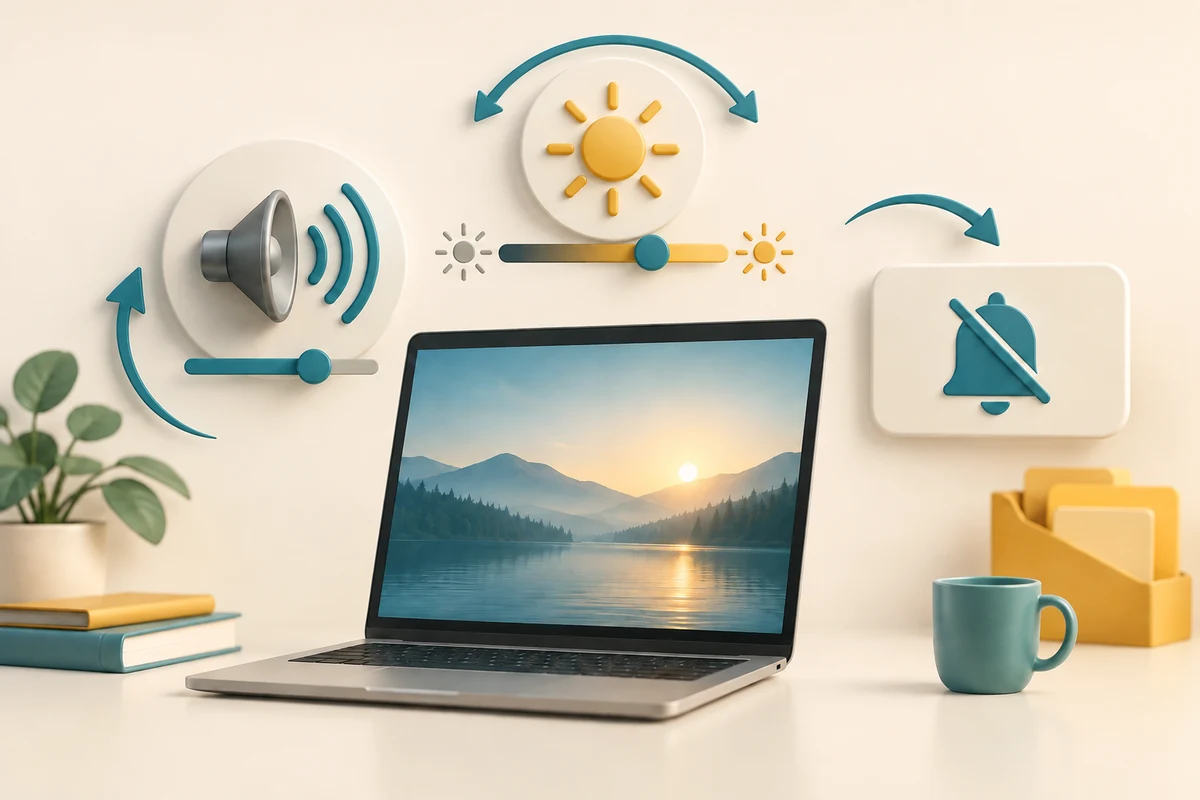
Make the choice that fits your task
How this works
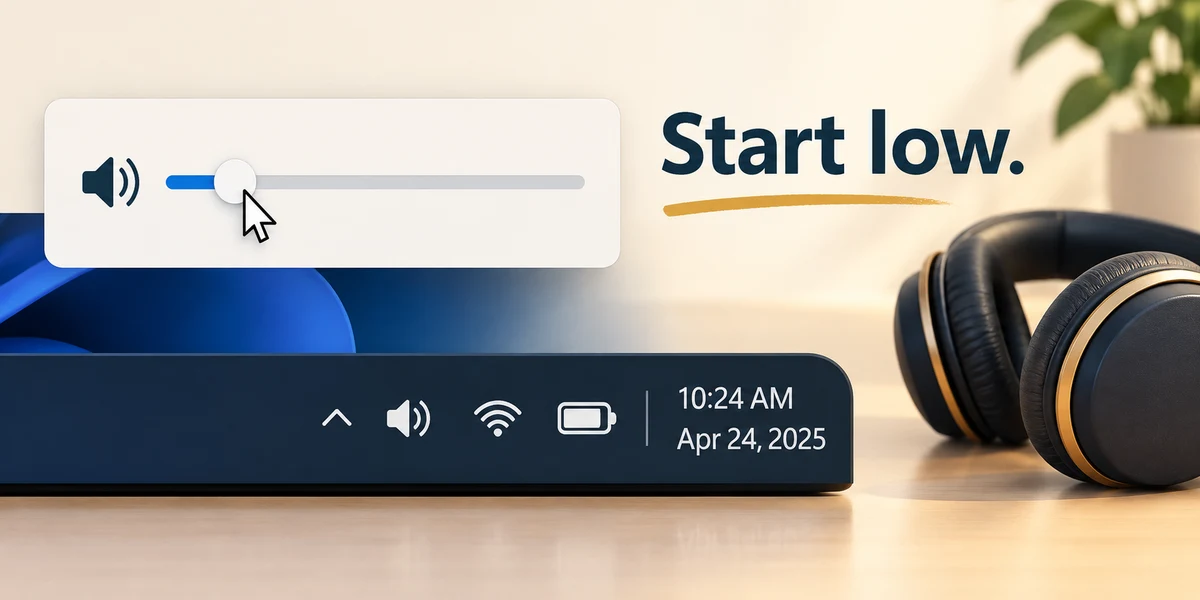
Click once on the speaker, network or battery area beside the clock at the right of the taskbar. Quick settings opens. Move the pointer onto the volume slider, hold the left mouse button, move slightly and release. Start low, especially with headphones.
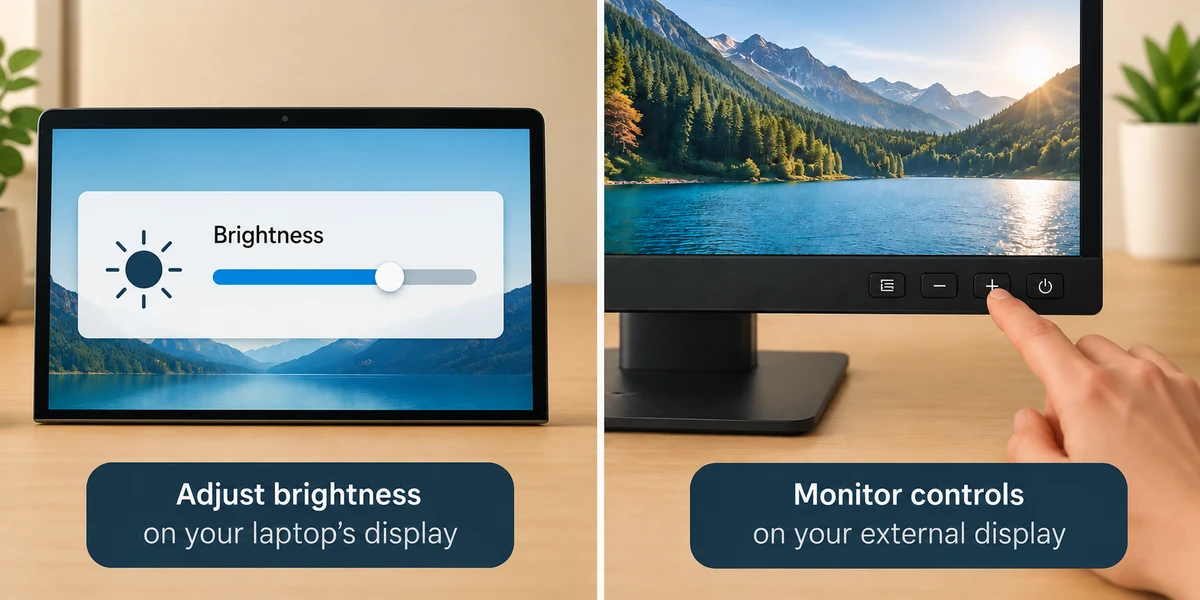
For a built-in display, adjust the brightness slider the same way. An external monitor may instead use its own physical buttons. Check the monitor guide if Windows has no brightness control.
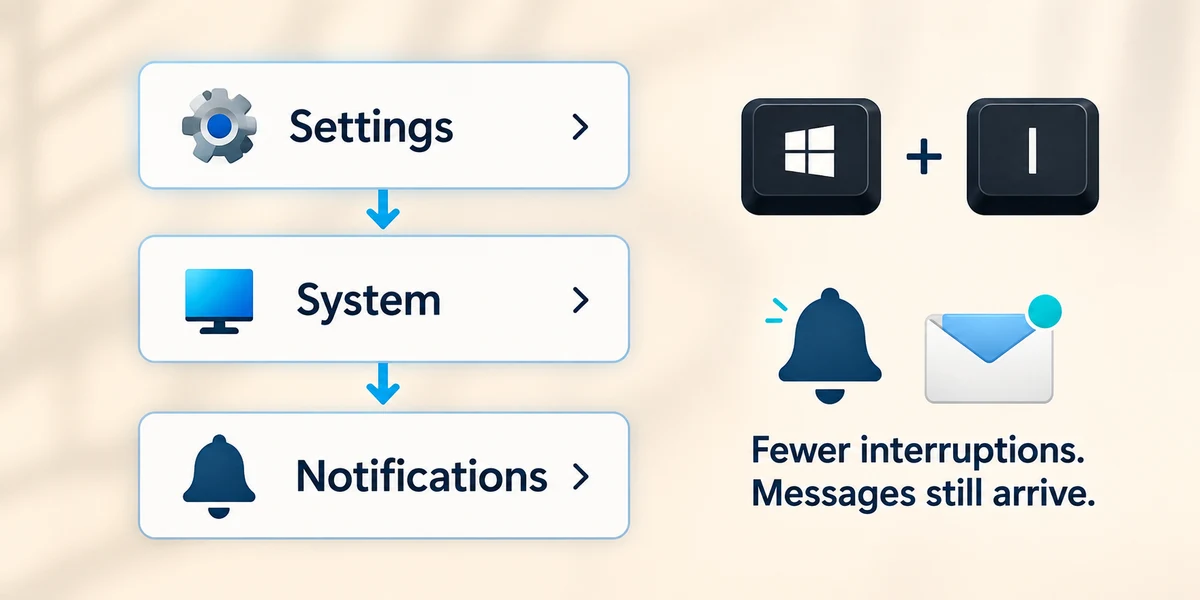
Hold the Windows key, press I once, then release both keys to open Settings. Click System, then Notifications. Do not disturb reduces notification interruptions; it does not mute every sound or stop messages arriving. Review the priority exceptions before relying on it during a presentation.
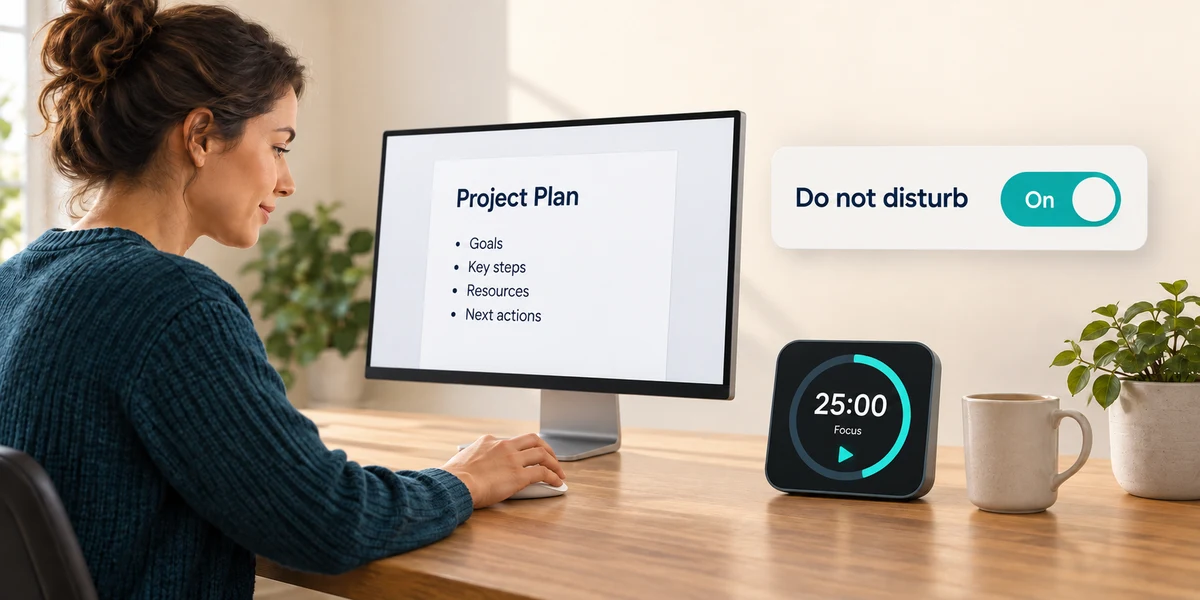
Click the Do not disturb switch once to turn it on or off. Set automatic rules only if their times suit you. A Focus session can help you concentrate for a chosen period; it does not close your work.
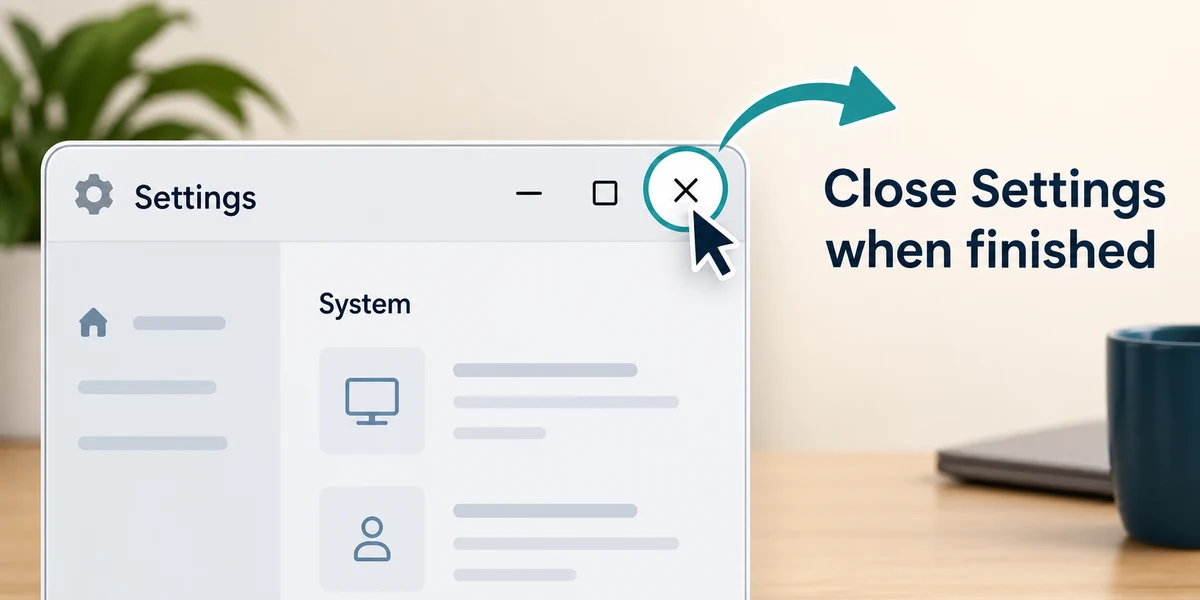
Click the X at the top right of Settings to close it when you have finished.
A video is comfortable to hear, but message banners keep covering it. What should you review?
Notification and Do not disturb settings
Check what you understand
In guided learning, click Start 3 questions to receive a selection from this lesson. Click the circle beside an answer, then click Check answer. Read the feedback and try again if needed. Click Next question after each correct answer. Answer all 3 correctly to continue.
Returning to guided learning keeps the questions and answers in your current attempt.
Read all 3 questions and explanations
A desktop monitor has no brightness slider in Windows. What is a sensible next step?
Answer: Check the monitor’s own buttons and guide
External monitors often provide their own brightness controls.
You turn on Do not disturb. Which expectation is reasonable?
Answer: Some priority alerts may still appear
Exceptions can allow selected alerts, so review them.
A change has made your headphones too loud. What should you do first?
Answer: Reduce the volume before listening again
Small adjustments at a low level make comparison easier.
Take this to your computer
- 1
Click the speaker, network or battery area beside the taskbar clock. Find the volume slider and note its current position.
- 2
At a quiet starting volume, move the slider a small distance by holding the left mouse button, moving and releasing. Restore the previous level if preferred. Click outside the panel to close it.
The lesson examples do not change your computer. On your PC, read each confirmation before continuing; available controls can vary.
Prefer a more personal, one-to-one lesson? Basic Computing can help. Explore our services.